

When Joonbot sends a webhook event, add a record in Airtable for data organization
When your Joonbot chatbot sends a webhook to FlowMattic, this workflow saves the data as a new record in an Airtable table, so chatbot answers are kept in one organised base.
 Joonbot
 Airtable
2 steps Setup ~5 min Used on 2.5k sites Free to import
What this workflow does
A Joonbot chatbot asks visitors questions and collects their answers. Those answers are more useful in a structured table, where you can sort, group and assign them. Airtable suits that well, and this workflow fills it from your bot.
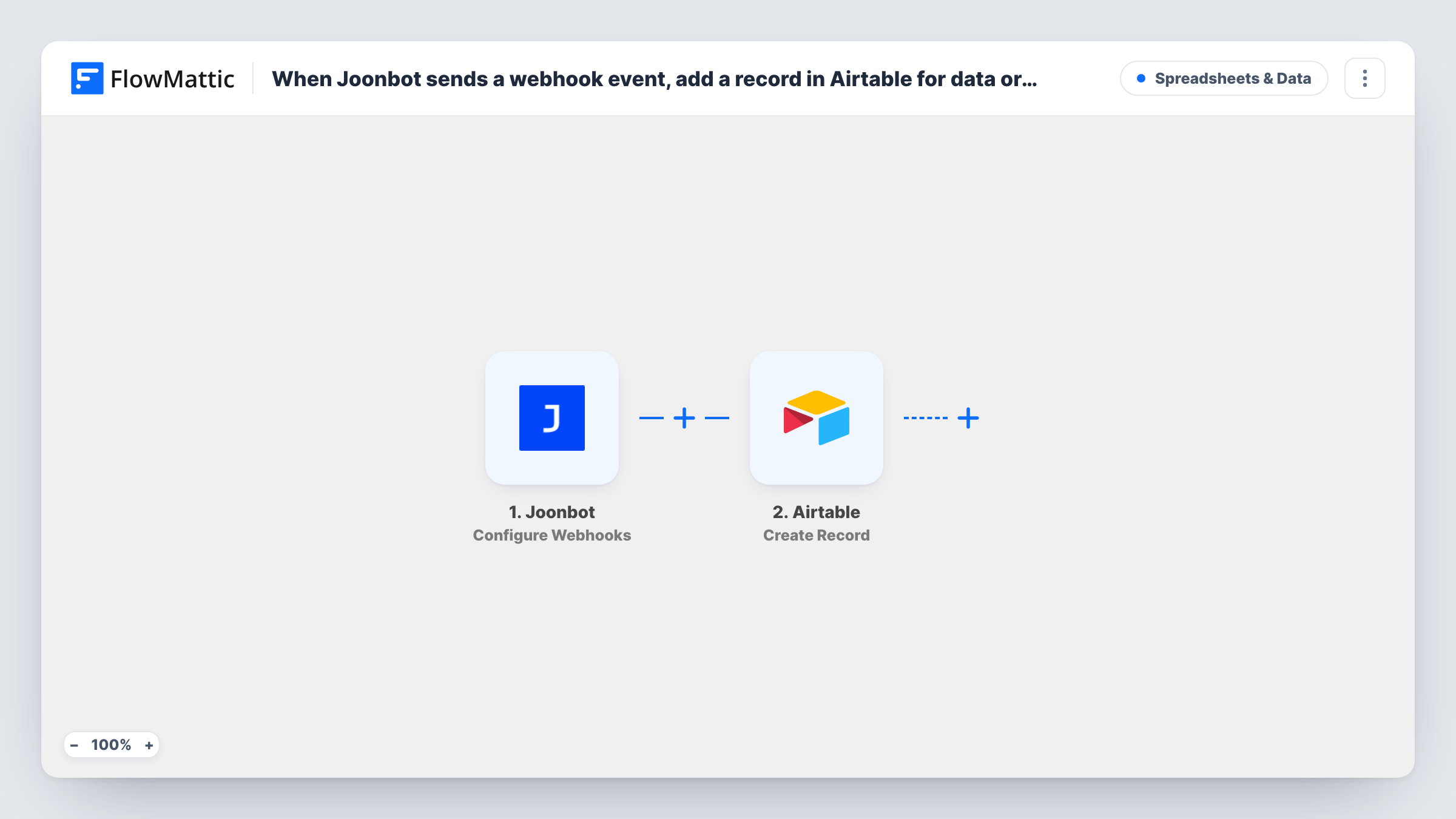
The Joonbot trigger is a webhook receiver. FlowMattic gives you a URL, and you add it in your Joonbot webhook settings so the bot sends its data there. Each webhook Joonbot sends starts a run. FlowMattic then calls Airtable with Create Record, which adds a new record where you point it, using the chatbot values you map to its fields.
Every webhook creates one record, as no Filter limits the runs. What arrives depends on how your Joonbot is set up, so check a test conversation before you map the fields.
Lead capture from a website chatbot
Visitors give their name, email and need to your Joonbot. Each conversation becomes an Airtable record your sales team can assign and track.
Support questions sorted by topic
The bot asks what a visitor needs help with. Records in Airtable can be grouped by that answer so the right person picks them up.
Quiz or survey answers
A Joonbot quiz collects answers, and Airtable stores each set as a record you can filter and count.
How this workflow runs
What happens at each step once the workflow is on, and what you need before you import it.
 Joonbot Configure Webhooks
Receives the webhooks your Joonbot sends to the FlowMattic URL. Add the URL in Joonbot, and each webhook's data is passed on for mapping into Airtable.
- Airtable Create Record
Creates a new record in Airtable from the Joonbot data. Connect your Airtable account, choose where the record goes, then map the chatbot values into it.
What you need
- FlowMatticCore
- Joonbot AccountAccount
- Airtable AccountAccount
After importing, map your own data. To keep the template universal, not every step is pre-filled. Open each step in the builder and connect your accounts and fields (channels, lists, sheets, recipients) before you switch the workflow on.
Make it yours
Changes worth making after you import it.
- Run one test conversation through your Joonbot after adding the webhook URL. FlowMattic captures the payload, so you can see every value before mapping Airtable fields.
- Create the Airtable fields before you map the step, using field types that match the answers, such as email for an email answer.
- If some conversations end without useful data, add a Filter after the trigger that continues only when the email or another key answer is not empty.
Questions about this workflow
How do I connect Joonbot to this workflow?
Copy the webhook URL from the FlowMattic trigger and add it in your Joonbot webhook settings. Joonbot then sends its data to FlowMattic, and each webhook starts a run.
Does a returning Joonbot visitor create a second Airtable record?
Yes. Create Record always adds a new record, so each webhook from Joonbot creates one, even for someone who chatted before.
Which chatbot answers reach Airtable?
Whatever Joonbot includes in its webhook, limited to the values you map. Check the captured test data to see what your bot sends.
More Spreadsheets & Data workflows
Other ready-to-import templates from the same category.




Import this workflow into your WordPress site
Download the JSON, import it from the Workflows screen and connect your accounts. Every run stays on your server, with no per-task fees.
30-day money-back guarantee Unlimited workflows and runs Self-hosted