

When New Form Submission in Contact Form 7, Create Translated Text-to-Speech in CAMB AI
Every Contact Form 7 submission is sent to CAMB AI, which turns the text you map from the form into speech in another language. A starting point for audio replies or spoken versions of messages.
 Contact Form 7
 CAMB AI
2 steps Setup ~5 min Used on 3.0k sites Free to import
What this workflow does
Some sites take messages from people who speak several languages, and some teams prefer to hear a message instead of reading it. This workflow passes text from each Contact Form 7 entry to CAMB AI so it can be spoken in a different language from the one it was written in.
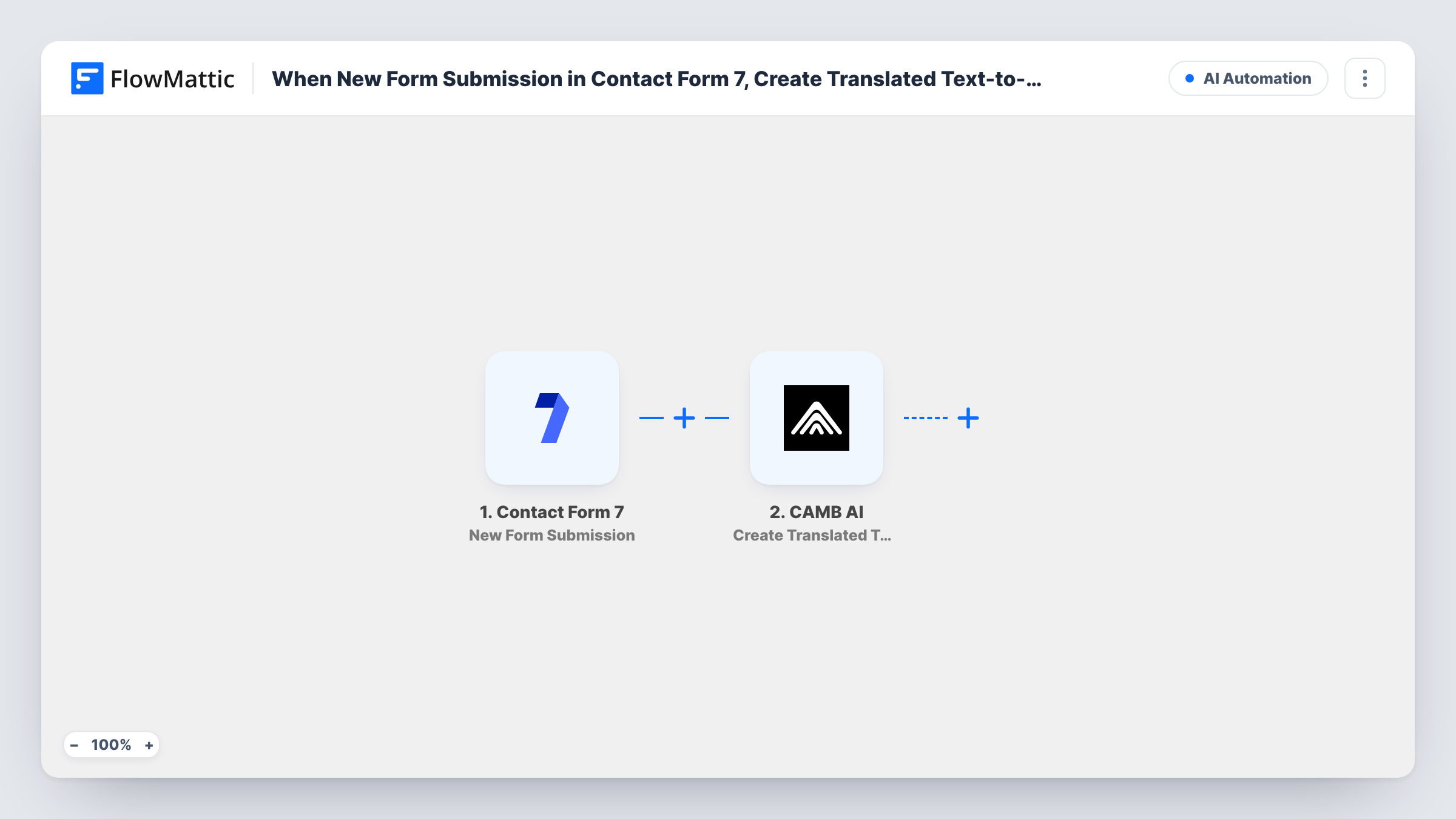
The Contact Form 7 trigger runs each time a visitor sends a form on your WordPress site. FlowMattic then calls Create Translated Text-to-Speech in CAMB AI, which converts input text in a source language into speech audio in the target language. You decide which form field supplies the text, for example the message box.
The template has no step after CAMB AI. It receives the request, but no later step fetches the audio, stores it or sends it anywhere. CAMB AI's actions in FlowMattic include Get Translated Text-to-Speech Status and Get Text-to-Speech Result, so you can add them after this step when you want the finished file. Task History shows the response from each run.
Spoken versions of visitor messages
A tour operator gets enquiries in English and has guides who prefer their own language. Each Contact Form 7 message is sent to CAMB AI to be voiced in that language.
Testing CAMB AI on real form text
Before building a bigger audio process, you connect a simple Contact Form 7 form and check in Task History how CAMB AI handles the kind of text your visitors write.
Multilingual audio greetings
A short form collects a name and a greeting. CAMB AI produces translated speech from it, ready for the extra steps that fetch and deliver the audio.
How this workflow runs
What happens at each step once the workflow is on, and what you need before you import it.
 Contact Form 7 New Form Submission
Starts the workflow whenever someone sends one of your Contact Form 7 forms. All submitted fields are captured and can be mapped into the CAMB AI step.
- CAMB AI Create Translated Text-to-Speech
Sends the text you map from the form to CAMB AI, which converts it from the source language into speech audio in another language. Connect your CAMB AI account and run a test to see what the step returns.
What you need
- FlowMatticCore
- Contact Form 7 PluginPlugin
- CAMB AI AccountAccount
After importing, map your own data. To keep the template universal, not every step is pre-filled. Open each step in the builder and connect your accounts and fields (channels, lists, sheets, recipients) before you switch the workflow on.
Make it yours
Changes worth making after you import it.
- Add Get Translated Text-to-Speech Status and then Get Text-to-Speech Result from CAMB AI after this step, so the workflow collects the finished audio instead of only starting the job.
- Add a Filter after the trigger so only one form, or only entries with a filled message field, are sent to CAMB AI. Blank messages then never reach CAMB AI.
- Submit a test entry after import so FlowMattic captures your form's fields, then map the field that holds the text to be spoken.
Questions about this workflow
Does the visitor receive the CAMB AI audio?
Not as imported. The workflow ends after the CAMB AI step, so nothing sends the audio to the visitor or to you. Add steps that fetch the result and deliver it if you need that.
Which Contact Form 7 field becomes the speech?
The one you map into the CAMB AI step after import. Usually that is the message field, but any submitted text field can be used.
Does this change how Contact Form 7 emails me?
No. The workflow only reads new submissions. Your Contact Form 7 mail settings keep working the same way.
Do I need a CAMB AI account?
Yes. The translation and speech run through your own CAMB AI account, which you connect in FlowMattic. Check CAMB AI for what your account includes.
More AI Automation workflows
Other ready-to-import templates from the same category.







Import this workflow into your WordPress site
Download the JSON, import it from the Workflows screen and connect your accounts. Every run stays on your server, with no per-task fees.
30-day money-back guarantee Unlimited workflows and runs Self-hosted