

When new form submission is received in Divi Form, add a new subscriber in Mailchimp
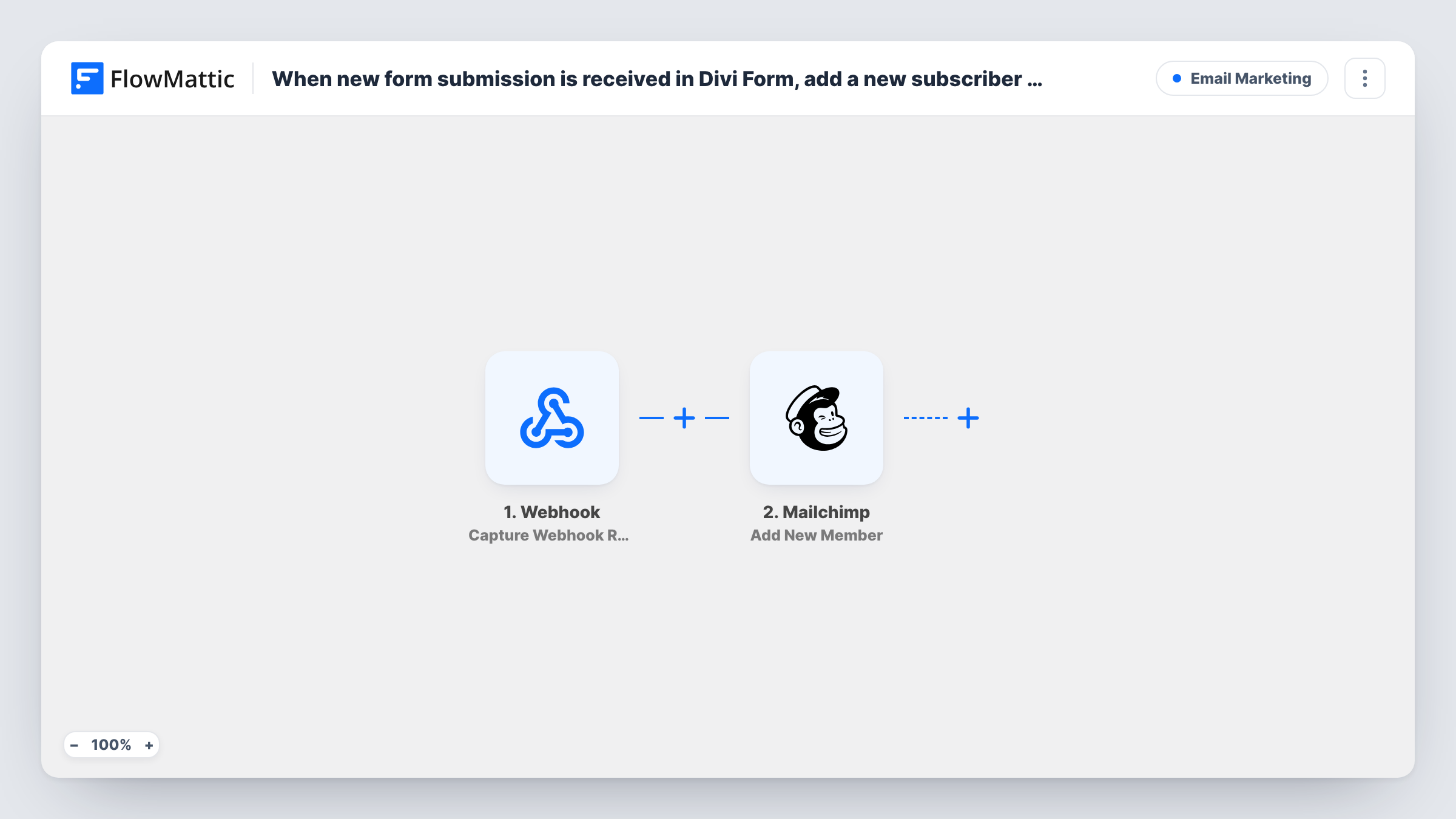
Every time someone submits a Divi form on your WordPress site, FlowMattic adds them to your Mailchimp audience, or updates their details if they’re already a member.
 Divi Forms
 Mailchimp
2 steps Setup ~5 min Used on 1.1k sites Free to import
What this workflow does
Divi's contact form is easy to drop onto any page, but on its own it only emails you the message. If those people should hear from you again, this workflow sends each one to Mailchimp the moment they submit, with no exporting or copying addresses.
The Divi Forms trigger runs on each new form submission and passes along the fields the visitor filled in, such as name, email and message.
The Mailchimp Add New Member step adds the person to the audience you choose. If that email is already in the audience, Mailchimp updates the existing member rather than creating a second one. The step ships unmapped: after import, connect Mailchimp, pick the audience, and map the email and name from the Divi form.
Each submission runs the workflow, including messages from people who only wanted to ask a question. If that matters for your list, add a consent checkbox to the form and gate the Mailchimp step on it. Task History shows the fields Divi sent and Mailchimp's reply.
Newsletter box on a Divi landing page
A local bakery adds a short Divi form for its weekly specials newsletter, and every sign-up goes straight into its Mailchimp audience.
Workshop sign-up page
A yoga teacher builds a Divi page where people register interest in a weekend workshop, and each name and email goes to the Mailchimp audience used for workshop dates.
Event interest list
A venue collects names for upcoming events through a Divi form and emails the Mailchimp audience when tickets go on sale.
How this workflow runs
What happens at each step once the workflow is on, and what you need before you import it.
 Divi Forms New Form Submission
Runs whenever a Divi form on your site is submitted. The name, email and any other fields in the form are handed to Mailchimp.
- Mailchimp Add New Member
Puts the visitor in your Mailchimp audience, or updates them if the email is already a member. After import, choose the audience and map the email and name from the Divi form.
What you need
- FlowMatticCore
- Divi Forms PluginPlugin
- Mailchimp AccountAccount
After importing, map your own data. To keep the template universal, not every step is pre-filled. Open each step in the builder and connect your accounts and fields (channels, lists, sheets, recipients) before you switch the workflow on.
Make it yours
Changes worth making after you import it.
- Add a consent checkbox to the Divi form, then put a Filter between the Divi trigger and the Mailchimp step that continues only when it's ticked. Choose the checkbox field from a test entry.
- If the site has several Divi forms, use the same Filter position to match the form you want, using a field only that form sends.
- Add Mailchimp's Add Member Tag step after Add New Member to tag people with the page or form they used.
Questions about this workflow
Does every Divi form on my site send people to Mailchimp?
Yes, as imported. The trigger covers new Divi form submissions in general, so put a Filter between the trigger and the Mailchimp step if only one form should feed your list.
What if the Divi visitor is already in my Mailchimp audience?
Add New Member updates the existing member with the details you map instead of adding them twice.
Which Mailchimp audience do Divi submissions join?
The one you select in the Add New Member step after import. The template ships it unmapped, so pick the audience and map at least the email before you turn it on.
More Email Marketing workflows
Other ready-to-import templates from the same category.





Import this workflow into your WordPress site
Download the JSON, import it from the Workflows screen and connect your accounts. Every run stays on your server, with no per-task fees.
30-day money-back guarantee Unlimited workflows and runs Self-hosted