

When new Subscription form submission is received in Beaver Builder, create new affiliate in ThriveCart
When someone submits a Beaver Builder Subscribe Form on your site, FlowMattic creates them as a new affiliate in your ThriveCart account, ready for your partner program.
 Beaver Builder Forms
 ThriveCart
2 steps Setup ~5 min Used on 2.9k sites Free to import
What this workflow does
If you run an affiliate program through ThriveCart, signing partners up by hand gets slow once interest grows. This workflow lets you build a simple "become an affiliate" page in Beaver Builder and turns each sign-up on it into a ThriveCart affiliate.
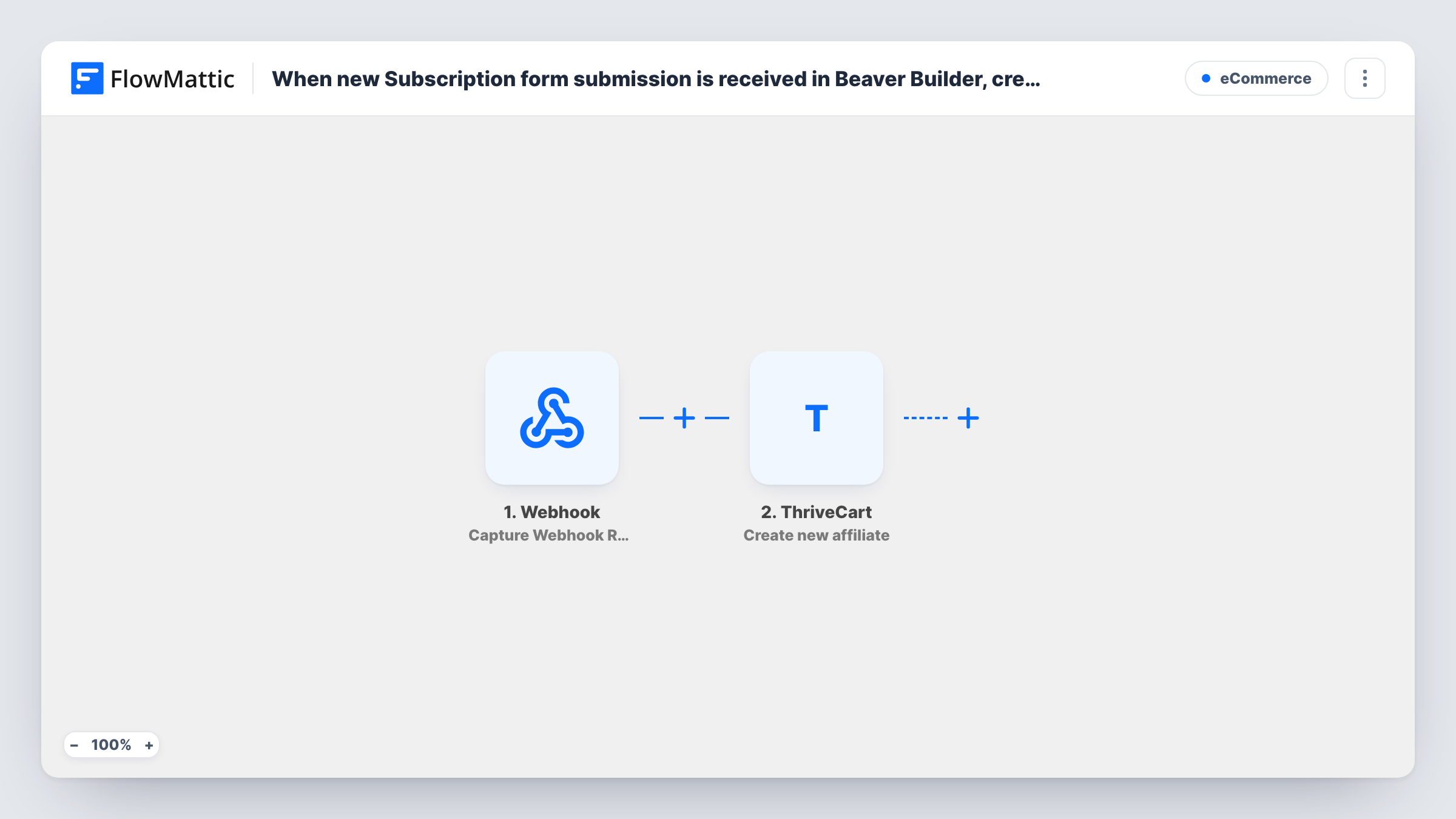
The Beaver Builder Forms trigger is New Subscription Form Submission, which covers Beaver Builder's Subscribe Form module. Each submission passes the visitor's name and email to the next step.
The ThriveCart Create new affiliate step then adds that person as an affiliate in your account. It ships unmapped: after import, connect ThriveCart and map the form's email and name into it. A test run shows which details ThriveCart asks for.
Every Subscribe Form submission on the site starts a run, so use this with a form that exists only for affiliate sign-ups, not your newsletter form. ThriveCart's response for each run is listed in Task History, including any reply about an email it already knows.
Course creator partner program
An online course seller adds a Join our affiliates page built in Beaver Builder; each sign-up becomes a ThriveCart affiliate who can promote the course.
Customers who refer friends
A software tool invites happy customers to a referral page with a Subscribe Form, so they appear as affiliates in ThriveCart without manual setup.
Podcast sponsors and partners
A podcaster sends guests to a short partner sign-up page after recording, and each one is added to ThriveCart's affiliate list.
How this workflow runs
What happens at each step once the workflow is on, and what you need before you import it.
 Beaver Builder Forms New Subscription Form Submission
Starts a run whenever a Beaver Builder Subscribe Form is submitted on your site. The name and email the visitor typed are handed to ThriveCart.
- ThriveCart Create new affiliate
Creates the visitor as a new affiliate in your ThriveCart account. The step ships unmapped, so map the email and name from the form after import and check a test run.
What you need
- FlowMatticCore
- Beaver Builder Forms PluginPlugin
- ThriveCart AccountAccount
After importing, map your own data. To keep the template universal, not every step is pre-filled. Open each step in the builder and connect your accounts and fields (channels, lists, sheets, recipients) before you switch the workflow on.
Make it yours
Changes worth making after you import it.
- If your site has other Subscribe Forms, put a Filter between the Beaver Builder trigger and the ThriveCart step that matches a value only the affiliate form sends. Choose that field from a test submission.
- FlowMattic's ThriveCart integration also has Register affiliate for a product. Add it after Create new affiliate if partners should be signed up to a particular product straight away.
- Add an Email step after the ThriveCart step to send each new affiliate your program terms and how to find their links.
Questions about this workflow
Will my newsletter sign-ups become ThriveCart affiliates too?
Yes, if they use a Beaver Builder Subscribe Form on the same site. The trigger covers every subscription form submission, so add a Filter between the trigger and the ThriveCart step or keep affiliate sign-ups on a site without other Subscribe Forms.
Are new affiliates approved for my ThriveCart products automatically?
This template only creates the affiliate. FlowMattic's ThriveCart integration has separate Register affiliate for a product and Approve an affiliate for a product actions you can add after it.
What does the ThriveCart step need from the form?
At least the person's email, and usually a name. The step ships empty, so map those fields after import and run a test to see what ThriveCart returns.
More E-Commerce workflows
Other ready-to-import templates from the same category.







Import this workflow into your WordPress site
Download the JSON, import it from the Workflows screen and connect your accounts. Every run stays on your server, with no per-task fees.
30-day money-back guarantee Unlimited workflows and runs Self-hosted