

When a survey response is submitted in Zoho Survey, alert the team in Slack
Each response submitted to your Zoho Survey posts a message in a Slack channel, so your support or product team reads new feedback where they already work instead of checking survey reports.
 Zoho Survey
 Slack
Slack2 steps Setup ~5 min Used on 888 sites Free to import
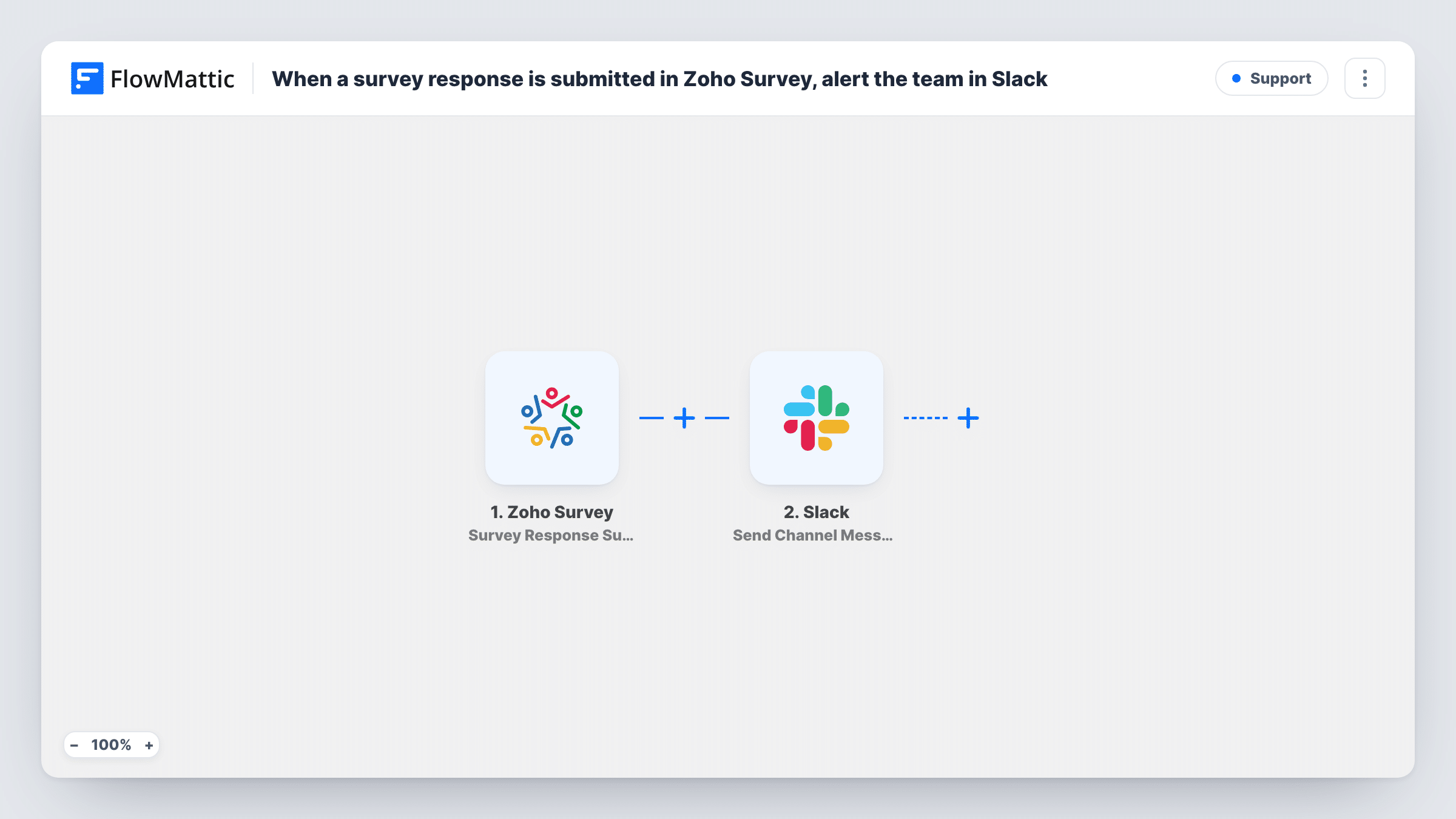
What this workflow does
Feedback is most useful while it is fresh. If survey answers sit in Zoho Survey until someone opens the report, an unhappy customer can wait days for a reply. This workflow posts every new response to Slack, so the team sees it, talks it through in a thread and decides who follows up.
The Zoho Survey Survey Response Submitted trigger starts a run each time someone submits your survey. The answers come through as fields you can map, such as a satisfaction rating, a comment box or the respondent's email if you ask for it.
The Slack Send Channel Message step ships with no channel or message. After import you connect Slack, choose a public channel and write the message, mapping in the answers people need to act on. A short layout works well: the rating first, then the comment, then who sent it.
Every response produces a message, whether the score is high or low. If your survey gets many answers, add a Filter so only the ones that need attention reach the channel. Submit a test response and check Task History to see how Zoho Survey names each answer.
Support satisfaction surveys
A help desk sends a Zoho Survey after each closed ticket, and the support lead sees every rating and comment in the team's Slack channel.
Product feedback after onboarding
A product team surveys new users after their first week and discusses each response in a Slack thread to spot confusing features.
Event feedback during a conference
Organisers watch session feedback arrive in Slack during the event and pass praise or complaints to speakers the same day.
How this workflow runs
What happens at each step once the workflow is on, and what you need before you import it.
 Zoho Survey Survey Response Submitted
Starts a run whenever a respondent submits your Zoho Survey. Each answer, such as a rating, comment or email, becomes a field you can use in the Slack message.
- Slack Send Channel Message
Posts the response to a public Slack channel. The template leaves the channel and text empty, so pick the channel and build the message from the survey answers after import.
What you need
- FlowMatticCore
- Zoho Survey AccountAccount
- Slack AccountAccount
After importing, map your own data. To keep the template universal, not every step is pre-filled. Open each step in the builder and connect your accounts and fields (channels, lists, sheets, recipients) before you switch the workflow on.
Make it yours
Changes worth making after you import it.
- Put a Filter between the Zoho Survey trigger and the Slack step on your rating question, for example less than 3, so only low scores reach the channel. Note that a blank rating counts as 0 and passes a less-than check.
- Switch to Slack's Send Private Channel Message action if the feedback includes personal details that shouldn't sit in a public channel.
- Map the respondent's email into the message when your survey asks for it, so whoever picks up the thread can reply directly.
Questions about this workflow
Does every Zoho Survey response go to Slack?
Yes, as imported. Nothing checks the answers, so each submitted response posts a message. Add a Filter on a rating or question between the trigger and the Slack step to narrow it.
Which survey answers can appear in the Slack message?
Any answer the response includes. Submit a test response, look at the trigger's output in Task History, and map the questions you want into the message text.
Can the Zoho Survey feedback go to a private Slack channel?
The template's step posts to public channels. Swap it for Slack's Send Private Channel Message action to post to a private one.
More Support workflows
Other ready-to-import templates from the same category.






Import this workflow into your WordPress site
Download the JSON, import it from the Workflows screen and connect your accounts. Every run stays on your server, with no per-task fees.
30-day money-back guarantee Unlimited workflows and runs Self-hosted