

Add a Monday.com item for every new Social Intents offline message
When a visitor leaves an offline message in Social Intents, this workflow creates an item on your Monday.com board, so out-of-hours questions join the same queue your team already works from.
 Social Intents
 Monday.com
2 steps Setup ~5 min Used on 2.3k sites Free to import
What this workflow does
When nobody is online to answer chat, Social Intents lets visitors leave an offline message instead. Those messages are easy to lose if they only arrive in an inbox, and the next morning someone has to decide who picks each one up. This workflow turns every offline message into an item on a Monday.com board you choose.
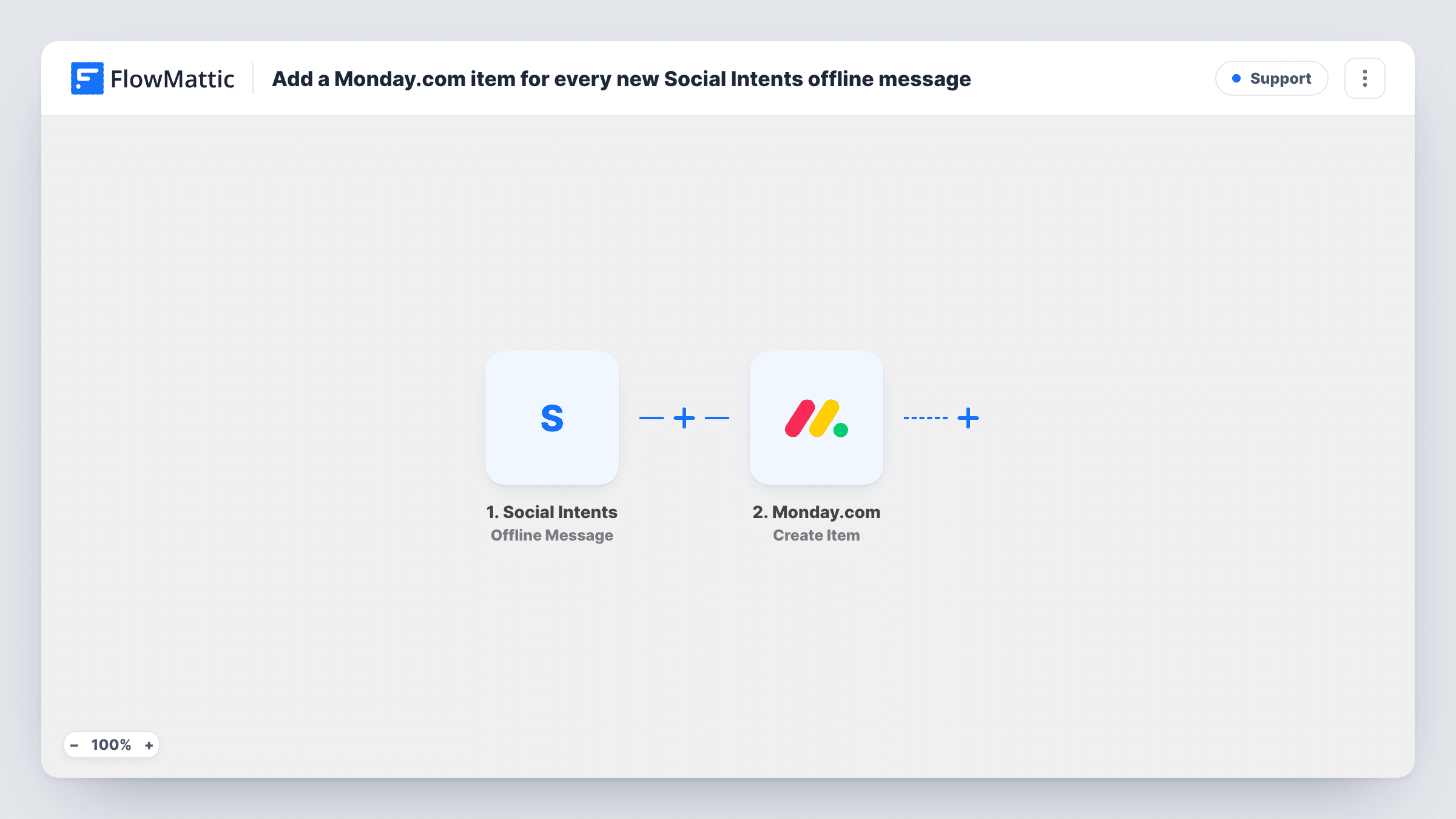
The Social Intents trigger fires when a visitor sends an offline message. The visitor's details and message become data you can map. The Monday.com step then creates a new item on the board you pick, with the item name and any other details mapped from the message.
From there, your team handles the request like any other board item: assign it, set a status, add an update when it's answered. Each offline message creates one item. Connect both accounts, choose the board and map the item name after import, then send a test message to confirm the result. Each offline message and the resulting item are logged in Task History.
Overnight support queue
Questions left after hours appear on the support board as items. The first person in the next morning assigns them and works through the list.
Sales questions on a pricing page
A visitor asks about pricing while the team is away. The message becomes an item on the sales board, so it gets an owner rather than sitting in a mailbox.
Agencies handling client sites
An agency running chat on a client's website collects offline messages on a shared Monday.com board that the client can view.
How this workflow runs
What happens at each step once the workflow is on, and what you need before you import it.
 Social Intents Offline Message
Runs when a visitor sends an offline message through your Social Intents chat. The visitor's details and message are passed on for mapping.
- Monday.com Create Item
Turns the offline message into an item on your selected Monday.com board. Map the visitor's name or message into the item name, plus any other details you want to store with it.
What you need
- FlowMatticCore
- Social Intents AccountAccount
- Monday.com AccountAccount
After importing, map your own data. To keep the template universal, not every step is pre-filled. Open each step in the builder and connect your accounts and fields (channels, lists, sheets, recipients) before you switch the workflow on.
Make it yours
Changes worth making after you import it.
- Put the visitor's email address in the item name or a column so whoever picks up the item knows where to reply.
- Add a Slack or email step after Monday.com if someone should be told about each new offline message as well as see it on the board.
- Use Social Intents' Missed Chat trigger in a second copy of this workflow if you also want missed live chats on the board.
Questions about this workflow
Which Monday.com board do the Social Intents messages go to?
Whichever board you pick when you set up the Create Item step after import. Each offline message becomes one item on it.
Are live chats added to Monday.com too?
No. This template uses the Offline Message trigger only. Social Intents also has Answered Chat and Missed Chat triggers you could use in another workflow.
Can I put the message into a specific Monday.com column?
Run a test after import to see which options the Create Item step shows for your board, then map the message where you want it.
What if the same visitor leaves two offline messages?
Each message runs the workflow, so you get two items. Nothing in the template checks for an existing item.
More Support workflows
Other ready-to-import templates from the same category.






Import this workflow into your WordPress site
Download the JSON, import it from the Workflows screen and connect your accounts. Every run stays on your server, with no per-task fees.
30-day money-back guarantee Unlimited workflows and runs Self-hosted