

When a Wise transfer's active cases are updated, notify your team member on WhatsApp via WA.Team
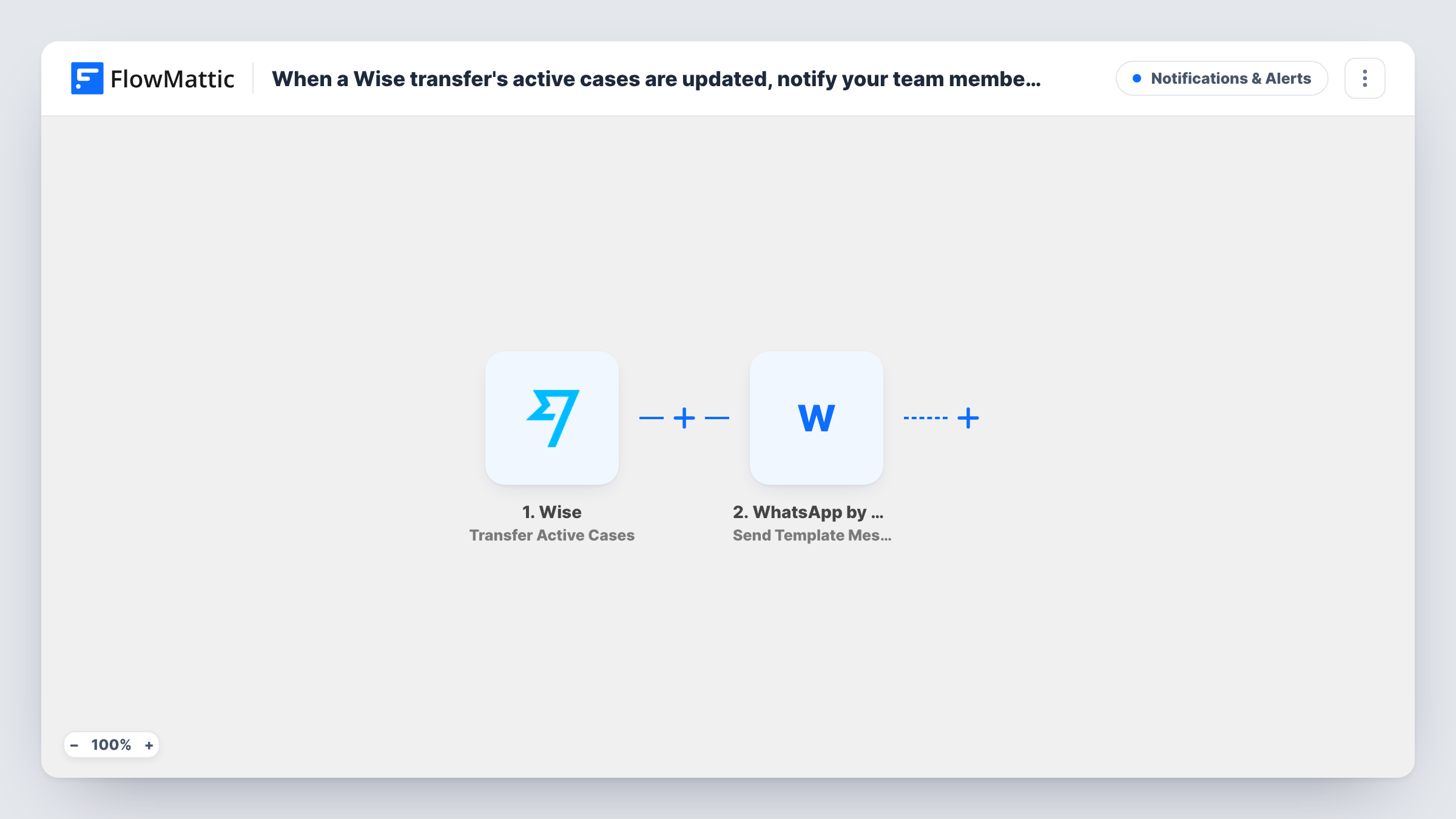
Each time the list of active cases on a Wise transfer is updated, a WhatsApp template message goes to the team member you choose through WA.Team, so someone looks at the transfer.
 Wise
Wise
 WhatsApp by WA.Team
2 steps Setup ~5 min Used on 2.0k sites Free to import
What this workflow does
When Wise opens or changes a case on one of your transfers, the transfer may be waiting on you. If nobody is watching the Wise dashboard, that can sit unnoticed. This workflow sends a WhatsApp message to a team member whenever a transfer's active cases change, so the person who handles payments hears about it on their phone.
The Wise trigger, Transfer Active Cases, fires every time a transfer's list of active cases is updated. It passes the transfer's details to the next step. Use a test run after you connect Wise to see exactly which fields arrive.
The WhatsApp by WA.Team step then sends a template message. It ships unmapped: after import you connect your WA.Team account, enter your team member's WhatsApp number, choose an approved template and map Wise fields, such as the transfer ID, into the template's variables.
Every update to the case list starts a run, and an update can also mean a case was closed, so the alert means "look at this transfer" rather than "a new problem started". Template messages are the WhatsApp format meant for messages you start yourself, which suits an alert sent to a colleague who may not have written to your business number recently.
Payments lead hears about blocked transfers
A small agency pays freelancers abroad through Wise. The finance lead gets a WhatsApp alert with the transfer ID when its case list changes, and opens Wise to reply.
Supplier payments that can't wait
An importer paying overseas suppliers wants to know the same day if a transfer has a case open, so the shipment isn't held up by a payment query.
Owner on the road
A shop owner who rarely logs in to Wise on a laptop still gets a WhatsApp message whenever one of the business transfers has an update to its cases.
How this workflow runs
What happens at each step once the workflow is on, and what you need before you import it.
 Wise Transfer Active Cases
Fires every time the list of active cases on one of your Wise transfers is updated. The transfer's details are passed on; check a test run to see the fields Wise sends before you map them.
- WhatsApp by WA.Team Send Template Message
Sends a WhatsApp template message through WA.Team to the number you set. The step ships unmapped: enter your team member's number, choose an approved template and map Wise fields into it.
What you need
- FlowMatticCore
- Wise AccountAccount
- WhatsApp by WA.Team AccountAccount
After importing, map your own data. To keep the template universal, not every step is pre-filled. Open each step in the builder and connect your accounts and fields (channels, lists, sheets, recipients) before you switch the workflow on.
Make it yours
Changes worth making after you import it.
- If your test run shows the Wise transfer ID, map it into the template's variables, so your team member can find the right transfer in Wise without asking which one it was.
- To alert more than one person, add a second WhatsApp by WA.Team step after the first one with another team member's number.
- Add a Google Sheets Add New Row step after the WhatsApp step to keep a log of every case update with its transfer ID and time.
- Pair this with a second workflow on Wise's Transfer Status Change trigger if you also want an alert when a transfer's status moves.
Questions about this workflow
Do I need an approved WhatsApp template for WA.Team?
Yes. The step sends a template message, so choose a template that WhatsApp has approved for your WA.Team account and map the Wise fields into its variables.
Does closing a case on a Wise transfer send an alert too?
It can. The trigger fires whenever the list of active cases changes, not only when a case opens. Check a test run to see which details Wise sends for each update.
Can the WhatsApp message go to the customer instead of my team?
The template sends to whichever number you enter or map. Wise's case update describes your transfer, so a fixed team member number is the natural choice for this alert.
Can I send a free-form WhatsApp text through WA.Team instead?
FlowMattic's WA.Team integration also has Send Session Text Message. WhatsApp only delivers session messages within 24 hours of the person last writing to your number, so templates are safer for alerts.
More Notifications & Alerts workflows
Other ready-to-import templates from the same category.





Import this workflow into your WordPress site
Download the JSON, import it from the Workflows screen and connect your accounts. Every run stays on your server, with no per-task fees.
30-day money-back guarantee Unlimited workflows and runs Self-hosted