

When Unlock Reward in UpViral, Add New Row in Google Sheets
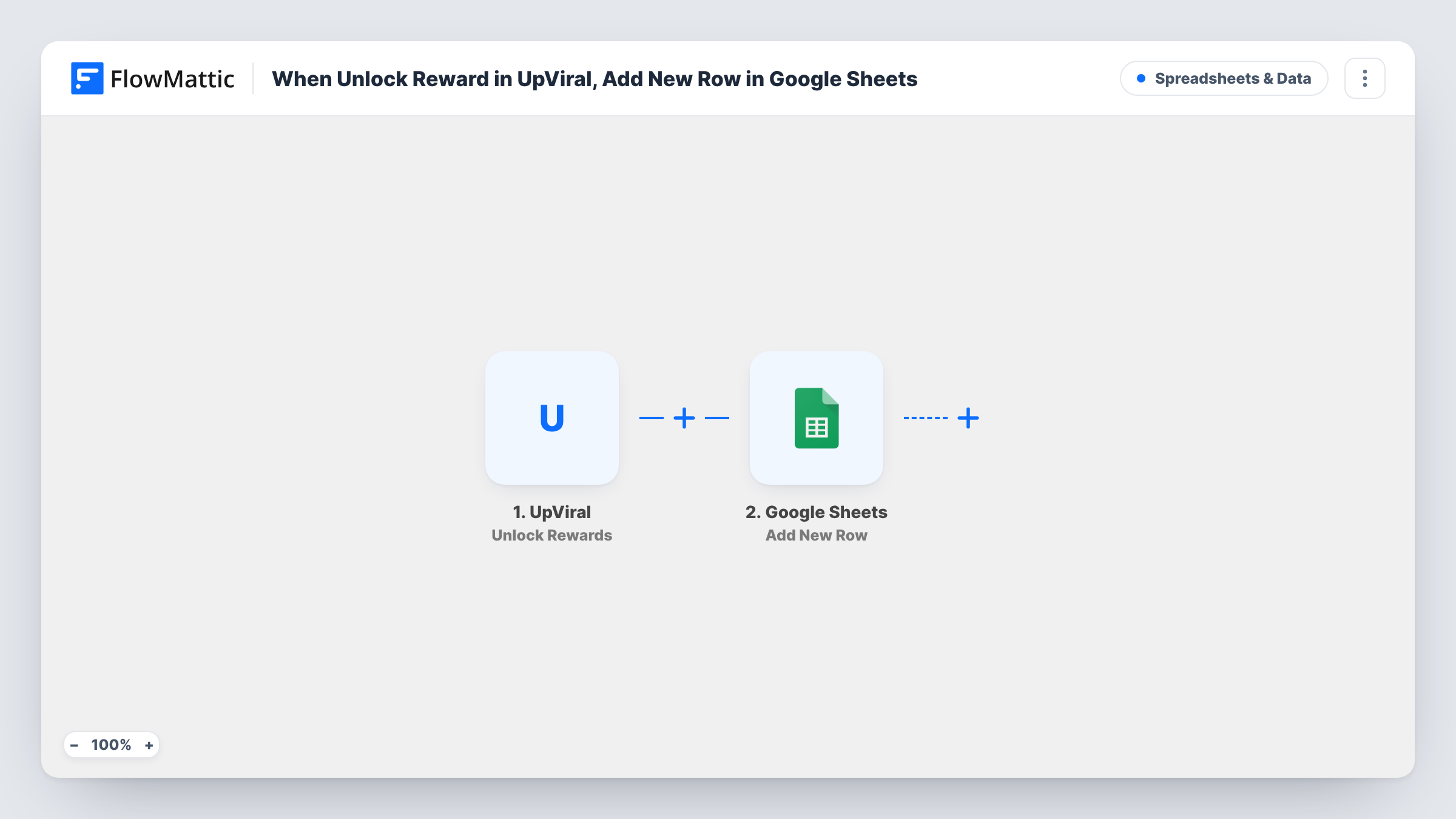
Each time a participant earns a reward in your UpViral referral campaign, this workflow adds a row to Google Sheets, so you have one list of who earned what and can work through it when sending rewards.
 UpViral
 Google Sheets
2 steps Setup ~5 min Used on 3.1k sites Free to import
What this workflow does
UpViral campaigns reward people for referring friends, and someone has to deliver those rewards. Checking the campaign dashboard for newly earned rewards is slow when prizes are physical items, discount codes or manual access grants. This workflow lists each earned reward in a Google Sheet the moment it happens.
The UpViral trigger starts a run whenever someone in your referral campaign reaches a reward. The data UpViral sends with that event, such as the participant's details and the reward, becomes available to map. FlowMattic then adds a new row to Google Sheets with the columns you match to those values.
One earned reward gives one row, so a person who reaches several reward levels appears once per level. The sheet works well as a fulfilment queue: add a status column of your own and mark rows as you send each reward. Task History records every run, so you can see the exact data UpViral passed.
Shipping physical prizes
A product launch campaign offers a sticker pack at three referrals. Your fulfilment assistant works down the sheet and ships each one.
Handing out discount codes
Each earned reward adds a row, and you paste a unique code next to the participant's email before sending it to them.
Granting course or community access
Reaching a referral level earns free access to a course or group. The sheet tells the admin whom to invite.
How this workflow runs
What happens at each step once the workflow is on, and what you need before you import it.
 UpViral Unlock Rewards
Fires when a participant earns a reward in your UpViral campaign. The participant and reward data from UpViral are passed to the Google Sheets step for mapping.
- Google Sheets Add New Row
Adds a row for each earned reward to the spreadsheet you choose. Map the participant's details and the reward from UpViral to your columns, and connect the Google account that owns the sheet.
What you need
- FlowMatticCore
- UpViral AccountAccount
- Google Sheets AccountAccount
After importing, map your own data. To keep the template universal, not every step is pre-filled. Open each step in the builder and connect your accounts and fields (channels, lists, sheets, recipients) before you switch the workflow on.
Make it yours
Changes worth making after you import it.
- Add a status column in the sheet that the workflow leaves blank, and fill it in by hand as you deliver each reward.
- If you run several UpViral campaigns and the event says which campaign it came from, map that value into its own column so one sheet can serve them all.
- After the Google Sheets step, add an email step that tells the participant their reward is on the way, mapping their address from UpViral if the event carries it.
Questions about this workflow
Does UpViral list a participant again for each reward level?
Yes. Each reward earned is its own event in the trigger, so someone who reaches three levels gets three rows. Map the reward into a column to tell them apart.
Does this workflow send the UpViral reward to the participant?
No. It only records the reward in Google Sheets. Delivery is up to you, or to an extra step you add after import.
Will UpViral rewards earned before import appear in the sheet?
No. Only rewards earned after you turn the workflow on are sent. Check your UpViral campaign for earlier ones.
More Spreadsheets & Data workflows
Other ready-to-import templates from the same category.



Import this workflow into your WordPress site
Download the JSON, import it from the Workflows screen and connect your accounts. Every run stays on your server, with no per-task fees.
30-day money-back guarantee Unlimited workflows and runs Self-hosted