

When user watches the video partially, add user to a list in MailChimp
When a viewer watches the share of a Presto Player video you set, this workflow adds them to a Mailchimp list, or updates them if they are already on it, so you can follow up with people who showed interest.
 Presto Player
 Mailchimp
2 steps Setup ~5 min Used on 1.6k sites Free to import
What this workflow does
A viewer who gets partway through a sales video or lesson has shown more interest than one who clicked away. Presto Player tracks that progress on your WordPress site, but Mailchimp never hears about it. This workflow passes those viewers to your Mailchimp list.
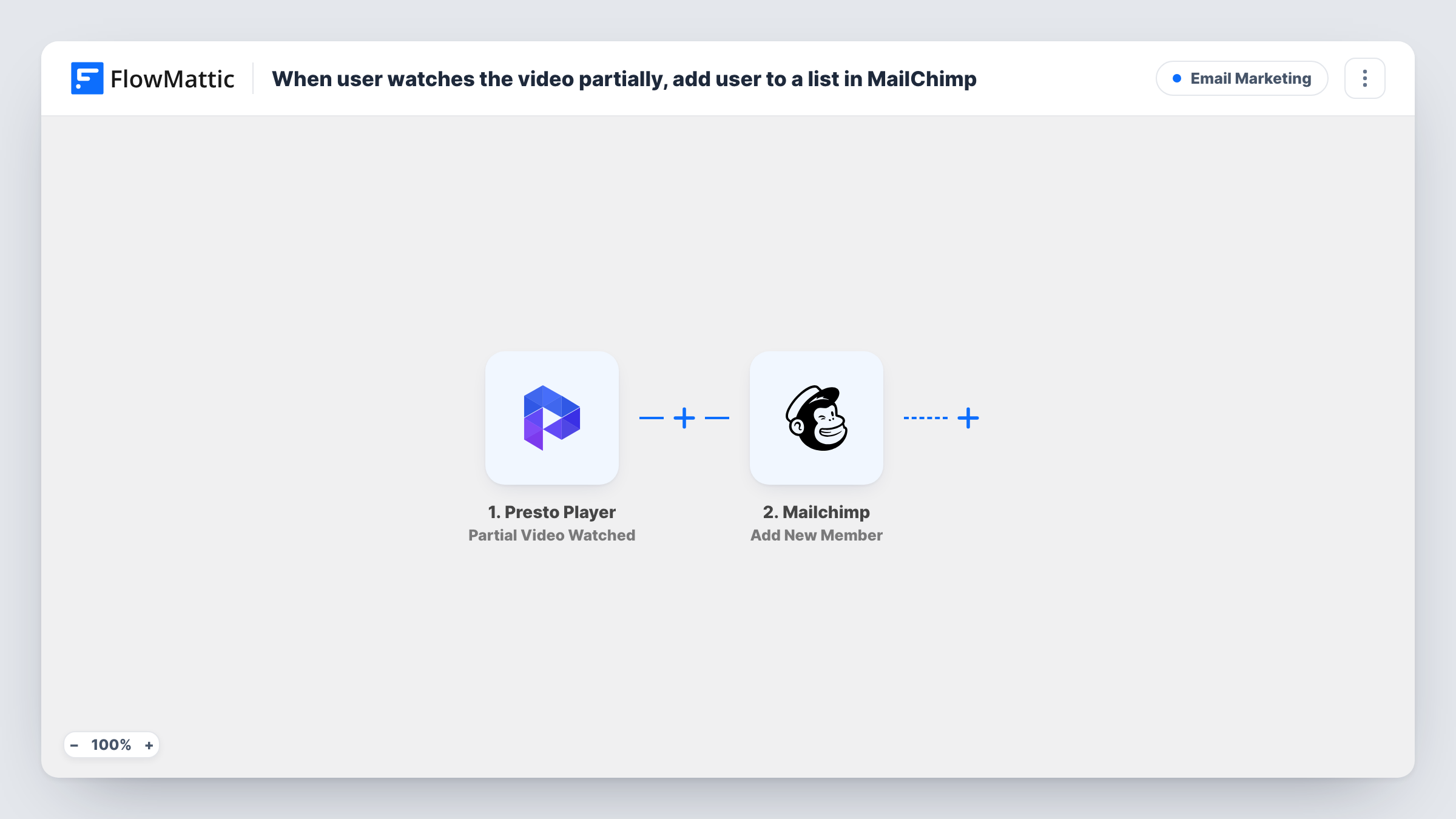
The Presto Player trigger fires when a user watches a specific percentage of a video. FlowMattic sends the viewer's details to Mailchimp, where Add New Member adds them to the list you choose, or updates them if they already exist on it.
Mailchimp needs an email address. Presto Player can only pass one when it knows who is watching, which usually means a logged-in WordPress user. Run a test while logged in and check that the email appears in the trigger data before you rely on this. Each time a viewer passes the mark again, Mailchimp gets another update for that address.
Follow up on a product demo video
Logged-in members who watch half of your demo join a Mailchimp list, where you send them a comparison guide or an offer by email.
Track course preview interest
Students on your membership site who get through part of a free preview lesson land in a Mailchimp audience you use for course launch emails.
Segment webinar replay viewers
Members who watch a meaningful part of a replay are added to a list separate from those who only registered, so your next email can reflect that.
How this workflow runs
What happens at each step once the workflow is on, and what you need before you import it.
 Presto Player Partial Video Watched
Fires when a user watches the percentage of a Presto Player video set for the trigger. The viewer and video details it carries are passed to the Mailchimp step.
- Mailchimp Add New Member
Adds the viewer to your Mailchimp list, or updates the member if that email already exists there. Map the viewer's email and name from the trigger data and connect your Mailchimp account.
What you need
- FlowMatticCore
- Presto Player PluginPlugin
- Mailchimp AccountAccount
After importing, map your own data. To keep the template universal, not every step is pre-filled. Open each step in the builder and connect your accounts and fields (channels, lists, sheets, recipients) before you switch the workflow on.
Make it yours
Changes worth making after you import it.
- Put the video behind a login, or test while logged in, so the trigger carries a viewer email. Without an email, the Mailchimp step has nothing to add.
- Add a Filter after the trigger that continues only for one video, matched on a video ID or title the trigger returns, if you track progress on several videos but want one list.
- If repeat watches should not touch the member record again, map only the email and the fields you want set, since blank values in a later run can overwrite fields in Mailchimp.
Questions about this workflow
Does this work for Presto Player viewers who are not logged in?
Mailchimp needs an email, and Presto Player can only send one when it knows the viewer. For anonymous visitors the trigger may carry no email, so check a test run before relying on it.
What if the viewer is already on my Mailchimp list?
Add New Member adds a new member or updates them if they already exist, so an existing subscriber is updated rather than added twice.
Where do I set the watch percentage?
The trigger fires when a user watches a specific percentage of a video. Check the Presto Player setup on your site and run a test to confirm the point at which it fires.
Will a viewer who rewatches the video be sent to Mailchimp again?
Each time the trigger fires, the Mailchimp step runs again for that address. Since it updates existing members, the person stays on the list once, but mapped fields are written again.
More Email Marketing workflows
Other ready-to-import templates from the same category.





Import this workflow into your WordPress site
Download the JSON, import it from the Workflows screen and connect your accounts. Every run stays on your server, with no per-task fees.
30-day money-back guarantee Unlimited workflows and runs Self-hosted