

Log paid SureCart orders to Google Sheets and email a thank-you
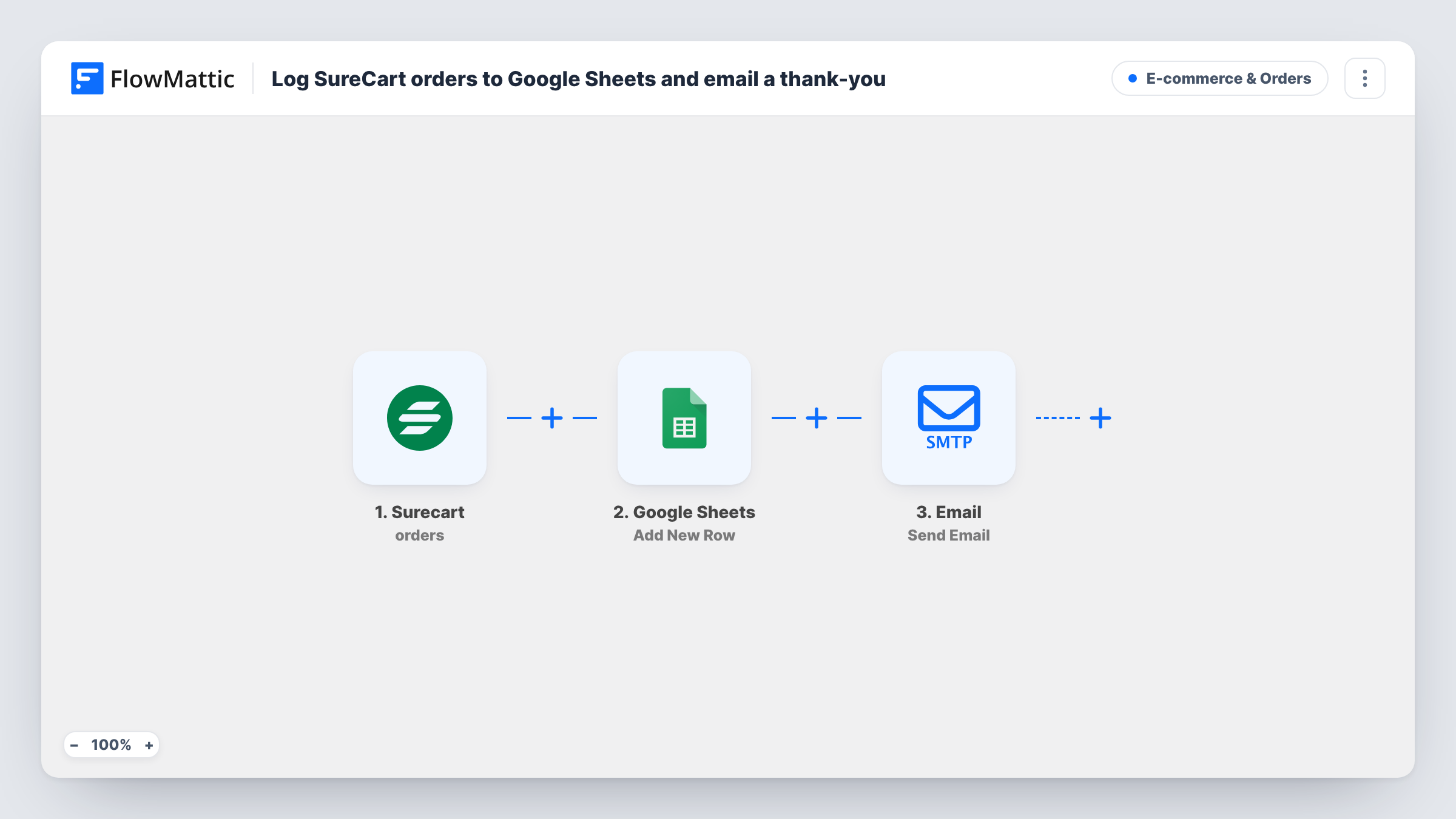
When a SureCart order is paid, the order is added as a row to your Google Sheets spreadsheet and FlowMattic’s Email step sends the customer a short thank-you confirming their payment.
 Surecart
 Google Sheets
 Email
Email3 steps Setup ~5 min Used on 1.5k sites Revenue Ops Free to import
What this workflow does
SureCart keeps orders inside WordPress, but your bookkeeper or team may prefer a spreadsheet, and customers like a quick note that their payment went through. This workflow handles both each time an order is paid, from one trigger.
The SureCart Order paid trigger fires when an order's status changes to paid, so unpaid or pending checkouts don't start a run. The Google Sheets step then adds a row. It ships unmapped: after import you choose the spreadsheet and sheet, and map the SureCart fields you want, such as the order number, customer name, email and amount.
The last step is FlowMattic's Email module, which sends through WordPress mail or an SMTP account you connect. Its subject and message are written in the template: a thank-you for the order and a line confirming the payment was received. The recipient is not set, so map the customer's email from the SureCart trigger as the recipient before you turn the workflow on.
One paid order adds one row and sends one email. Place a test order and check Task History to confirm the row and the message.
Sales log for the accountant
A digital product seller using SureCart shares a Google Sheet of paid orders with their accountant, who reconciles it against payouts each month.
Payment confirmation for course buyers
An online coach sends a short thank-you from their own mail server as soon as a course purchase is paid, alongside SureCart's own receipts.
Daily order review
A small merch store sorts the sheet by date each evening to see the day's paid orders and totals without opening WordPress.
How this workflow runs
What happens at each step once the workflow is on, and what you need before you import it.
 Surecart Order paid
Fires when a SureCart order's status changes to paid. The order and customer details are passed to the sheet and email steps.
- Google Sheets Add New Row
Adds a row for the paid order to the spreadsheet you choose. No columns are mapped in the template, so connect Google, pick the sheet and map the SureCart order fields.
 Email Send Email
Sends a thank-you that confirms the payment was received, through WordPress mail or your SMTP account. The recipient ships empty: map the customer's email from the trigger.
What you need
- FlowMatticCore
- SureCart AccountAccount
- Google Sheets AccountAccount
After importing, map your own data. To keep the template universal, not every step is pre-filled. Open each step in the builder and connect your accounts and fields (channels, lists, sheets, recipients) before you switch the workflow on.
Make it yours
Changes worth making after you import it.
- Add the customer's first name and the order number to the email body, so the thank-you reads as written for that order.
- Map the order date and amount into their own columns, so you can total each month with a simple sheet formula.
- Enter your mail provider's SMTP details in the Email step if WordPress mail from your host tends to land in spam.
Questions about this workflow
Who receives the SureCart thank-you email?
The address you map into the step. The template sets the subject and message but leaves the recipient empty, so map the customer's email from the Order paid trigger after import.
Does an unpaid SureCart checkout start the workflow?
No. FlowMattic describes the Order paid trigger as firing when an order's status changes to paid, so only paid orders add a row and send the email.
Does this replace SureCart's own receipt emails?
No. It sends a separate thank-you through FlowMattic. Keep SureCart's receipts on if customers need the full order details, or reword this email to complement them.
Which order details end up in Google Sheets?
Only the fields you map in the Add New Row step. Run a test order first so the SureCart fields are available to pick.
More E-commerce & Orders workflows
Other ready-to-import templates from the same category.





Import this workflow into your WordPress site
Download the JSON, import it from the Workflows screen and connect your accounts. Every run stays on your server, with no per-task fees.
30-day money-back guarantee Unlimited workflows and runs Self-hosted