FlowMattic 7.3: On-Time Schedules, Cloud Webhooks and More
FlowMattic 7.3 runs schedules on time with FlowMattic Cloud, keeps webhooks from getting lost, and adds Tables views and templates, booking questions,…


Released August 5, 2025
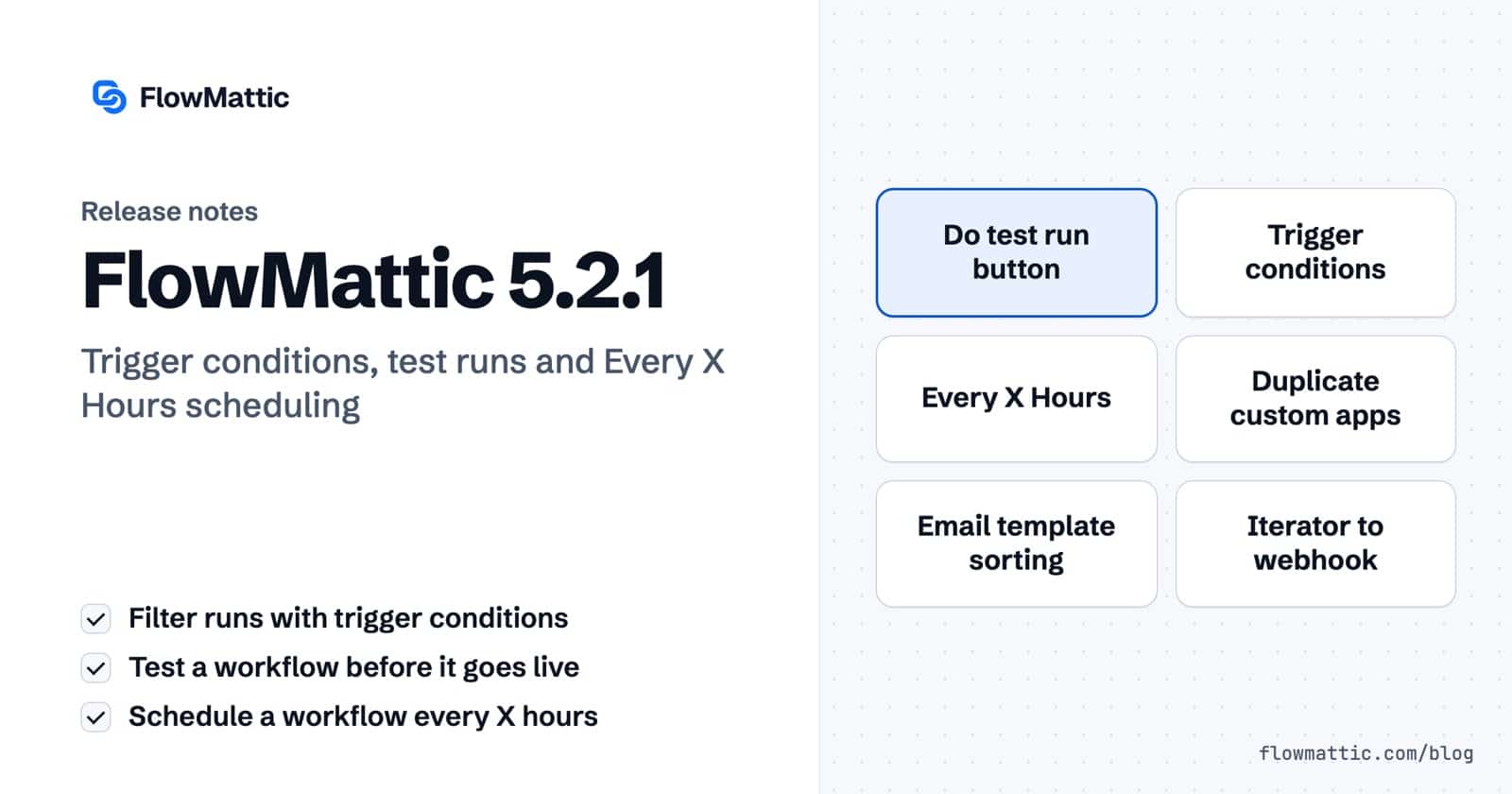
We’re excited to announce FlowMattic v5.2.1, packed with game-changing features that make workflow automation more intuitive, flexible, and powerful than ever before. This release focuses on enhancing user experience, expanding scheduling capabilities, and streamlining workflow management. Let’s dive into what’s new!
Creating workflows just got safer and more confident. The new “Do test run” button allows you to validate your workflow logic before going live. This feature helps you identify potential issues early, ensuring your automations work exactly as intended from day one.
Take control of when your workflows execute with the new conditions feature in trigger steps. Instead of every trigger event launching your workflow, you can now set specific criteria that must be met. For example, only process orders above a certain amount, or only send notifications during business hours. This intelligent filtering saves processing power and ensures workflows run only when truly needed.
Building and managing custom integrations is now more efficient with three new duplication options:
These features dramatically reduce setup time when creating similar integrations or variations of existing ones.
Managing your email communications is now more organized with smart sorting options. You can arrange email templates alphabetically or by creation date, in both ascending and descending order. This makes finding the right template quick and intuitive, especially when managing large template libraries.
Workflow scheduling becomes more precise with the new “Every X Hours” option. Whether you need reports every 3 hours, data syncs every 6 hours, or maintenance checks every 12 hours, you now have granular control over timing that fits your specific business needs.
Working with iterator responses just became more streamlined. When your iterator processes a single array item, you can now send it directly to outgoing webhooks without the tedious process of mapping each key individually. This saves significant setup time and reduces configuration complexity. Read more about this feature in our support documentation.
Understanding your workflow history is now clearer with distinct icons for test runs versus live executions in the task history. This visual differentiation helps you quickly identify which runs were tests and which were actual workflow executions, making debugging and monitoring much more efficient.
The workflows admin screen received a comprehensive upgrade:
The custom apps experience is now more polished with improved UI/UX across:
Iterator action step notes can now be temporarily dismissed, giving you more screen real estate when working with complex workflows. This thoughtful UI improvement helps you focus on the task at hand without losing important information.
Several admin pages received significant UI/UX improvements:
The integration page now displays perfectly across all devices, ensuring a consistent experience whether you’re working on desktop, tablet, or mobile.
Finding workflows is now more powerful with expanded search functionality. Instead of only searching workflow names, the system now searches for integrations used within workflows, making discovery much more comprehensive and useful.
Fixed an issue where the date format modification action couldn’t handle date formats containing forward slashes (/). This ensures consistent date processing across all format types.
Resolved typecasting issues when using nested parameters in API modules, ensuring data types are correctly processed throughout complex API interactions.
Eliminated duplicate workflow loading when using the search and load more features, improving performance and preventing confusion in the workflow list.
Fixed a critical issue where dynamic tag replacement was incorrectly updating trigger step references in Router steps when workflow steps were removed. This ensures workflow integrity is maintained during editing.
Resolved a JavaScript error that occurred when switching trigger apps to custom apps, ensuring smooth transitions and proper trigger functionality.
FlowMattic v5.2.1 represents our commitment to making workflow automation more accessible, reliable, and powerful. These updates address real user pain points while introducing features that expand what’s possible with your automations.
Whether you’re a workflow novice looking for easier management tools or an automation expert needing more precise control, this release delivers improvements that will enhance your daily workflow experience.
Ready to explore these new features? Update to FlowMattic v5.2.1 today and discover how these enhancements can streamline your automation processes like never before.
Have questions about the new features or need help implementing them? Our support team is ready to help you make the most of FlowMattic v5.2.1.
FlowMattic 7.3 runs schedules on time with FlowMattic Cloud, keeps webhooks from getting lost, and adds Tables views and templates, booking questions,…
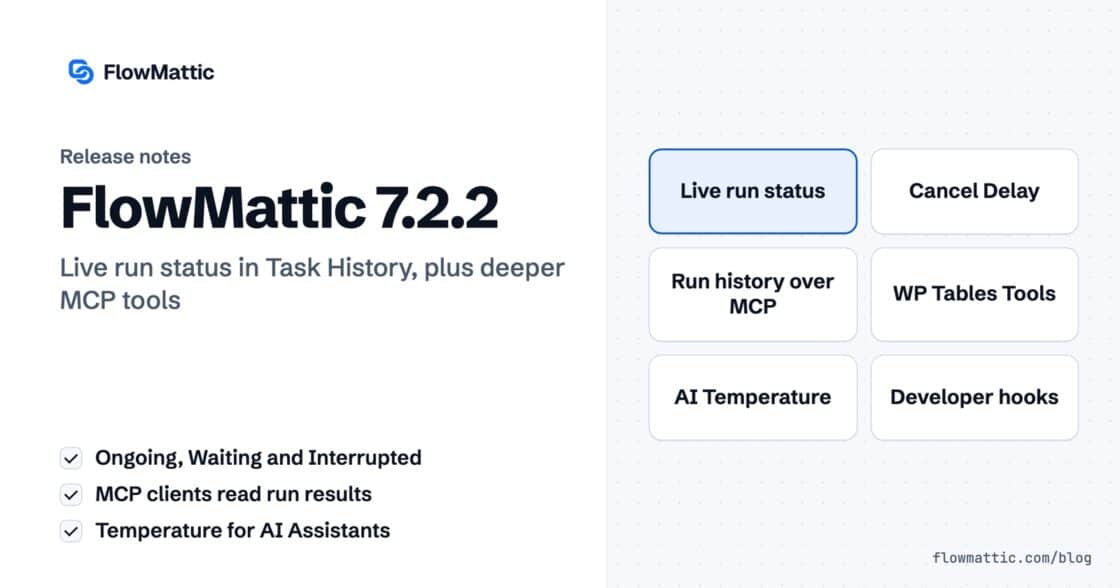
Live run status in Task History — Ongoing, Waiting, Interrupted — plus MCP clients that can read run results and manage WP…
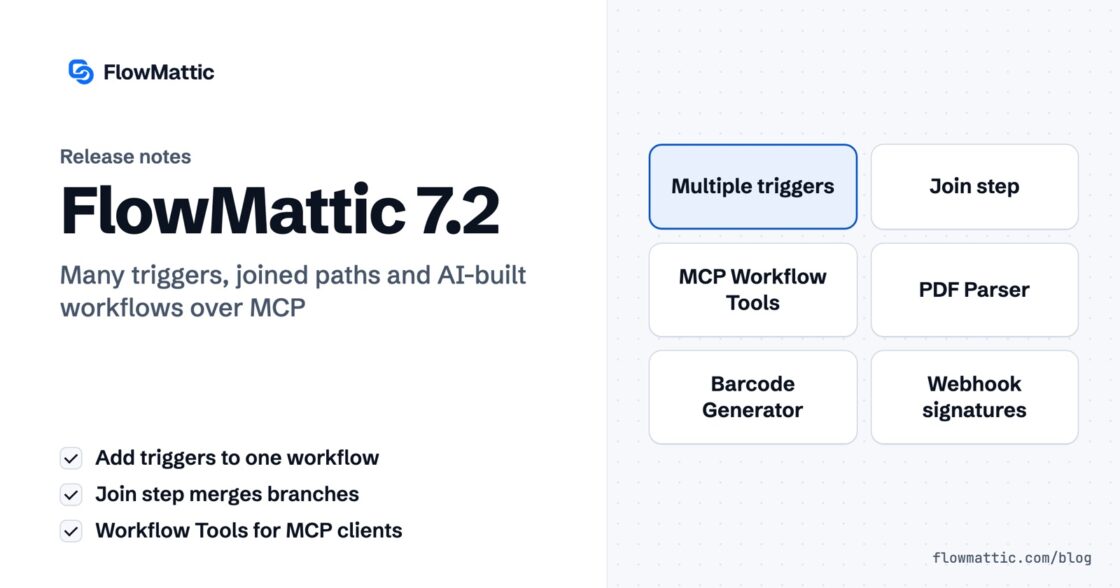
Multi-trigger workflows, the new Join step, AI that builds workflows over MCP — plus PDF Parser, webhook signature verification, barcodes and HTML-to-PDF,…