FlowMattic 7.3: On-Time Schedules, Cloud Webhooks and More
FlowMattic 7.3 runs schedules on time with FlowMattic Cloud, keeps webhooks from getting lost, and adds Tables views and templates, booking questions,…


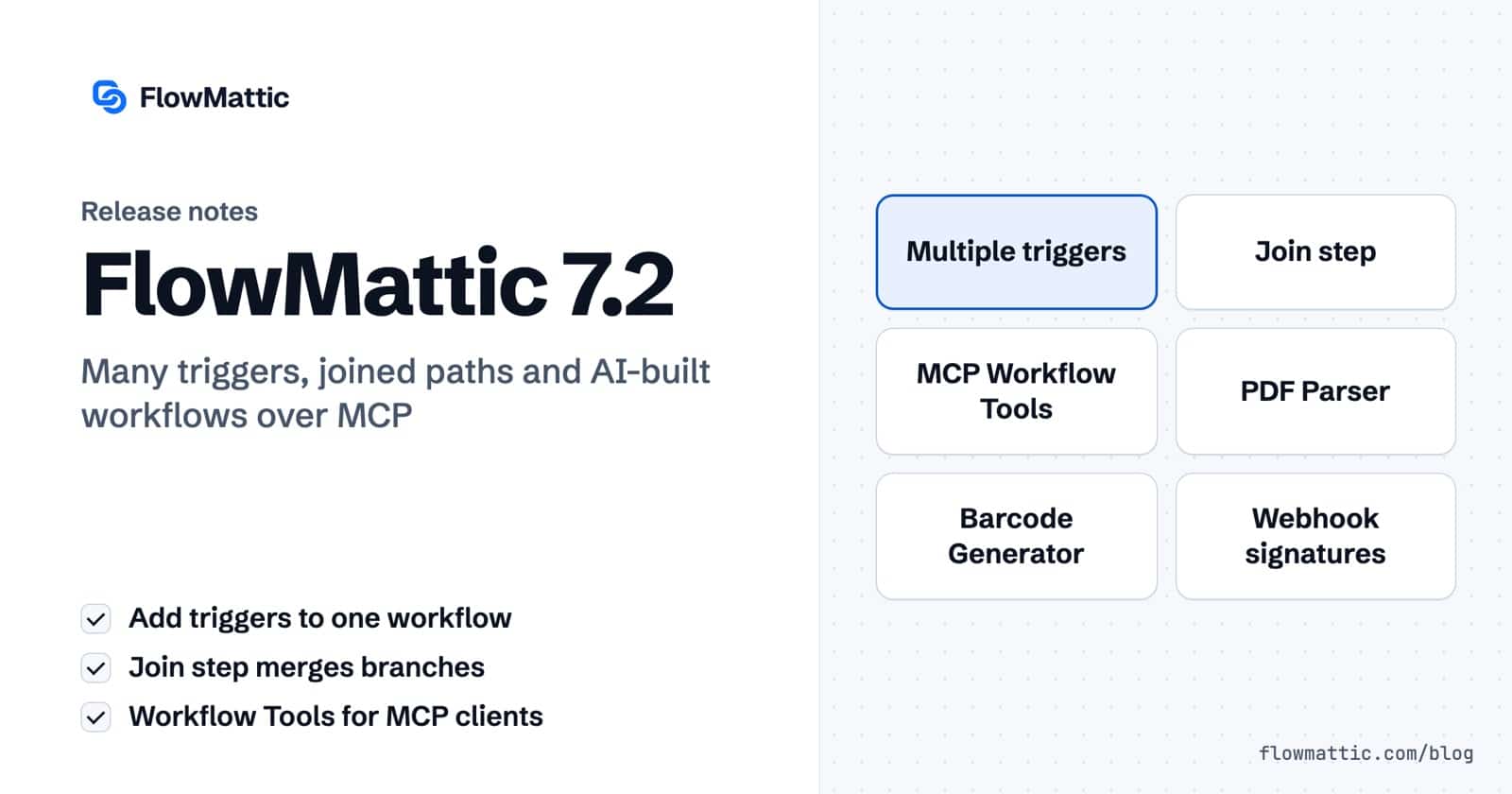
FlowMattic 7.2 is here — and it changes the shape a workflow can take. One workflow can now start from several triggers, branched paths can converge back into a single chain, and an AI client connected over MCP can design and save workflows on your site. Alongside that: a PDF Parser, webhook signature verification, a barcode generator, and HTML-to-PDF/image generation — all running on your own server.
Until now, the same automation reaching from three different sources meant three copies of the workflow. In 7.2, add additional triggers to a single workflow — they appear as 1.1, 1.2, and so on on the canvas, each webhook trigger gets its own URL, and Task History records which trigger started each run.
Each additional trigger’s response maps once onto the first trigger’s keys — the Auto-map matching keys button does it in one click — so every action step runs unchanged no matter which trigger fired.
The new Join step converges a Router’s routes or a Branch’s Yes/No paths back into one chain, so the steps after it run once, whichever path was taken. Merged Fields complete the picture: define a field once, map it per route, and later steps read a single tag that resolves from whichever route actually ran. The Join even suggests merged fields it finds in every route’s test data, and after a Join, the dynamic-tag picker lists the Join’s fields instead of the routes’ internal steps — a mapping can’t depend on a route that didn’t run.
The MCP Server gains a Workflow Tools switch (off by default). Turn it on and a connected AI client — Claude, Cursor, or any MCP client — can list your apps, read real event slugs, validate a draft workflow and save it. AI-created workflows always save switched off, and a draft that fails validation saves nothing and returns the errors. Revise, test-run with sample data, and read workflows back as editable drafts — all through MCP tools.
Webhook triggers can now verify signatures from Stripe, GitHub, Shopify, WooCommerce, Slack, Razorpay and Paddle — with replay protection, a custom option for your own scheme, and a log-only mode to observe before you enforce. Unsigned or invalid requests are rejected before your workflow ever runs.
The managed FlowMattic Tables database now starts every plan with a 7-day free trial at full capacity — you aren’t charged until the trial ends, and you can cancel from the billing portal anytime.
Task History status filtering now uses indexed columns — on large sites, Apply Filters drops from around 16 seconds to under 2. Ordinary page views no longer trigger FlowMattic housekeeping, and checks against our servers back off during downtime so an outage on our side can’t slow your site. The release also carries a long list of fixes across Tables, the MCP Server, the API step, webhooks and the workflow builder — the full changelog has every line.
FlowMattic 7.2 is available now — update from your WordPress dashboard, or grab the zip from your account. After updating, the What’s New page walks you through everything this release adds.
FlowMattic 7.3 runs schedules on time with FlowMattic Cloud, keeps webhooks from getting lost, and adds Tables views and templates, booking questions,…
Live run status in Task History — Ongoing, Waiting, Interrupted — plus MCP clients that can read run results and manage WP…
FlowMattic 7.1 is here: v7 modules now ship off by default with a new What's New page to manage them, your tables…