FlowMattic 7.3: On-Time Schedules, Cloud Webhooks and More
FlowMattic 7.3 runs schedules on time with FlowMattic Cloud, keeps webhooks from getting lost, and adds Tables views and templates, booking questions,…


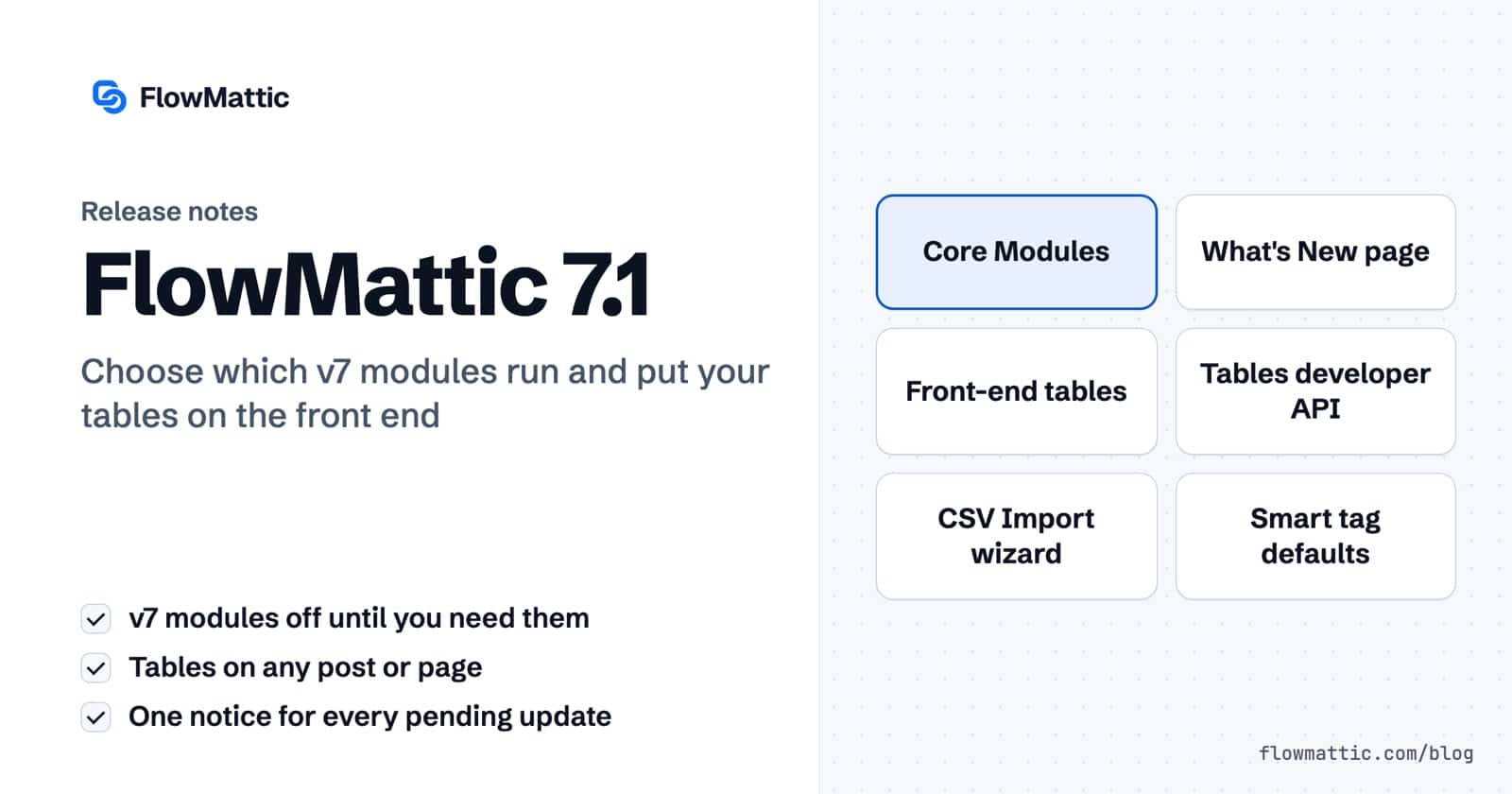
Four days after 7.0, here’s 7.1 — a focused follow-up built around one idea: you decide what runs on your site. The modules that arrived in v7 now ship switched off until you want them, your tables can live on the front end of your site, and everything FlowMattic wants to tell you about updates now fits in a single, dismissible notice.
Prefer to watch? This quick tour walks through everything in 7.1 — the module controls, front-end tables, the new Forms tricks and more:
[flowmattic_table] shortcode, built for you by the new Share & Embed generatorFlowMattic 7.0 added a lot: Forms, Bookings, FlowMattic Tables, Image Templates, PDF Templates. Most sites use some of them — few use all of them. From 7.1, those modules ship switched off by default, so a stock install registers far fewer hooks, pages and endpoints on every request.
Already using them? Nothing changes. When you update, FlowMattic checks what your site actually uses and keeps every module you rely on enabled — automatically. Fresh installs pick their modules in a new “Core Modules” step in the setup wizard, and you can change your mind anytime in Settings → Core Modules. When a module is off, it’s genuinely off: its menus, pages, endpoints, shortcodes and blocks all stop responding.
To make that choice easy, updating to 7.1 opens a one-time What’s New page: what changed in the release, which modules were kept on for you, and toggles for everything else. It stays reachable from the Dashboard header for a week after each update.
Both WP Tables and FlowMattic Tables can now live outside the admin. Drop the [flowmattic_table] shortcode into any post, page or widget and your table renders with the same rich, typed cells you see in the editor — ratings, currencies, dates, statuses — plus optional search, sorting and pagination for visitors.
You never have to write the shortcode by hand: a new Share & Embed generator on the table list and table view lets you pick the columns to show and the viewer controls, and builds the shortcode live as you choose.
On FlowMattic Tables, embeds can go further: let logged-in users edit cells inline, add new rows, or see only their own records — with every write verified server-side through a signed permission token, and deleting never allowed from the front end.
Your Tables data is now reachable from your own code: a REST API to read and write rows, authenticated with scoped, revocable API keys and optional request logging so you can see exactly who called what, when. Build integrations, sync jobs or dashboards on top of your tables without going through a workflow.
Importing a CSV into an existing FlowMattic Table now uses the same three-step wizard as WP Tables: upload the file, review the auto-matched column mapping (with per-value validation warnings so you know up front which rows would be skipped), preview the first rows, and import with a live progress bar. Large files stream in batches, and an interrupted import resumes without duplicating rows. It opens right from the table view.
Form fields can now carry a Default Value powered by smart tags: pre-fill any field from a URL parameter, the logged-in user’s details, the page the form is embedded on, the current date and time, cookies and more — all chosen from a picker, no code. Link to ?plan=agency from a pricing page and the form already knows.
Forms also render natively in the page now — the [flowmattic_form] shortcode and the Forms block no longer use an iframe, which means better SEO, real browser autofill, cleaner accessibility, and styling that inherits from your theme.
Pending patches, integration updates and a waiting plugin update used to compete for your attention. They now share one FlowMattic Updates card: each item shows what it is — including a security flag when a patch warrants it — with its own action button and its own dismiss. Dismissed items stay quiet for 24 hours and return only if still pending; prefer silence? Set dismissals to forever in Settings → General. Patches are also checked more frequently now.
Alongside the features, we put v7 through in-depth internal security reviews and applied proactive, defense-in-depth hardening across the product — stricter validation and fully parameterized queries in Tables, hardened form submissions, MCP authentication enforced across every transport when enabled, rate-limited public endpoints, and more. These are preventative measures, not responses to any known issue.
7.1 also lands a stack of fixes: saved workflows that opened to a blank canvas, a PHP 8 cron error that could stall scheduled jobs, Plugin Actions trigger captures now matching the live run’s structure, table names with spaces being rejected, and several fatal-error edge cases in the built-in tools — all resolved. The full list is in the changelog.
FlowMattic 7.1 is rolling out now — update from your WordPress dashboard, or grab it from your account. The What’s New page will greet you after the update and walk you through your modules.
New to FlowMattic? There’s never been a leaner time to start — pick your plan and automate your first workflow today.
FlowMattic 7.3 runs schedules on time with FlowMattic Cloud, keeps webhooks from getting lost, and adds Tables views and templates, booking questions,…
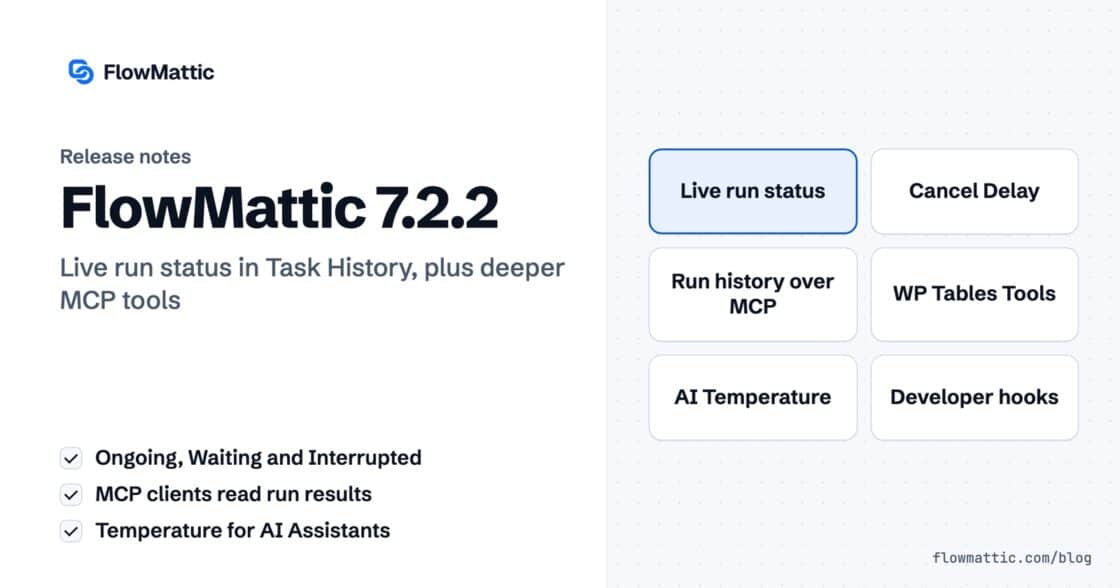
Live run status in Task History — Ongoing, Waiting, Interrupted — plus MCP clients that can read run results and manage WP…
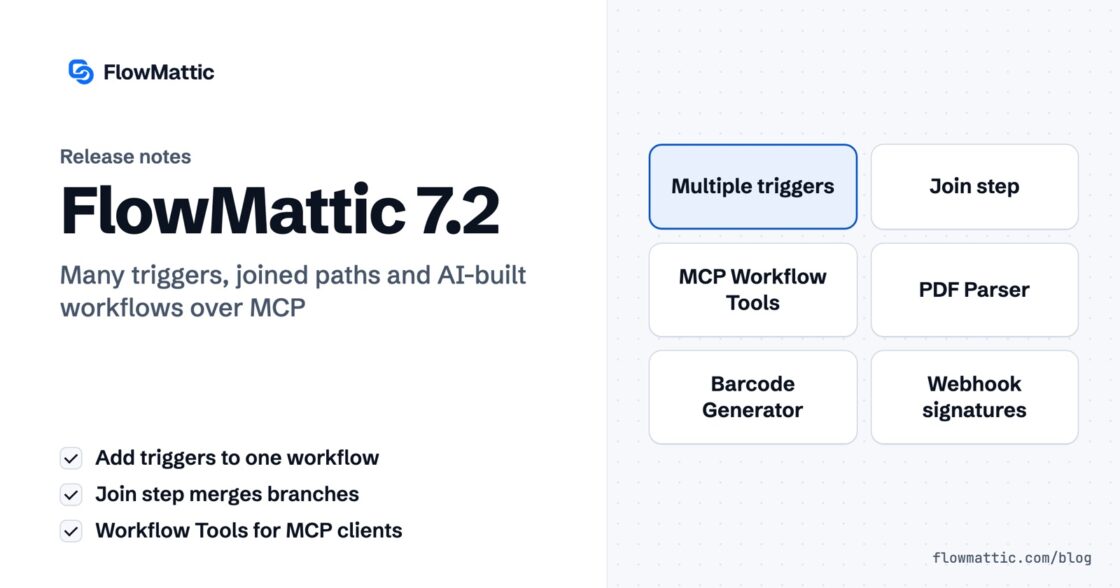
Multi-trigger workflows, the new Join step, AI that builds workflows over MCP — plus PDF Parser, webhook signature verification, barcodes and HTML-to-PDF,…