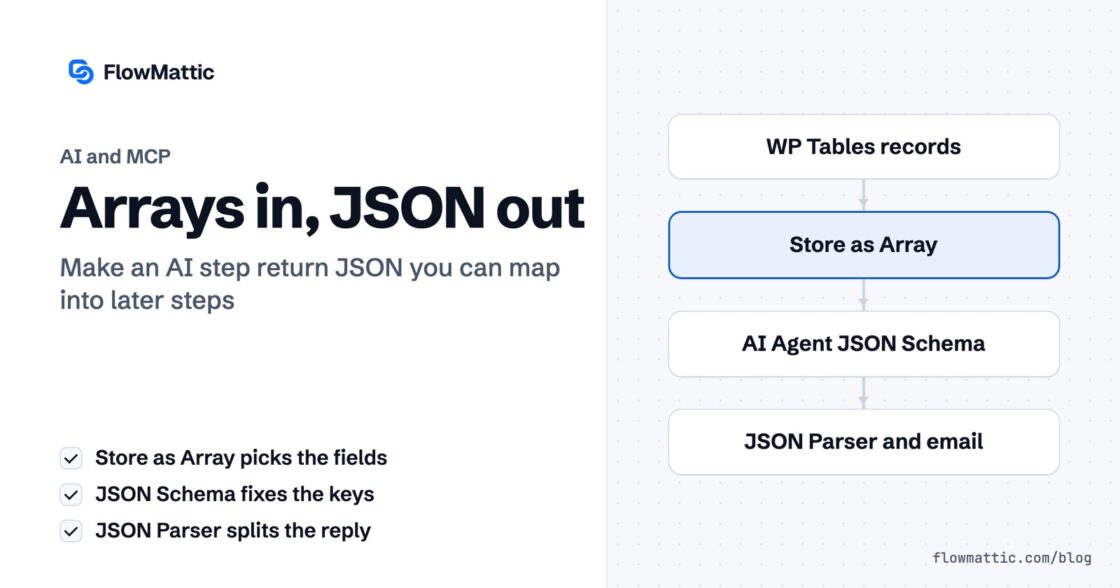
Arrays in, JSON out: two decisions that make an AI step usable
Your agent returns a paragraph you cannot map. Store as Array decides what it sees, JSON Schema decides what you get back…


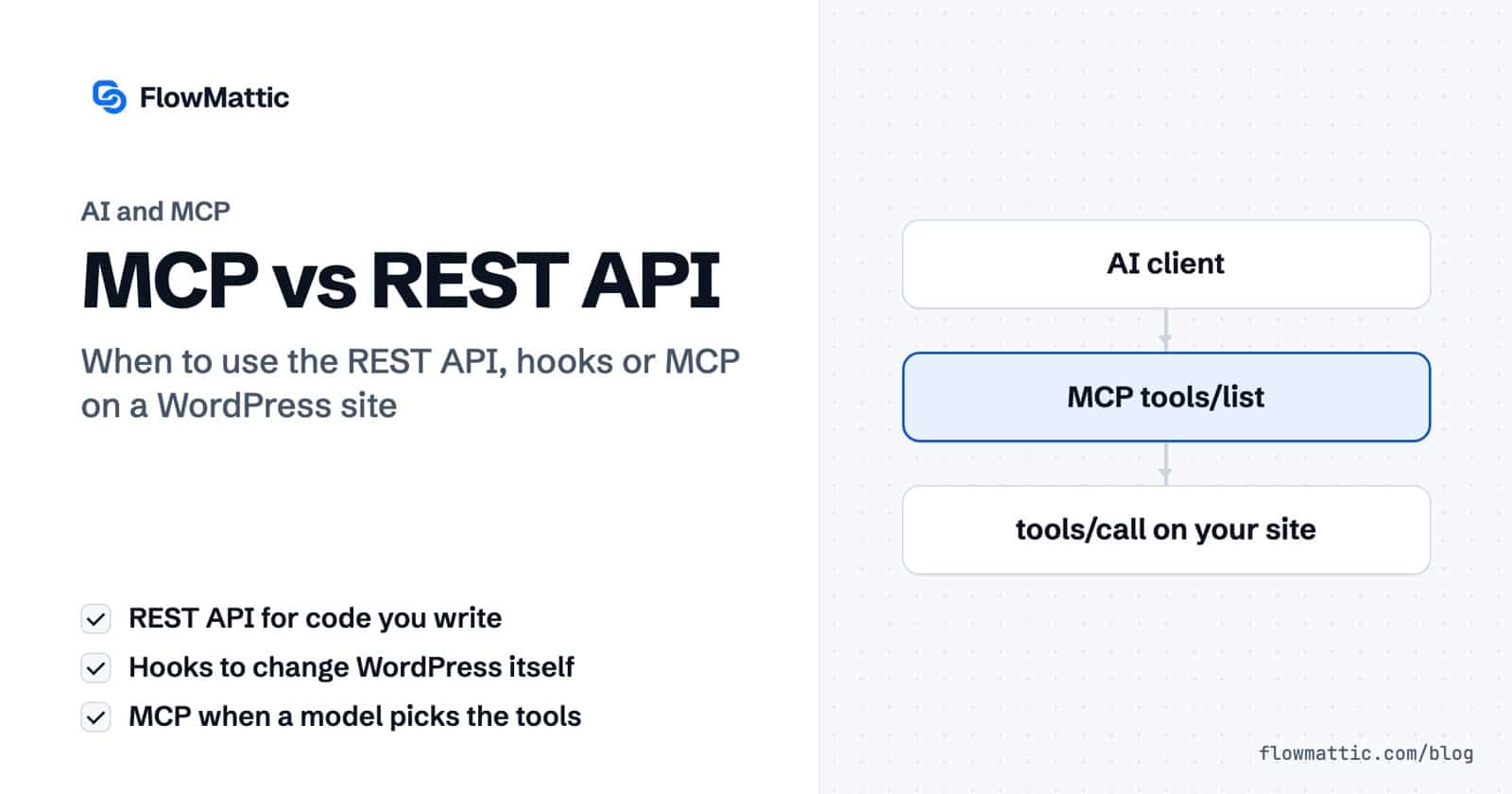
Updated October 2026. WordPress developers now have two very different ways to let software work with a site. The REST API, with hooks and filters behind it, has been the answer for a decade. The Model Context Protocol (MCP) is the newer answer for AI clients such as Claude, ChatGPT and Cursor. This guide explains what each one is, how they differ and when to use which.
Use the REST API when you write the code that calls WordPress: a mobile app, a headless front end, a sync with another system. Use hooks and filters to change what WordPress does from the inside. Use MCP when an AI model decides what to call: it discovers the tools a site offers, reads their descriptions and calls them in the order a request needs. Most sites that add AI end up using all three.
The REST API reached WordPress core in version 4.7, released on December 6, 2016, with endpoints for posts, pages, comments, terms, users, meta and settings under /wp-json/wp/v2/. It speaks JSON over HTTP, so any language can use it, and plugins register their own routes next to the core ones.
Authentication is cookie-based for the logged-in browser, and Application Passwords (core since WordPress 5.6) for external code. OAuth and JWT are available through plugins.
Actions run your code at a point in WordPress’s execution; filters let you change a value before it is used. They are how themes and plugins extend WordPress, and they only work from PHP running inside the site. Nothing outside the site can call a hook directly.
The $wpdb class runs SQL against the WordPress tables. It is fast and flexible, but it skips WordPress’s own APIs, so every query has to be prepared and sanitised by hand and can break when a plugin changes its tables.
Anthropic released MCP as an open standard on November 25, 2024. In December 2025 it was donated to the Agentic AI Foundation, a fund under the Linux Foundation co-founded by Anthropic, Block and OpenAI, so it is no longer one company’s protocol.
An MCP server offers three kinds of things to a client:
Clients connect over stdio (a local process) or Streamable HTTP (a remote server); the older HTTP+SSE transport is deprecated. For HTTP servers, the spec defines optional authorization based on OAuth 2.1. The current revision, dated July 28, 2026, makes the protocol stateless: it drops the initialisation handshake and session header, so each request stands on its own, and it deprecates the Roots, Sampling and Logging client features.
What makes MCP different from a REST API is discovery. A client asks the server for its tool list, the model reads the descriptions and schemas, and it decides which tool to call and with what arguments. You do not write a client for each server.
WordPress core now has a building block for this. The Abilities API, added in WordPress 6.9 on December 2, 2025, lets core, plugins and themes register “abilities”: named units of functionality with input and output schemas and permission checks. WordPress 7.0 added an AI Client and a Connectors screen for AI providers.
The official MCP Adapter plugin turns registered abilities into MCP tools, resources and prompts. It is a plugin, not part of core, and it replaced Automattic’s earlier wordpress-mcp project, which is now archived.
| REST API | Hooks and filters | MCP | |
|---|---|---|---|
| Who calls it | Code you write | PHP inside the site | An AI client, on a model’s decision |
| How the caller learns what exists | Documentation, or the /wp-json/ index | Reading the code | Asking the server for its tool list |
| Reachable from outside | Yes | No | Yes, over Streamable HTTP; stdio runs locally |
| Authentication | Cookies, Application Passwords, plugins for OAuth or JWT | WordPress capabilities | Optional OAuth 2.1 for HTTP servers; many servers also accept a token header |
| Best for | Apps, headless front ends, integrations | Changing WordPress behaviour | Letting AI assistants act on the site |
One point is often misreported: the protocol does not rate-limit for you. The spec tells servers that they must rate-limit tool calls, so limits, timeouts and logging are the server’s job, exactly as they are for a REST route.
A REST call from outside the site, authenticated with an Application Password:
curl -X POST https://example.com/wp-json/wp/v2/posts \
  -u "editor:abcd efgh ijkl mnop qrst uvwx" \
  -H "Content-Type: application/json" \
  -d '{"title": "New post", "content": "Post content", "status": "draft"}'
An action and a filter inside a plugin:
// Email subscribers when a post is published.
add_action( 'publish_post', function ( $post_id, $post ) {
foreach ( my_get_subscribers() as $subscriber ) {
wp_mail( $subscriber->email, $post->post_title, 'A new post is live.' );
}
}, 10, 2 );
// Add a copyright line under single posts.
add_filter( 'the_content', function ( $content ) {
if ( is_single() ) {
$content .= '<p>© ' . gmdate( 'Y' ) . ' Your Site</p>';
}
return $content;
} );And MCP: the client lists the tools, then calls one by name with arguments that match its schema. These are JSON-RPC messages the client sends for you:
{ "jsonrpc": "2.0", "id": 1, "method": "tools/list" }

{ "jsonrpc": "2.0", "id": 2, "method": "tools/call",
  "params": {
    "name": "create_draft_post",
    "arguments": { "title": "Spring sale", "topic": "20% off garden tools" }
  } }
You never write the second message yourself. You ask the assistant to “draft a post about the spring sale”, and the model picks the tool and fills in the arguments.
FlowMattic’s MCP server runs inside your WordPress site over Streamable HTTP. Claude and ChatGPT connect with OAuth 2.1; other clients, such as Cursor, VS Code and Codex CLI, send a token header.
It also works the other way round: the MCP Client lets a workflow step or an AI Agent call tools on any external MCP server. The REST API and hooks keep doing what they always did; MCP adds a front door for AI clients.
MCP does not replace the REST API or hooks. The REST API remains the right tool for code you control, and hooks remain the way to change WordPress itself. MCP is the layer that lets an AI model discover and use a site’s capabilities without a custom client. With the Abilities API in core and MCP under neutral governance, expect most WordPress plugins to offer all three.
Your agent returns a paragraph you cannot map. Store as Array decides what it sees, JSON Schema decides what you get back…
Your AI assistant guesses about your calendar because it has reasoning and no hands. FlowMattic already ships an MCP server — the…
An AI agent is only as useful as what it can reach. In 7.0, FlowMattic's AI stack gains something agents have been…