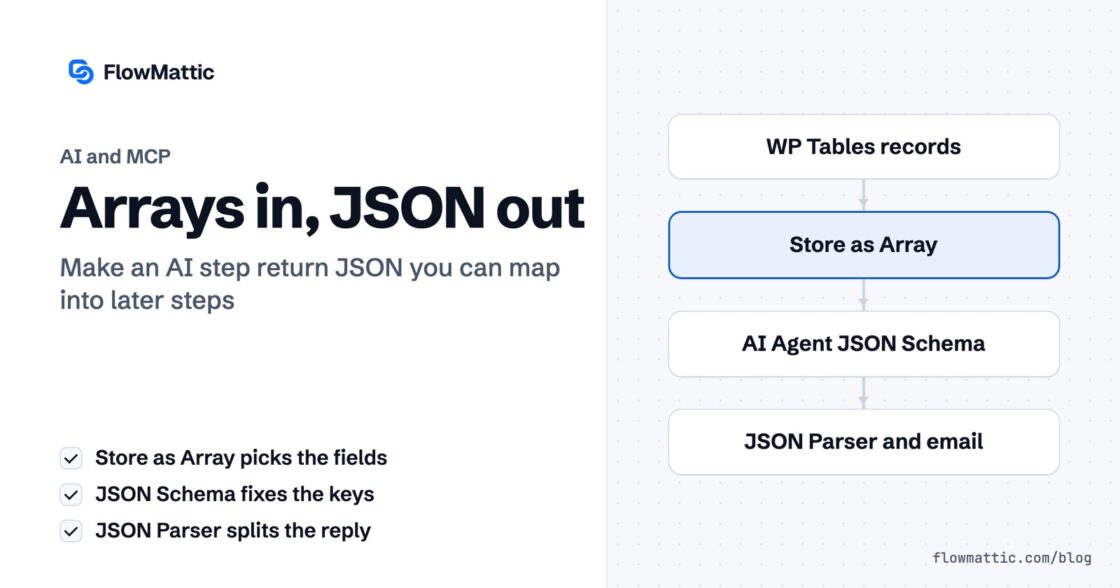
Arrays in, JSON out: two decisions that make an AI step usable
Your agent returns a paragraph you cannot map. Store as Array decides what it sees, JSON Schema decides what you get back…


Ask your AI assistant when you’re free next week and it will do something faintly embarrassing: it will guess. Or it will tell you it can’t see your calendar. Or — worst of all — it will confidently answer from a summary you pasted in three days ago, before you accepted four meetings.
The gap isn’t intelligence. It’s access. The model has plenty of reasoning and no hands.
Search for how to connect an assistant to your own systems and you’ll find a lot of advice about building an MCP server. Model Context Protocol is the standard that lets an AI client call real tools instead of just describing them, and the assumption is that you need to stand one up yourself.
You don’t. FlowMattic already is one.
Open MCP Server in your FlowMattic dashboard and it’s sitting there, active, with a list of tools already configured. There’s a field near the top labelled MCP Server URL. That field is the entire trick: copy it, paste it into Claude as a connector, and every tool on that page becomes something your assistant can actually do.
No server to deploy. No infrastructure. The thing you were about to build is a setting you already own.
Scroll the tool list and one entry matters more than the rest: Send to workflow — “Trigger workflow from MCP”.
That’s the bridge. Anything you can build on the FlowMattic canvas becomes something the assistant can invoke by name. Which means the question stops being “what can my AI assistant do?” and becomes “what can I automate?” — a much better question, because you already know the answer for your own business.
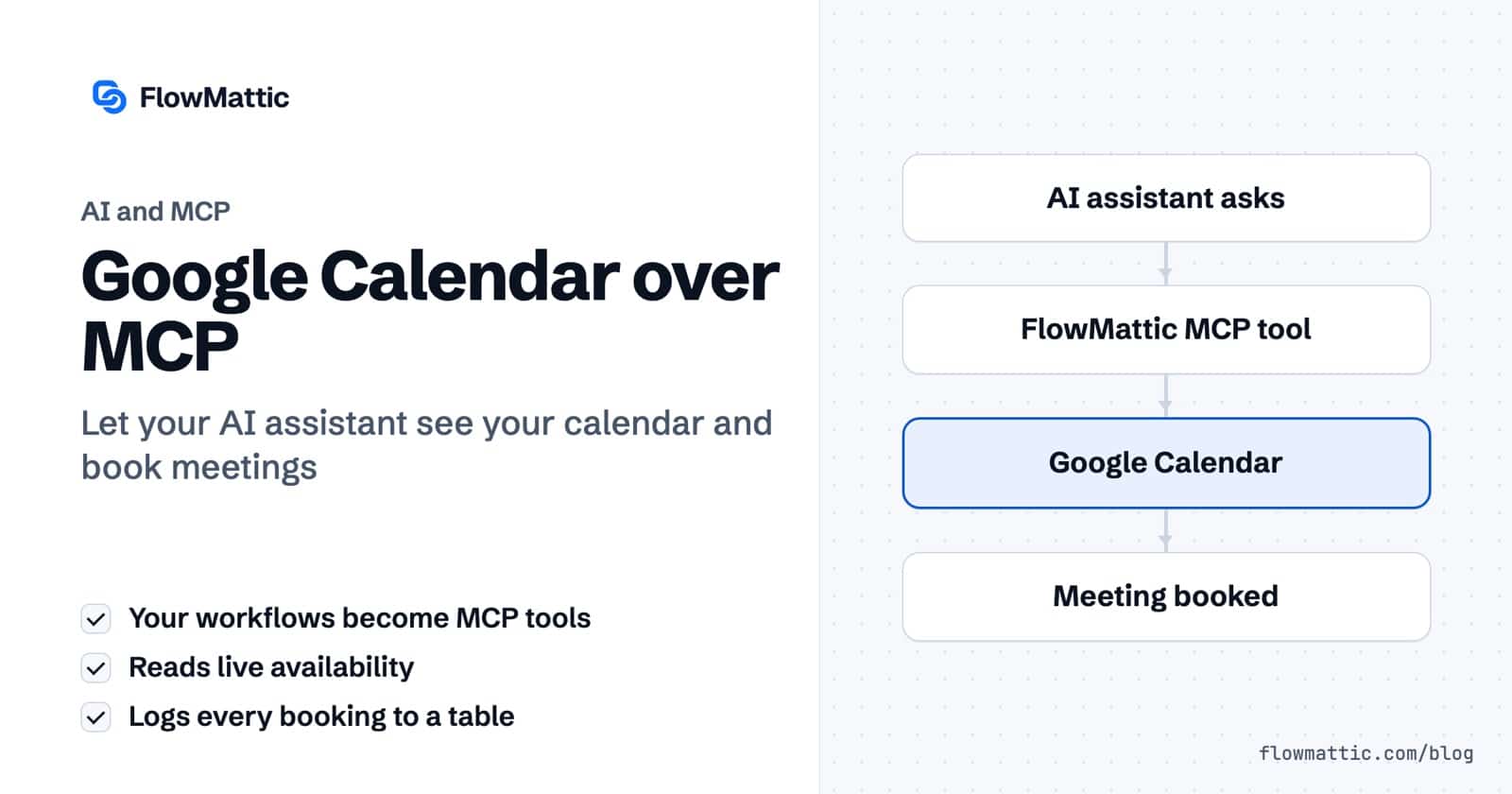
The availability tool is three steps, and it’s worth seeing how little there is to it:
The middle step is the one that matters. It isn’t a cached copy or a guess from a prompt — it’s a read against your actual calendar at the moment the question is asked. If you accepted a meeting ninety seconds ago, that slot is already gone from the answer.
The MCP Server screen, both tools, and a full round-trip in three minutes:
The second tool uses the same trigger, because it’s a second thing the assistant can call. Then Google Calendar → Create Detailed Event puts the meeting on the calendar with whatever time was agreed.
Add one more step before the response: WP Tables → New Record. Every meeting your assistant books, logged in your own database — who, when, and what it was about.
That step is easy to skip and you’ll want it within a fortnight. An assistant that books meetings without leaving a trail is a thing you have to trust blindly. One that writes every booking to a table you can query is a thing you can audit.
Someone asks for thirty minutes on Thursday. The assistant calls check_availability. FlowMattic reads the calendar and comes back with two real windows — 11:00 and 15:30. Eleven works, so the assistant calls book_meeting, the event appears, and the row is written.
You didn’t open your calendar once.
Don’t try to expose everything at once. Pick the single question you answer most often — availability is the obvious one, but it might be order status, or licence checks, or whatever your team gets pinged about all day. Build that as one workflow, publish it as a tool, and use it for a week.
What you’ll notice is that the assistant stops being a place you go to ask questions and starts being a place where things get done. The difference between an assistant that talks about your schedule and one that can see it turns out to be a URL you already had.
New to FlowMattic? It’s the AI-native automation platform for WordPress — visual workflows, 900+ integrations, AI agents and a full builder suite, self-hosted inside your own dashboard. Get FlowMattic.
Your agent returns a paragraph you cannot map. Store as Array decides what it sees, JSON Schema decides what you get back…
An AI agent is only as useful as what it can reach. In 7.0, FlowMattic's AI stack gains something agents have been…
Updated October 2026. WordPress developers now have two very different ways to let software work with a site. The REST API, with…