FlowMattic 7.3: On-Time Schedules, Cloud Webhooks and More
FlowMattic 7.3 runs schedules on time with FlowMattic Cloud, keeps webhooks from getting lost, and adds Tables views and templates, booking questions,…


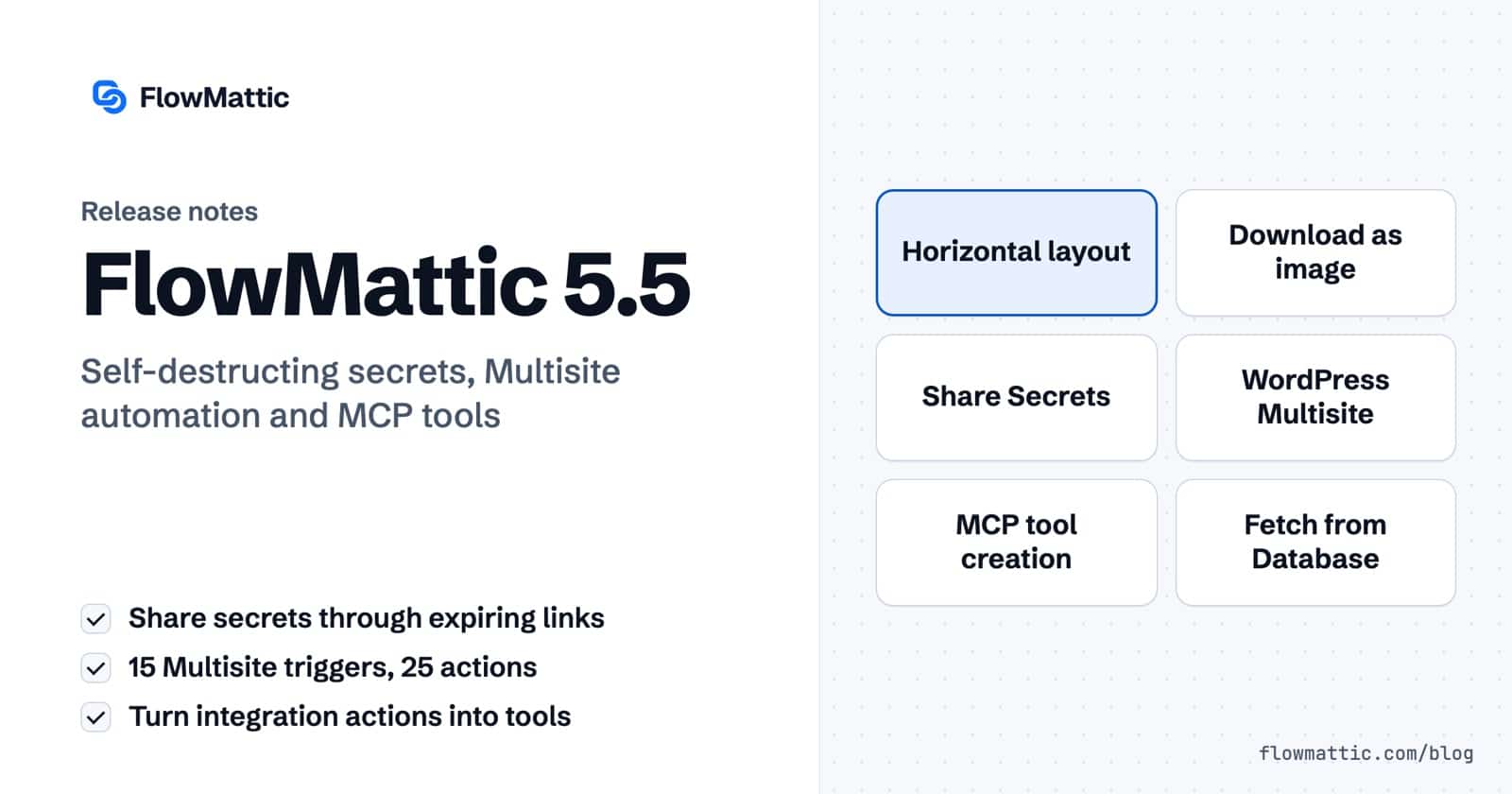
We’re excited to announce FlowMattic 5.5.0, a major update packed with powerful new features to enhance your WordPress automation workflows. This release introduces the Horizontal Workflow Builder, Share Secrets module for secure information sharing, WordPress Multisite integration, MCP tools creation, and significant workflow builder improvements.
We’ve added a new horizontal layout option for the workflow builder. This alternative view provides a different perspective for designing complex workflows, especially useful for workflows with many parallel branches or when working on wider screens.
You can set your preferred default layout in FlowMattic Settings, and the builder will remember your choice across sessions.
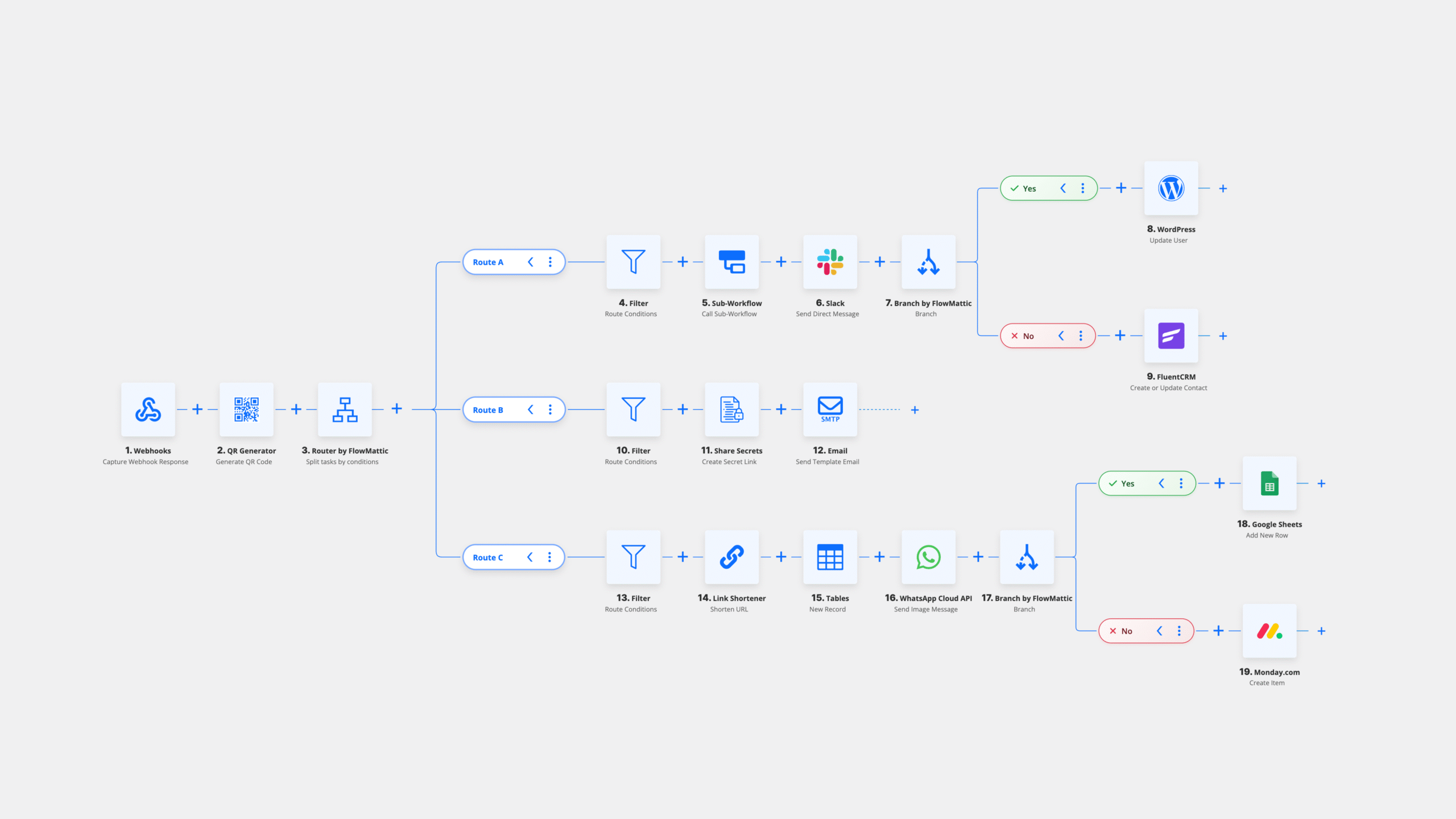
Need to document or share your workflow designs? The new download button in the workflow controls lets you export your workflow as a PNG image. This is perfect for documentation, presentations, or sharing workflow designs with team members who don’t have FlowMattic access, or on social media to showcase your creativity.
The standout feature of this release is the new Share Secrets module. This powerful addition allows you to securely share sensitive information like passwords, API keys, license codes, and confidential content through self-destructing links.

Share Secrets is perfect for businesses that need to share sensitive credentials with clients, onboard new team members securely, or transmit confidential information without leaving a permanent digital trail.
Managing a WordPress Multisite network just got easier. FlowMattic 5.5.0 introduces comprehensive Multisite integration with 15 triggers and 25 actions for complete network automation.
You can now automate tasks across your entire network, including:
FlowMattic now allows you to create Model Context Protocol (MCP) tools directly from your installed integrations. With just a few clicks, you can expose your workflow actions as MCP tools, enabling seamless integration with AI assistants and other MCP-compatible applications.
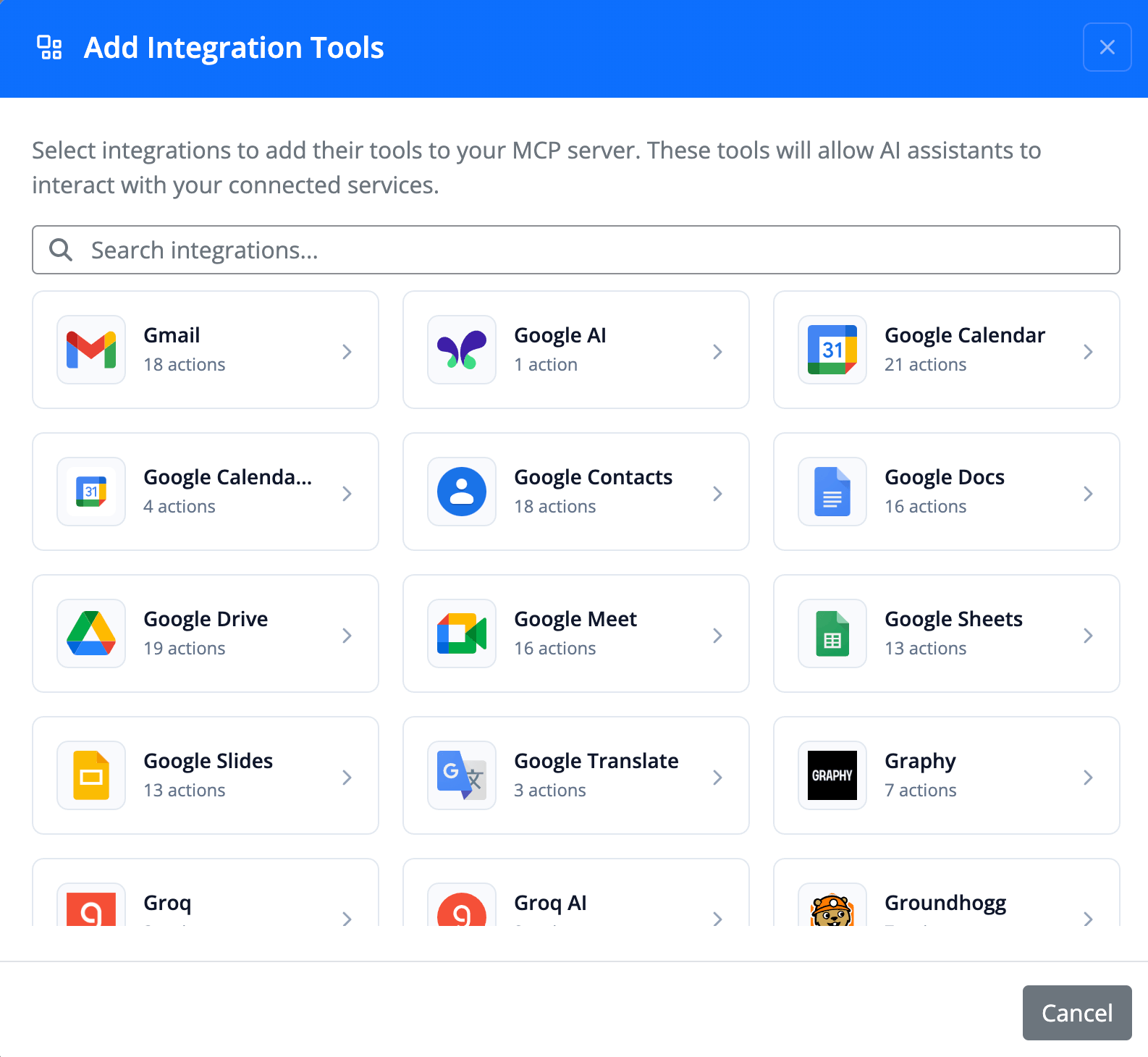
This feature opens up exciting possibilities for AI-powered automation, allowing language models to interact with your WordPress site and connected services through standardized protocols.
Testing workflows just became faster. The new “Fetch from Database” button for WordPress and WordPress Multisite triggers allows you to quickly capture sample data from your existing database without waiting for live events to occur.
This feature significantly speeds up workflow development and testing, especially for triggers that don’t fire frequently.
Based on user feedback, we’ve added an option to control the settings popup behavior in the workflow builder. You can now choose whether clicking outside the settings popup should automatically close it, giving you more control over your workflow editing experience.
Workflow nodes are now draggable by default, with the lock icon correctly reflecting the current state. This provides a more intuitive editing experience right from the start.
When importing workflows or workflow templates, FlowMattic now automatically detects and installs any missing integrations. This streamlines the workflow sharing process and reduces setup friction when adopting workflows from the template library or other users.
This release includes several important bug fixes to improve stability and reliability:
FlowMattic 5.5.0 is available now. To update:
As always, we recommend backing up your site before updating any plugins.
Ready to securely share sensitive information? After updating to FlowMattic 5.5.0, you can start using Share Secrets immediately:
You can also customize the error page button text and URL in FlowMattic Settings under the Share Secrets section.
We’re constantly working to improve FlowMattic based on your feedback. If you have suggestions, feature requests, or need help with any aspect of the plugin, please reach out through our support channels.
Thank you for choosing FlowMattic for your WordPress automation needs. We’re excited to see what you’ll build with these new features!
FlowMattic 7.3 runs schedules on time with FlowMattic Cloud, keeps webhooks from getting lost, and adds Tables views and templates, booking questions,…
Live run status in Task History — Ongoing, Waiting, Interrupted — plus MCP clients that can read run results and manage WP…
Multi-trigger workflows, the new Join step, AI that builds workflows over MCP — plus PDF Parser, webhook signature verification, barcodes and HTML-to-PDF,…