

AI agent that compiles a daily standup from your task board
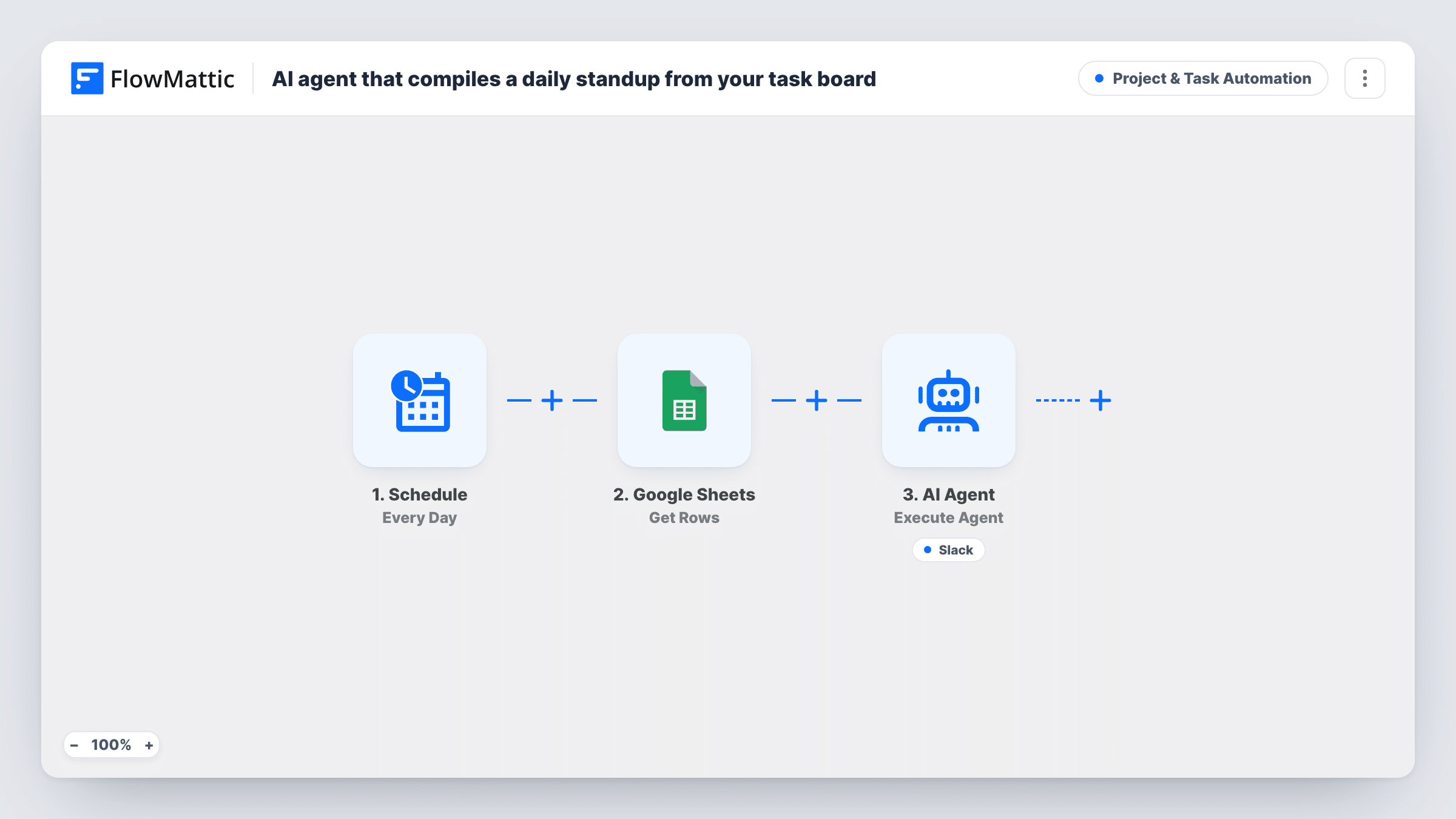
Every day, this workflow reads task activity from a Google Sheet and gives it to an AI agent, which writes a short standup in Done, In progress and Blockers sections and can post it to a Slack channel.
 Schedule
 Google Sheets
 AI Agent
 Slack
Slack4 steps Setup ~8 min Used on 1.4k sites Productivity Free to import
What this workflow does
Standups take time from everyone, and a written update only works if someone writes it. If your team already tracks task activity in a spreadsheet, the raw material for a daily update is there. What is missing is someone to read it and turn it into a few lines people will actually skim.
Once a day the Schedule trigger starts the run. The Google Sheets step gets rows from the sheet you connect, and all of them are given to the AI Agent as task activity. The agent, on OpenAI GPT-4o, is told to write a concise standup grouped into Done, In progress and Blockers, then post it to Slack. Its one tool is Slack Send Channel Message, with the text written by the agent.
The agent only knows what is in the rows it receives. Nothing in the template limits them to yesterday, so keep the sheet to recent activity, or the summary will mix in old work. The agent decides when to call the Slack tool. Check Task History for the first few days to confirm a post goes out and reads the way you want.
Remote team across time zones
No one has to be online at the same hour. The update is in the Slack channel when each person starts their day.
Freelancer reporting to a client
You log what you worked on in a sheet. The client's Slack channel gets a plain summary of done, in-progress and blocked items each day.
Manager of several small projects
A shared tracking sheet covers every project. The daily summary flags blockers without you reading every row.
How this workflow runs
What happens at each step once the workflow is on, and what you need before you import it.
 Schedule Every Day
Triggers the workflow once a day. Pick a time of day that puts the summary in Slack before your team starts work.
- Google Sheets Get Rows
Gets rows from the Google Sheets spreadsheet you connect and passes the full set to the AI Agent as task activity.
- AI Agent Execute Agent
Runs the AI Agent on OpenAI GPT-4o with the rows as input. It is told to write a concise standup in Done, In progress and Blockers sections, then post it to Slack.
- Slack Send Channel Message
Agent tool: posts a message to a Slack channel, with text the agent writes. This is how the standup reaches your team.
What you need
- FlowMatticCore
- Google Sheets AccountAccount
- AI ProviderAccount
- Slack AccountAccount
After importing, map your own data. To keep the template universal, not every step is pre-filled. Open each step in the builder and connect your accounts and fields (channels, lists, sheets, recipients) before you switch the workflow on.
Make it yours
Changes worth making after you import it.
- Clear or archive old rows on a regular cycle, so the agent only sees recent task activity and the standup stays about the last day.
- Add a line to the system prompt asking the agent to name the owner of each blocker, if your sheet has an owner or assignee column.
- Ask the agent in its system prompt to keep the post to a handful of lines per section, so the standup stays quick to read in Slack.
Questions about this workflow
Does the AI agent only see yesterday's tasks?
No. It gets every row the Google Sheets step returns. Keep the sheet to recent activity, or the standup will include older items.
What should the task sheet look like?
Any layout the agent can read: one row per task with columns such as task, status, owner and notes works well. Clear status values make the Done and Blockers split more accurate.
Is the standup guaranteed to be posted in Slack every day?
The agent is told to post it, but it decides when to use the Slack tool. Check Task History during the first week, and tighten the system prompt if a day is missed.
Can each team get its own standup from its own Google Sheet?
Yes. Import the workflow once per team, then connect each copy to that team's sheet and point its Slack tool at that team's channel.
More Project & Task Automation workflows
Other ready-to-import templates from the same category.




Import this workflow into your WordPress site
Download the JSON, import it from the Workflows screen and connect your accounts. Every run stays on your server, with no per-task fees.
30-day money-back guarantee Unlimited workflows and runs Self-hosted