

Add every new task row with a due date to your calendar
Each new task row added to your Google Sheet becomes a Google Calendar event named after the task and placed at its due date, so deadlines appear on your calendar.
 Google Sheets
 Google Calendar
2 steps Setup ~5 min Used on 1.1k sites Productivity Free to import
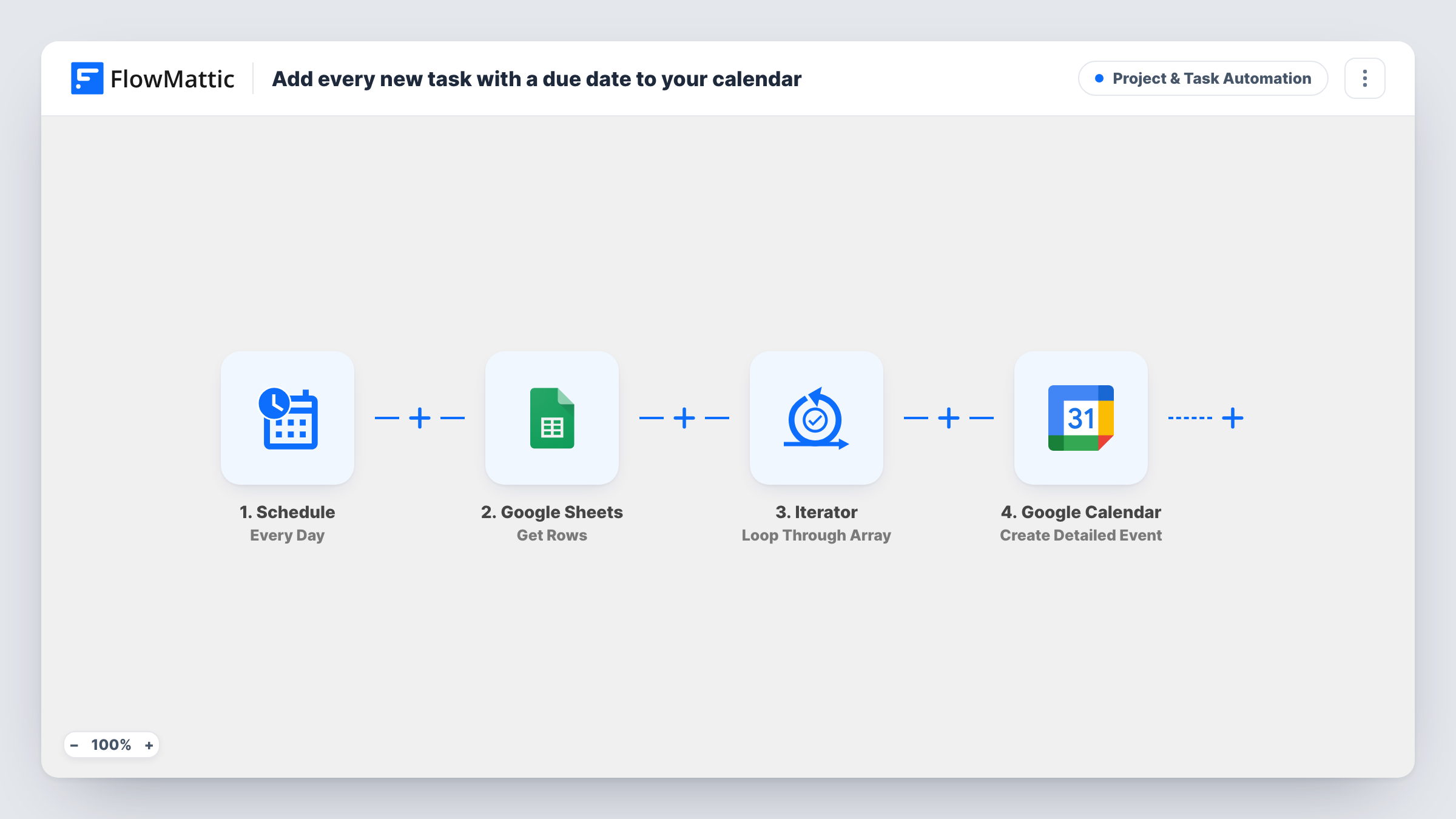
What this workflow does
A task sheet tells you what is due, but only when you open it. Putting each deadline on a calendar means it shows up next to your meetings and in calendar reminders. This workflow copies every new task row into Google Calendar as an event at its due date.
Adding a row to your task sheet in Google Sheets starts the run. The template reads two columns from it, named task_name and due_date.
The Google Calendar Create Detailed Event step then creates an event titled with the task name. Both its start and end are set to the due date, so the event marks a single moment rather than a block of time. Connect Google Calendar and finish the step's setup after import, then add a test row and check the event that appears.
The workflow doesn't check whether a row has a due date. Every new row starts a run, and Google Calendar may return an error for a row whose due date is empty or in a format it can't read. Keep due dates filled in, in a consistent date and time format, and use Task History to see what Google returned for each row.
Team deadlines on a shared calendar
A project lead adds tasks with due dates to a sheet, and each one appears on the team's Google Calendar so nobody has to look up the sheet to see what's due.
Tasks from a form or another tool
A service business whose intake form writes jobs into a Google Sheet gets each job's deadline on the calendar without retyping it.
Personal task tracking
A freelancer who plans work in a spreadsheet sees each client deliverable's due date in their phone's calendar app.
How this workflow runs
What happens at each step once the workflow is on, and what you need before you import it.
 Google Sheets New Spreadsheet Row
Fires when a new row is added to your task sheet. The task_name and due_date columns from that row are passed to Google Calendar.
- Google Calendar Create Detailed Event
Creates a Google Calendar event titled with the task name, starting and ending at the row's due date. Finish the step's setup after import and check a test event.
What you need
- FlowMatticCore
- Google Sheets AccountAccount
- Google Calendar AccountAccount
After importing, map your own data. To keep the template universal, not every step is pre-filled. Open each step in the builder and connect your accounts and fields (channels, lists, sheets, recipients) before you switch the workflow on.
Make it yours
Changes worth making after you import it.
- Put a Filter between the Google Sheets trigger and the Google Calendar step that continues only when due_date is not empty, so rows without a deadline don't attempt an event.
- Store due dates with a time, or in a format Google Calendar accepts, and test one row before you rely on it for the whole sheet.
- Add a column for the task owner and map it into the event title after the task name, so anyone looking at the calendar knows who it belongs to.
- If you want a block of time instead of a single moment, add a column for the end time and map it to the event's end instead of the due date.
Questions about this workflow
Which columns does my Google Sheets task sheet need?
Columns named task_name and due_date. Rename the mapped fields in the Calendar step if your sheet uses other headers.
What happens to a row added without a due date?
It still starts a run, and Google Calendar may reject the event because the start time is empty. A Filter on due_date between the trigger and the Calendar step stops those rows.
Will changing a due date in the sheet move the calendar event?
No. The trigger only fires for new rows, and the workflow only creates events. Edit the event in Google Calendar, or build a separate workflow for updates.
Are tasks already in the sheet added to Google Calendar?
No. The trigger reacts to rows created once the workflow is active. Put existing deadlines on the calendar another way.
More Project & Task Automation workflows
Other ready-to-import templates from the same category.





Import this workflow into your WordPress site
Download the JSON, import it from the Workflows screen and connect your accounts. Every run stays on your server, with no per-task fees.
30-day money-back guarantee Unlimited workflows and runs Self-hosted