

Post a Discord message when Updown.io confirms a site is back up
When Updown.io reports that a monitored site is responding again, FlowMattic posts a message in your chosen Discord channel, so your team knows the outage is over without refreshing a status page.
 Updown.io
 Discord
2 steps Setup ~5 min Used on 712 sites Free to import
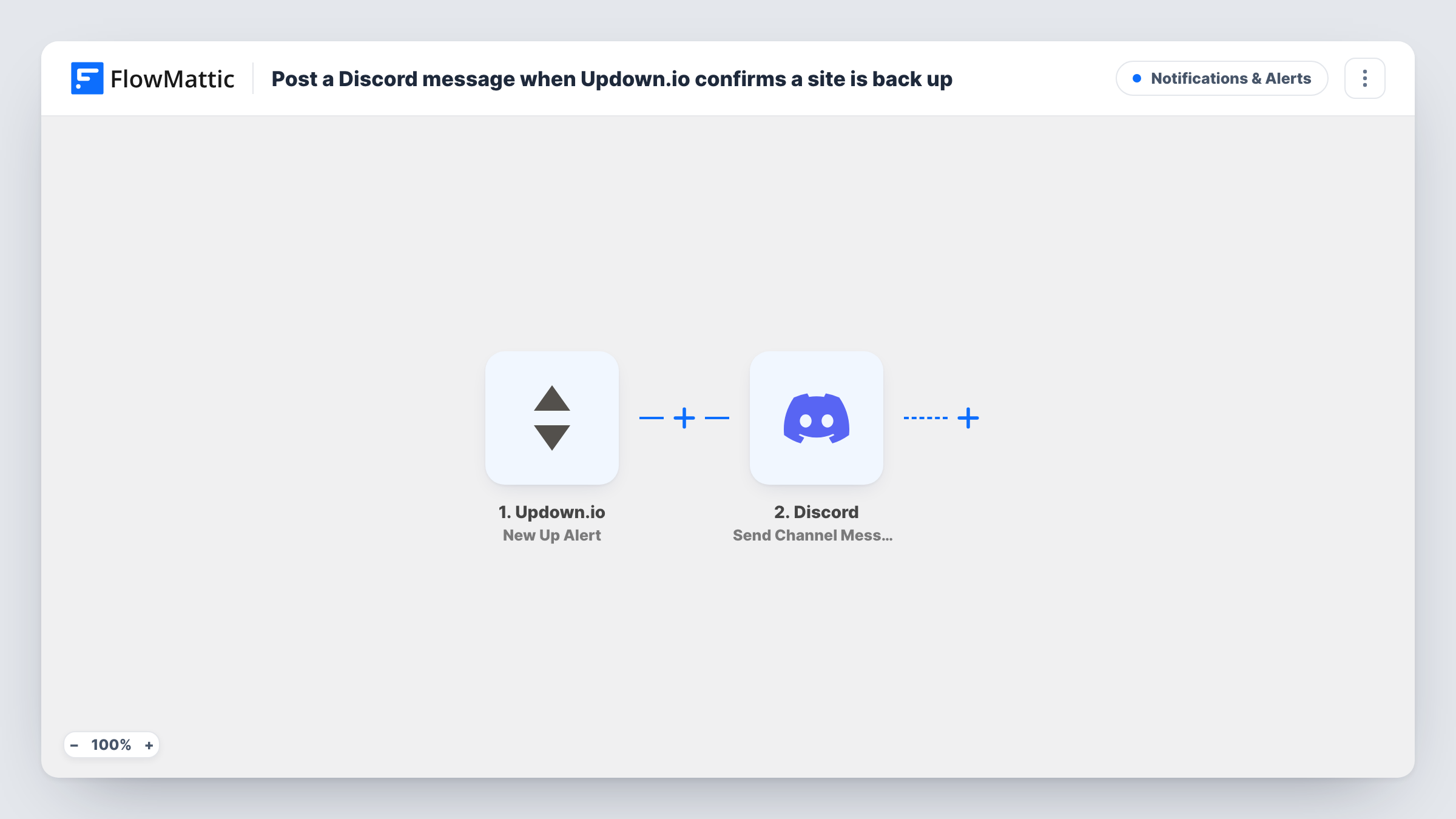
What this workflow does
During an outage, people keep checking whether the site has recovered. The moment it does, the useful thing is a clear message where your team already talks. If that place is Discord, this workflow posts the recovery notice there each time Updown.io sees a site come back.
The Updown.io trigger listens for up alerts, the event Updown.io sends when a check that was failing starts passing again. FlowMattic receives the details of that alert and passes them to the Discord step, which sends a message to the channel you choose. You write the message and can place alert fields in it, such as the monitored URL.
This template covers recoveries only. Down alerts are a separate Updown.io event, so if you want the outage announced too, add a second workflow for it. Every up alert from your account runs the workflow, one message per alert, and Task History keeps a record of each.
Gaming community server status
Your players hang out in Discord. When your game's website or API comes back after downtime, the community channel gets the all-clear.
Small dev team on-call channel
The developer who fixed an outage and everyone else watching see the recovery post in the same channel, with the URL that came back.
Agency watching several client sites
Updown.io monitors each client site, and one Discord channel collects the recovery messages for all of them.
How this workflow runs
What happens at each step once the workflow is on, and what you need before you import it.
 Updown.io New Up Alert
Runs when Updown.io sends an up alert, meaning a check that had been failing now responds again. Connect Updown.io on import so FlowMattic receives these alerts and can show their fields.
- Discord Send Channel Message
Sends a message to the Discord channel you pick. Connect Discord, choose the channel, and write the text, placing in fields from the Updown.io alert such as the checked URL.
What you need
- FlowMatticCore
- Updown.io AccountAccount
- Discord AccountAccount
After importing, map your own data. To keep the template universal, not every step is pre-filled. Open each step in the builder and connect your accounts and fields (channels, lists, sheets, recipients) before you switch the workflow on.
Make it yours
Changes worth making after you import it.
- Pair this with a copy of the workflow that uses the Updown.io down alert, so the same Discord channel shows when an outage starts and when it ends.
- Monitor several sites but only care about some in this channel? Add a Filter after the trigger that continues only when the alert URL contains the domain you want.
- Include the alert's URL in the message text, so readers know which site recovered when you watch more than one.
Questions about this workflow
Does this workflow also post when a site goes down in Updown.io?
No. The trigger is the up alert only. Import the workflow again and switch the trigger to the down event to cover outages.
Which details from the Updown.io alert can go into the Discord message?
Whatever fields Updown.io includes with the up alert. After the first alert reaches FlowMattic, the Discord step lists them for you to insert into the text.
Will I get a Discord message for every check I have in Updown.io?
Yes, every up alert from your connected account runs the workflow. Add a Filter on the URL if you want messages for some checks only.
More Notifications & Alerts workflows
Other ready-to-import templates from the same category.




Import this workflow into your WordPress site
Download the JSON, import it from the Workflows screen and connect your accounts. Every run stays on your server, with no per-task fees.
30-day money-back guarantee Unlimited workflows and runs Self-hosted