

Send a Slack alert when Popupsmart receives new submitted data
Each time someone submits data to a Popupsmart campaign, this workflow posts a Slack message with what they entered, so your team sees new sign-ups and leads in a channel.
 Popupsmart
 Slack
2 steps Setup ~5 min Used on 802 sites Free to import
What this workflow does
Popupsmart popups capture emails, phone numbers and answers from site visitors, but the data waits in your Popupsmart dashboard until someone looks. If the people who follow up live in Slack, they find out late. This workflow posts every submission to a Slack channel as soon as Popupsmart receives it.
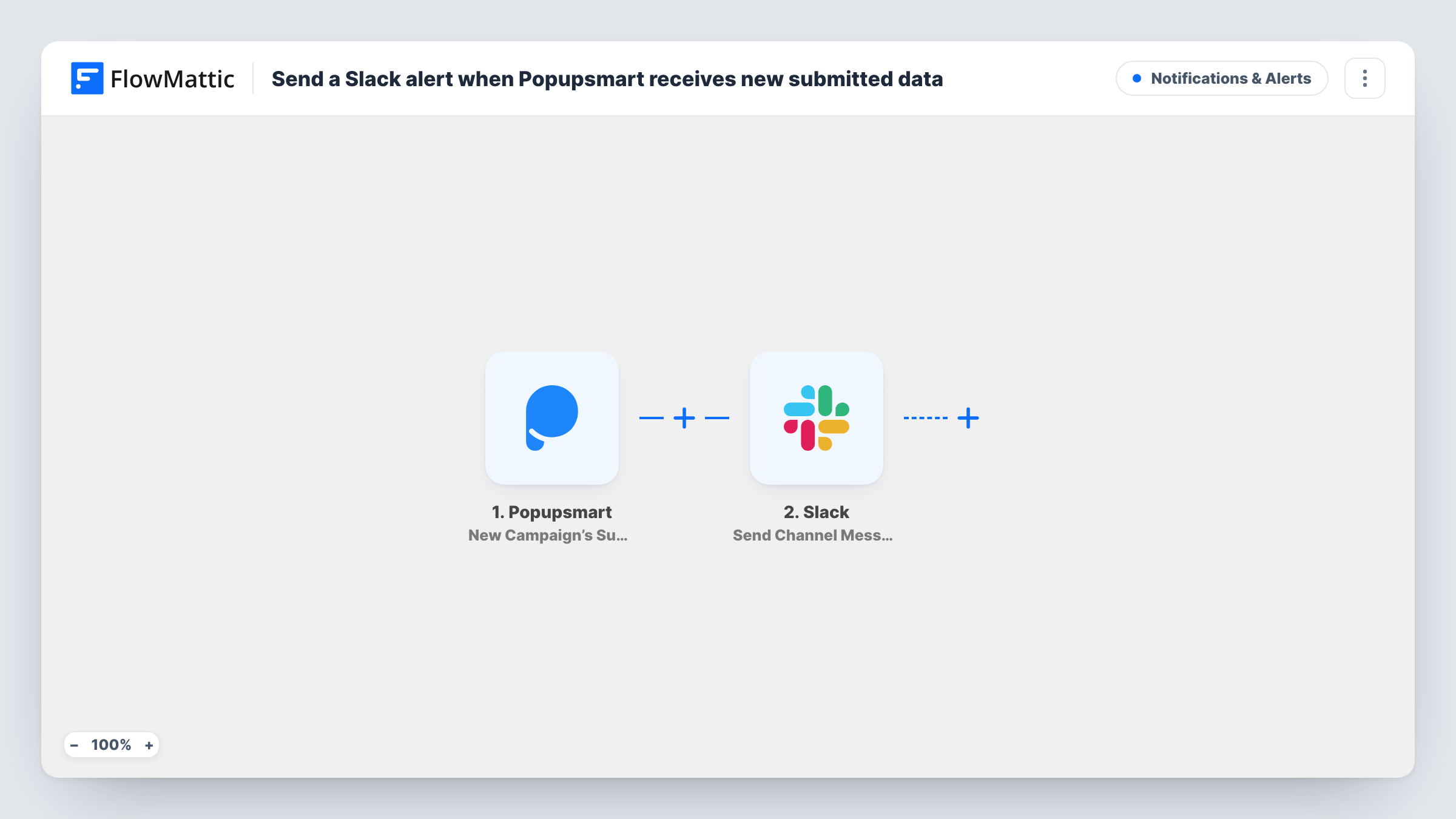
The Popupsmart trigger fires when new data is submitted to your campaign. FlowMattic takes the submitted values and hands them to Slack, where Send Channel Message posts to the channel you pick. You compose the message and insert the campaign fields, so the alert shows exactly what the visitor typed.
One submission produces one Slack message. There is no Filter in the template, so every campaign entry is posted. The data stays in Popupsmart as well; the Slack post is an alert, not a store.
Exit-intent discount popup
Each email captured by the discount popup shows up in a #marketing channel, so the team can watch how a new offer is doing through the day.
Callback request form
A popup asking for a phone number posts to the sales channel, where the first rep free claims the callback in a thread.
Survey popup answers
Short survey answers land in a product channel, giving the team raw feedback without opening Popupsmart.
How this workflow runs
What happens at each step once the workflow is on, and what you need before you import it.
 Popupsmart New Campaign’s Submitted Data
Fires when new data is submitted to your Popupsmart campaign. The visitor's entries are made available for the Slack message.
- Slack Send Channel Message
Publishes a Slack alert in the channel you select. Insert the Popupsmart fields into the message text and connect your Slack workspace.
What you need
- FlowMatticCore
- Popupsmart AccountAccount
- Slack AccountAccount
After importing, map your own data. To keep the template universal, not every step is pre-filled. Open each step in the builder and connect your accounts and fields (channels, lists, sheets, recipients) before you switch the workflow on.
Make it yours
Changes worth making after you import it.
- Run more than one campaign? Add a Filter on a field that tells them apart, so only the campaign your team follows posts to this channel.
- Mention a user group in the message text if a submission should get someone's attention right away.
- Add a Google Sheets step after Slack to keep a log of submissions alongside the alerts.
Questions about this workflow
Does every Popupsmart submission post to Slack?
Yes, as imported. Each submission sends one message. Add a Filter after the trigger to post only some.
Which Popupsmart fields can I show in the Slack alert?
Whatever your campaign collects and the trigger passes on. Submit a test entry after import to see the fields, then map them into the message.
Will past Popupsmart entries be sent to Slack?
No. Only data submitted after you turn the workflow on starts a run.
More Notifications & Alerts workflows
Other ready-to-import templates from the same category.





Import this workflow into your WordPress site
Download the JSON, import it from the Workflows screen and connect your accounts. Every run stays on your server, with no per-task fees.
30-day money-back guarantee Unlimited workflows and runs Self-hosted