

Send a Telegram message for each new Rezdy product
When a product is created in Rezdy, this workflow sends a Telegram text message with the details you choose, so your guides, sales staff or partners hear about a new tour or activity without checking Rezdy.
 Rezdy
 Telegram
2 steps Setup ~5 min Used on 1.8k sites Free to import
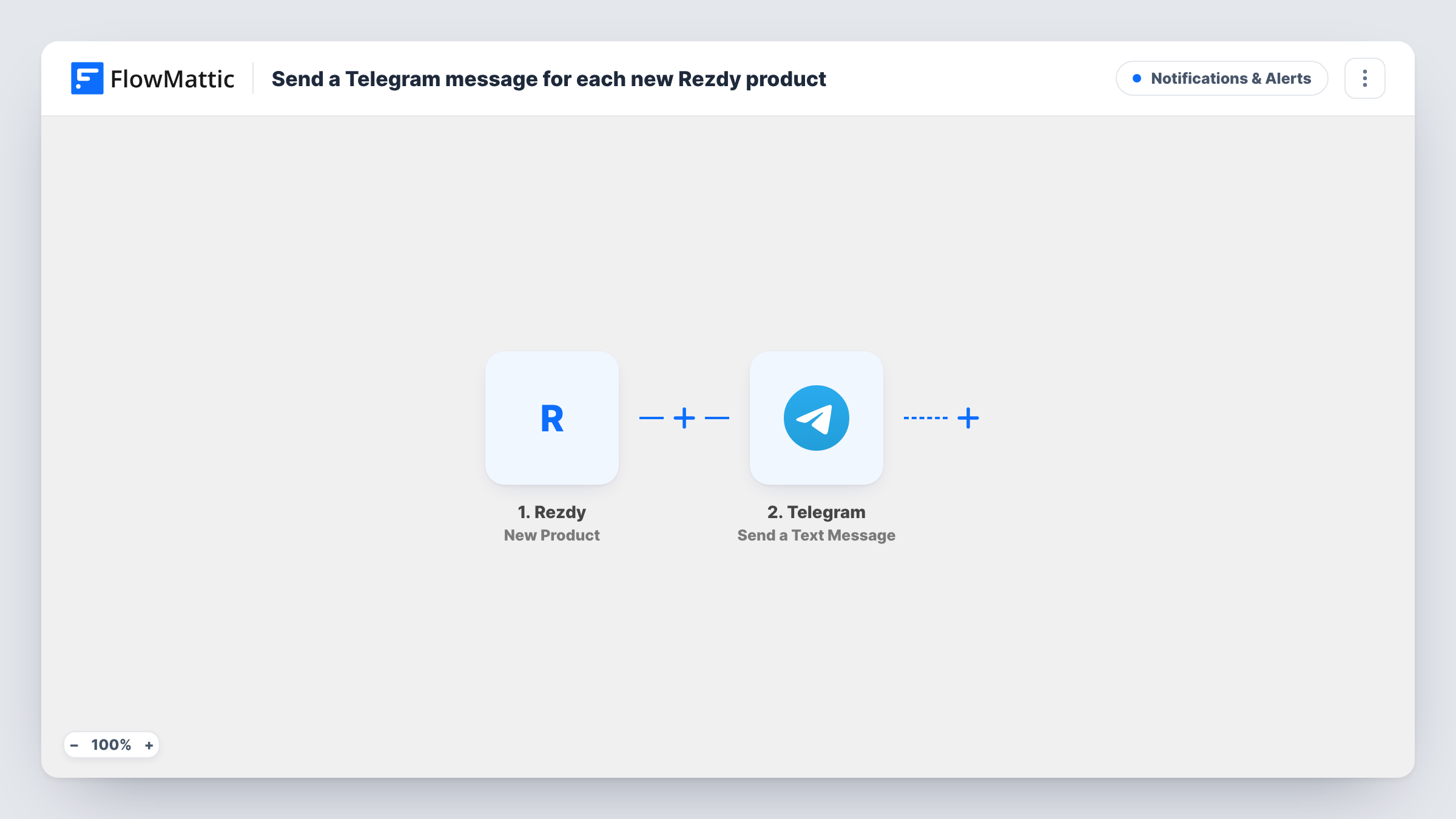
What this workflow does
Adding a tour or activity to Rezdy is only half the job. The guides who run it, the staff who sell it and the partners who promote it also need to know it exists. This workflow sends a Telegram message whenever a new Rezdy product appears.
The Rezdy trigger fires when a new product is created in your account. FlowMattic captures the product data Rezdy sends. The Telegram step then runs Send a Text Message, which sends the text you write, with product fields inserted, to the chat you set. FlowMattic's description of this action says it supports markup, so you can format the message.
The workflow reacts only to product creation. Editing a product later, or taking bookings for it, does not send another message. Task History keeps a record of every message run and the product data behind it.
Tell tour guides about a new itinerary
When you publish a new walking tour in Rezdy, the guides' Telegram group gets a message with its name so they can prepare.
Keep resellers informed
Send each new Rezdy product to a Telegram channel your agents and partners follow, so they know what they can now sell.
A personal log of catalogue changes
Owners who manage several operators get a Telegram message in a private chat each time someone on the team adds a product.
How this workflow runs
What happens at each step once the workflow is on, and what you need before you import it.
 Rezdy New Product
Runs each time a new product is created in your Rezdy account. The product data Rezdy sends is captured so you can place it in the Telegram message.
- Telegram Send a Text Message
Your Telegram bot delivers the new-product message to whichever chat you set here. Write the text and insert product fields from the Rezdy step; the action supports markup for formatting.
What you need
- FlowMatticCore
- Rezdy AccountAccount
- Telegram AccountAccount
After importing, map your own data. To keep the template universal, not every step is pre-filled. Open each step in the builder and connect your accounts and fields (channels, lists, sheets, recipients) before you switch the workflow on.
Make it yours
Changes worth making after you import it.
- Create a test product in Rezdy after import so FlowMattic captures real product fields, then write the Telegram message around them and check how it reads.
- Want a second channel? Add a Slack or email step after Telegram that sends the same product details to staff who are not on Telegram.
- If only some product types should be announced, add a Filter after the trigger on a field you can see in the captured Rezdy product data.
Questions about this workflow
Will editing a Rezdy product send another Telegram message?
No. The trigger is New Product, which fires when a product is created. Changes to an existing product do not start the workflow.
Can the Rezdy alert go to a Telegram group?
You choose the destination chat in the Telegram step. Your bot must be able to post there, so add it to the group first and run a test to confirm the message arrives.
Are products created before import announced?
No. Only products created after you turn the workflow on send a message. Existing Rezdy products are not sent.
Does this tell me about new bookings in Rezdy?
No. This workflow covers new products only. Bookings would need a different Rezdy trigger in a separate workflow.
More Notifications & Alerts workflows
Other ready-to-import templates from the same category.






Import this workflow into your WordPress site
Download the JSON, import it from the Workflows screen and connect your accounts. Every run stays on your server, with no per-task fees.
30-day money-back guarantee Unlimited workflows and runs Self-hosted