

Create AffiliatePress commission from new Airtable records for enterprise pipeline deals
Each new record added to your Airtable enterprise deals table creates a commission in AffiliatePress, so partners who referred a deal are credited in your WordPress affiliate program as soon as the deal is logged.
 Airtable
 AffiliatePress
2 steps Setup ~5 min Used on 2.6k sites Free to import
What this workflow does
Large deals often close outside your website checkout. A partner refers a company, your team tracks the deal in Airtable, and the commission has to be entered in AffiliatePress by hand. This workflow does that entry for you whenever a new deal record appears.
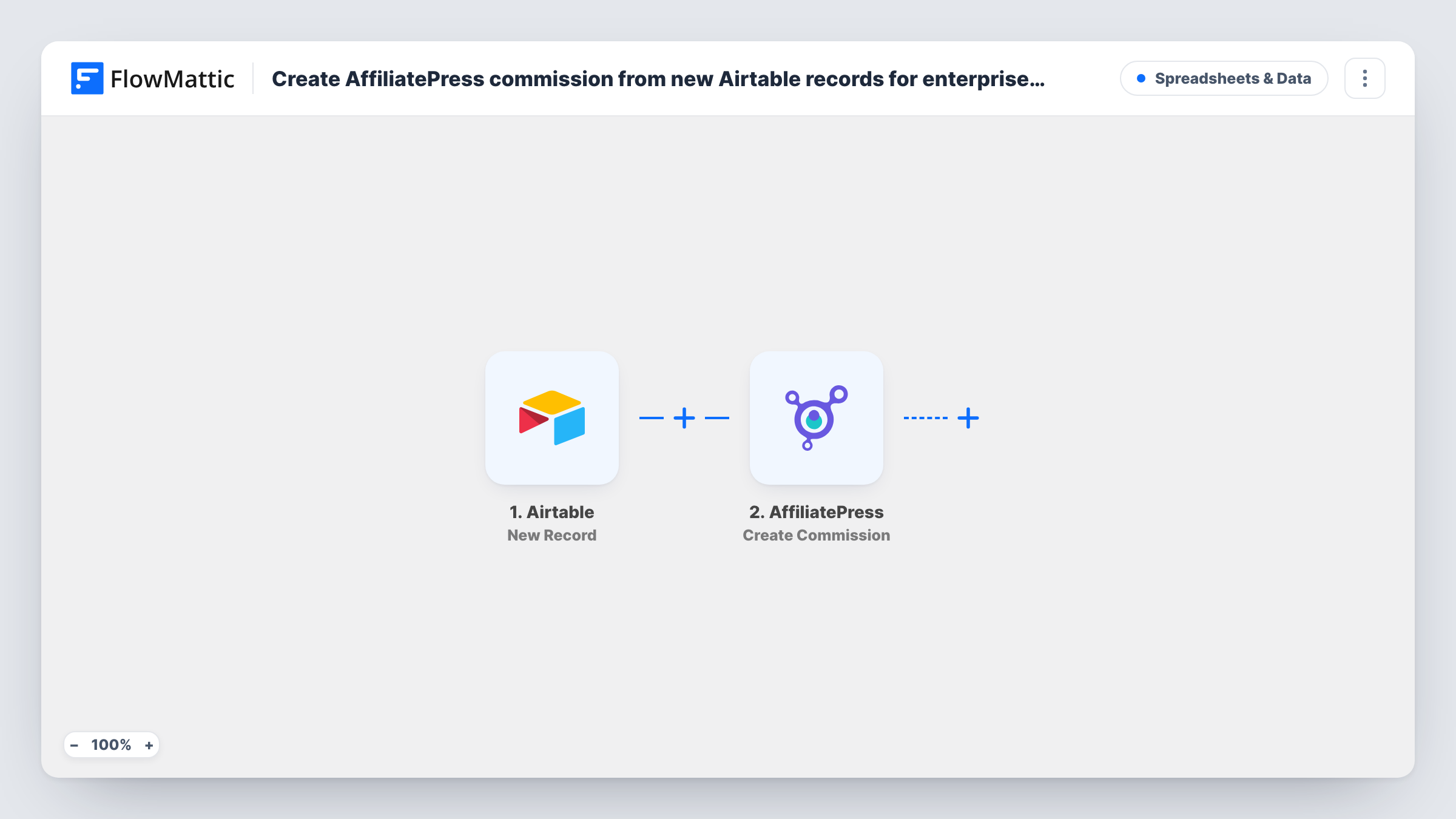
The Airtable trigger watches the base and table you choose and fires for each new record. FlowMattic passes the record's fields to the AffiliatePress step, which runs Create Commission on your WordPress site. You map record fields into the commission, so the record needs to hold what the step asks for, such as which affiliate earns it.
Nothing in the workflow checks whether a deal is enterprise-sized. Every new record in the watched table becomes a commission, so point the trigger at a table that holds only the enterprise deals you pay partners on. Task History shows each commission the workflow created and any error AffiliatePress returned.
Partner-referred SaaS contracts
Your sales team logs each signed annual contract in an Airtable deals table, and the referring partner's commission appears in AffiliatePress straight after.
Agency reseller program
Resellers bring in enterprise clients. Recording the client in Airtable creates the reseller's commission, ready for your usual payout process in AffiliatePress.
Consulting referrals tracked by operations
Operations keeps a table of referred engagements, and each new row credits the consultant who sent the client through your affiliate program.
How this workflow runs
What happens at each step once the workflow is on, and what you need before you import it.
 Airtable New Record
Runs for every new record in the Airtable base and table you select. Connect Airtable, choose the deals table, and add a test record so its fields are ready to map.
- AffiliatePress Create Commission
Creates a commission in AffiliatePress on your WordPress site from the Airtable record. Map the record fields that identify the affiliate and the commission details, and run a test to see what the step expects.
What you need
- FlowMatticCore
- Airtable AccountAccount
- AffiliatePress PluginPlugin
After importing, map your own data. To keep the template universal, not every step is pre-filled. Open each step in the builder and connect your accounts and fields (channels, lists, sheets, recipients) before you switch the workflow on.
Make it yours
Changes worth making after you import it.
- Keep the affiliate's AffiliatePress identifier in its own Airtable field, so every deal record carries the value the commission step needs.
- If one table holds deals of every size, add a Filter after the trigger that continues only when a deal type field equals Enterprise.
- Create the record once the deal is final. A record added early, then edited later, has already created its commission when it was first added.
Questions about this workflow
Does the workflow decide which Airtable deals count as enterprise?
No. Every new record in the watched table creates a commission. Use a table that holds only enterprise deals, or add a Filter on a field that marks them.
What happens if I edit an Airtable deal after the commission is created?
Nothing. The trigger reacts to new records only, so later edits are not sent to AffiliatePress. Change the commission in AffiliatePress directly.
Does AffiliatePress need to be on the same site as FlowMattic?
Yes. AffiliatePress is a WordPress plugin, and the Create Commission step works with the copy installed on the site that runs FlowMattic.
More Spreadsheets & Data workflows
Other ready-to-import templates from the same category.




Import this workflow into your WordPress site
Download the JSON, import it from the Workflows screen and connect your accounts. Every run stays on your server, with no per-task fees.
30-day money-back guarantee Unlimited workflows and runs Self-hosted