

Send a Discord alert when a GrowthBook feature is deleted
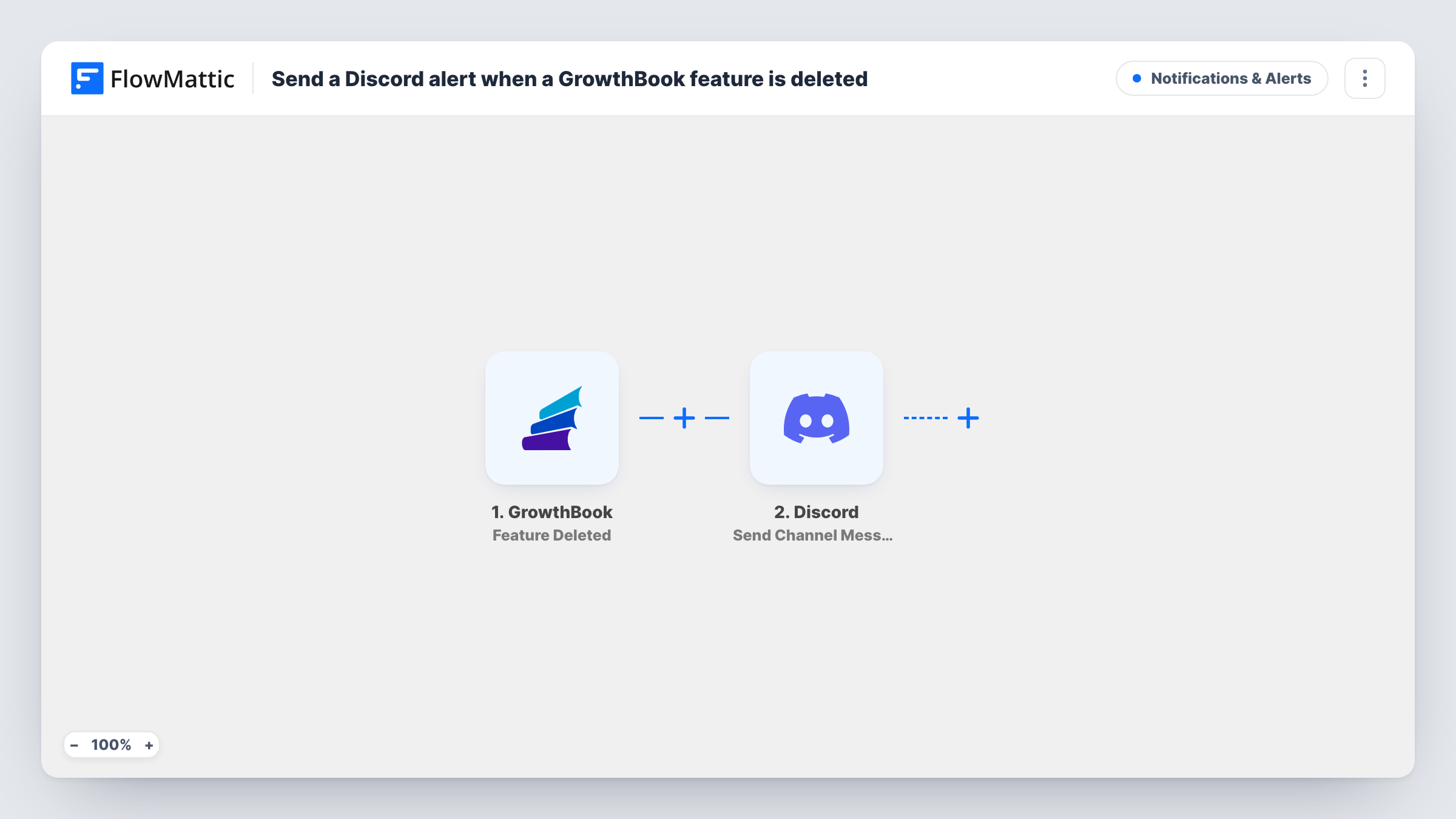
When someone deletes a feature in GrowthBook, this workflow posts a message to a Discord channel you pick, so the team sees which flag was removed without checking the GrowthBook dashboard.
 GrowthBook
 Discord
2 steps Setup ~5 min Used on 2.3k sites Free to import
What this workflow does
Feature flags get removed during cleanups, after a rollout finishes, or by mistake. Unless someone is watching GrowthBook, the rest of the team finds out when code that still reads the flag starts falling back to its default. This workflow turns each deletion into a Discord post, so the change is visible where your developers already talk.
The GrowthBook trigger runs whenever a feature is deleted in your GrowthBook account. FlowMattic receives the details GrowthBook sends about that feature and passes them to the Discord step. That step posts a channel message, and you decide its wording by mixing your own text with the feature data from the trigger.
There is one message per deletion, and the workflow changes nothing in GrowthBook itself. Each run also appears in Task History, so you can see the data that came in and what was posted.
Flag cleanup alerts for developers
When a product manager removes an old flag, the engineering channel gets a post about it, so someone can strip the leftover checks from the codebase.
Catching an accidental deletion
A teammate deletes the wrong feature. The Discord post appears in the shared channel, and whoever sees it can recreate the flag in GrowthBook before users notice.
Release log in a quiet channel
Point the message at a dedicated #flag-changes channel to build a running record of removed features that anyone on the server can scroll back through.
How this workflow runs
What happens at each step once the workflow is on, and what you need before you import it.
 GrowthBook Feature Deleted
Runs each time a feature is deleted in your GrowthBook account. The data GrowthBook sends about that feature is passed on for use in the Discord message.
- Discord Send Channel Message
Posts a message to the Discord channel you choose. Write the text and insert whichever feature details from the trigger you want readers to see, then run a test to check the result.
What you need
- FlowMatticCore
- GrowthBook AccountAccount
- Discord AccountAccount
After importing, map your own data. To keep the template universal, not every step is pre-filled. Open each step in the builder and connect your accounts and fields (channels, lists, sheets, recipients) before you switch the workflow on.
Make it yours
Changes worth making after you import it.
- Delete a throwaway test feature in GrowthBook after import. FlowMattic then captures a real payload, so you can see which feature fields are available to place in the Discord message.
- Add a Filter after the trigger if you only care about certain flags, for example ones whose name matches a team prefix, so other deletions stay out of the channel.
- Want a written record as well as the alert? Add a Google Sheets step after Discord that logs each deleted feature with the time of the run.
Questions about this workflow
Does the Discord alert fire when a GrowthBook feature is only turned off?
No. The trigger is Feature Deleted, so it runs when a feature is removed. Toggling a flag or editing its rules does not start this workflow.
Can the GrowthBook alert go to a private Discord channel?
Yes, as long as the Discord account or bot you connect can post in that channel. Pick it in the Discord step after import and send a test to confirm.
Will features deleted before I import this show up in Discord?
No. Only deletions that happen after the workflow is turned on reach FlowMattic, so earlier removals are not posted.
More Notifications & Alerts workflows
Other ready-to-import templates from the same category.




Import this workflow into your WordPress site
Download the JSON, import it from the Workflows screen and connect your accounts. Every run stays on your server, with no per-task fees.
30-day money-back guarantee Unlimited workflows and runs Self-hosted