

When a new row is updated in Google Sheets, update post in Beamer
When a row is added or changed in Google Sheets, FlowMattic updates a Beamer post with the values from that row, so you can manage announcement text from a spreadsheet.
 Google Sheets
 Beamer
2 steps Setup ~5 min Used on 1.8k sites Free to import
What this workflow does
Some teams plan release notes and announcements in a spreadsheet before they reach Beamer. Once a post is live, fixing a typo or changing a date means editing it in two places. This workflow lets the sheet drive the Beamer post, so an edit to the row flows through.
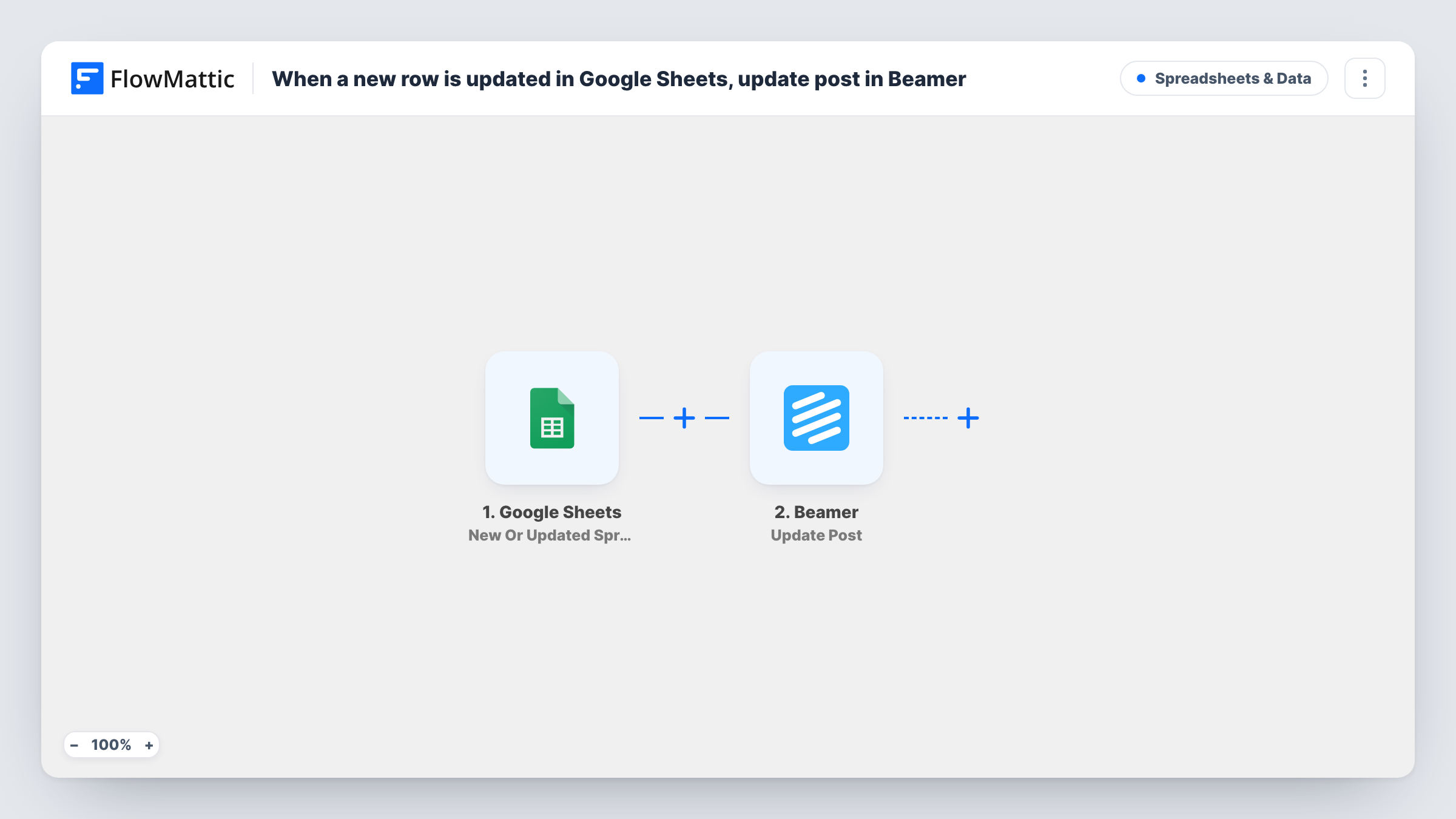
The Google Sheets trigger, New Or Updated Spreadsheet Row, runs when a row in the sheet you pick is added or edited. FlowMattic passes that row's values to Beamer, where Update Post changes an existing post. The row needs to tell Beamer which post to update, so keep the Beamer post reference in a column and map it, along with the content columns.
Because new rows also start a run, a row without a valid Beamer post reference produces an error in Task History rather than a new post. This template only edits posts that already exist in Beamer.
Release notes planned in a sheet
Your product team drafts Beamer announcements in Google Sheets. Correcting wording in a row updates the matching Beamer post.
Non-technical editors
A marketing assistant without Beamer access edits copy in the shared sheet, and the post in Beamer follows.
Bulk wording changes
Renaming a feature across several announcements means editing a few rows, and each edited row updates its Beamer post.
How this workflow runs
What happens at each step once the workflow is on, and what you need before you import it.
 Google Sheets New Or Updated Spreadsheet Row
Runs when a row in your chosen Google Sheets spreadsheet is added or edited. The row's column values are passed to the Beamer step.
- Beamer Update Post
Updates an existing Beamer post with values from the row. Map the column that identifies the Beamer post and the columns holding the new content. Check with a test run.
What you need
- FlowMatticCore
- Google Sheets AccountAccount
- Beamer AccountAccount
After importing, map your own data. To keep the template universal, not every step is pre-filled. Open each step in the builder and connect your accounts and fields (channels, lists, sheets, recipients) before you switch the workflow on.
Make it yours
Changes worth making after you import it.
- Add a Filter after the trigger that continues only when the Beamer post column is not empty, so rows still being drafted don't produce errors.
- Store the Beamer post reference in its own column, copied from Beamer when the post is created, so each row points to exactly one post.
- Add a status column and a Filter that continues only when it equals Ready, so half-finished edits don't reach Beamer.
Questions about this workflow
Does a new Google Sheets row create a Beamer post?
No. New rows start the workflow, but the only action is Update Post, which changes an existing Beamer post. Creating posts would need a different Beamer action.
How does the workflow know which Beamer post to change?
You map a value from the row that identifies the post. Keep it in a dedicated column and run a test to confirm the right post changes.
Will editing any cell in the sheet update Beamer?
An edit to a row in the watched sheet starts a run for that row. Use a Filter on a status column if you only want certain edits sent to Beamer.
More Spreadsheets & Data workflows
Other ready-to-import templates from the same category.




Import this workflow into your WordPress site
Download the JSON, import it from the Workflows screen and connect your accounts. Every run stays on your server, with no per-task fees.
30-day money-back guarantee Unlimited workflows and runs Self-hosted