

Log every new MoClients lead in a Google Sheets spreadsheet
Every lead created in MoClients is added as a new row in a Google Sheets spreadsheet you choose, giving your team a running lead list it can sort, filter and share outside MoClients.
 MoClients
 Google Sheets
2 steps Setup ~5 min Used on 711 sites Free to import
What this workflow does
Leads that live only inside MoClients are hard to share with someone who has no login, and harder to count or sort the way your team wants. A spreadsheet fixes both, but only if somebody keeps it filled. This workflow writes each new lead to Google Sheets the moment MoClients creates it.
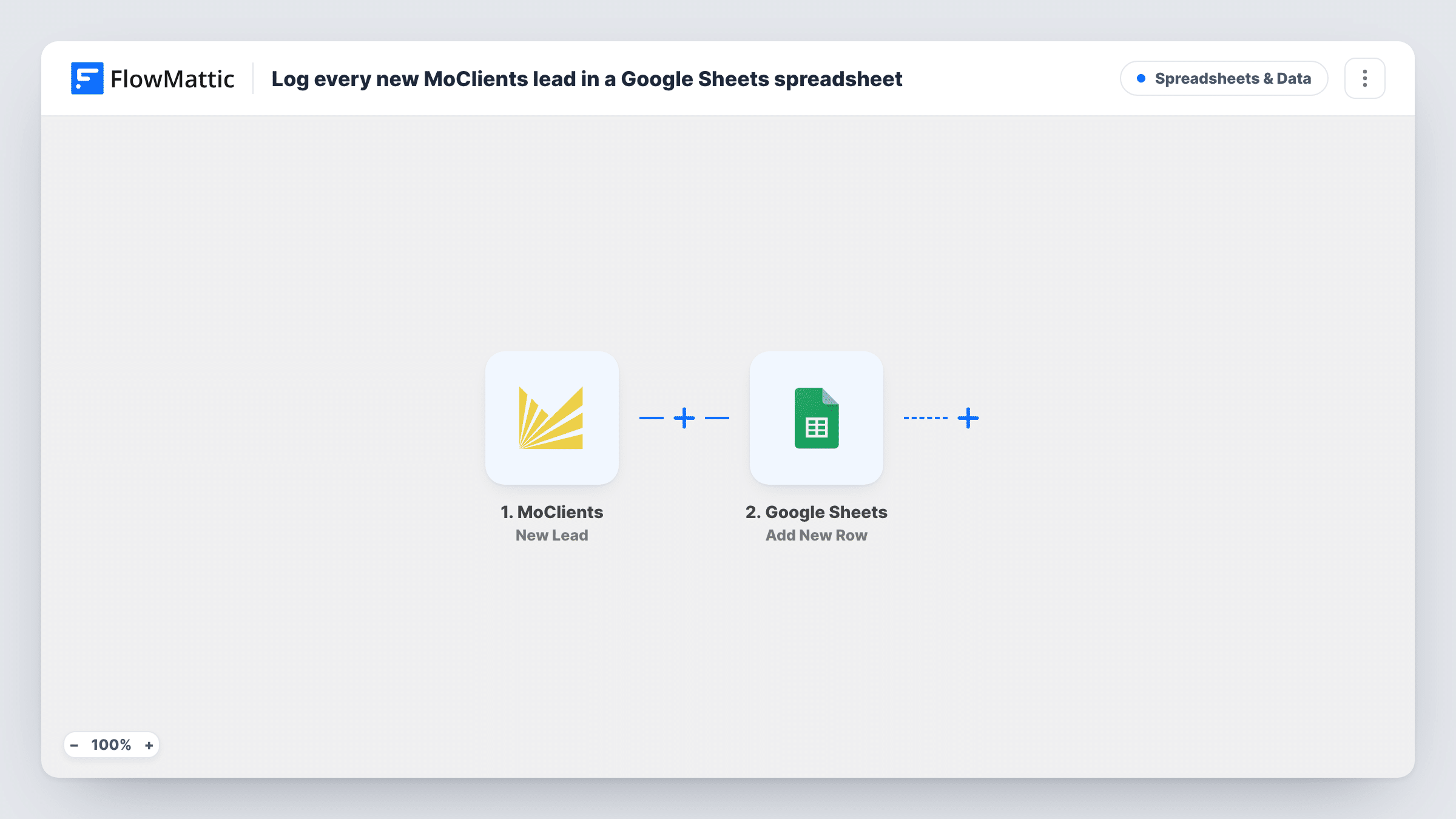
The MoClients New Lead trigger fires whenever a lead is created in your account. FlowMattic then passes the lead's data to Google Sheets, where the Add New Row action appends one row to the spreadsheet and sheet you pick. You map which lead detail goes into which column, so the layout matches the sheet you already use.
Each lead produces one row, and the sheet only grows: the workflow never edits or removes earlier rows. Leads created before you switch it on are not copied. Task History keeps a record of each run, including what was written to the sheet.
Daily lead review in a shared sheet
A sales manager opens one Google Sheet each morning to see the MoClients leads that came in overnight, without signing in to MoClients.
Reporting by source or month
With every MoClients lead in rows, you can build pivot tables or charts in Google Sheets to count leads per week or per source column.
Handing leads to an outside partner
Share the spreadsheet with a call centre or freelancer who follows up on leads, so they work from the same list your team sees.
How this workflow runs
What happens at each step once the workflow is on, and what you need before you import it.
 MoClients New Lead
Runs whenever a new lead is created in your MoClients account. The lead's details are passed on so you can map them into the spreadsheet.
- Google Sheets Add New Row
Appends one row per MoClients lead to the Google Sheets spreadsheet and sheet you select. Connect your Google account, then map each column to a lead detail.
What you need
- FlowMatticCore
- MoClients AccountAccount
- Google Sheets AccountAccount
After importing, map your own data. To keep the template universal, not every step is pre-filled. Open each step in the builder and connect your accounts and fields (channels, lists, sheets, recipients) before you switch the workflow on.
Make it yours
Changes worth making after you import it.
- Set up the column headers in your sheet before you map the step, so each lead detail has a clear place to land.
- Create a test lead in MoClients after import so FlowMattic captures real lead data, then finish the mapping and check the new row.
- Add a Slack or email step after Google Sheets if someone should also be told about each new MoClients lead as it is logged.
Questions about this workflow
Does every MoClients lead get its own row?
Yes. There is no Filter in this template, so each lead MoClients creates adds one row to the sheet.
Will leads already in MoClients be added to the sheet?
No. The trigger only fires for leads created after the workflow is turned on. Older leads need to be exported from MoClients separately.
Can I log only certain MoClients leads?
Yes, after import. Add a Filter between the trigger and the Google Sheets step with a condition on a lead field, and only matching leads get a row.
More Spreadsheets & Data workflows
Other ready-to-import templates from the same category.




Import this workflow into your WordPress site
Download the JSON, import it from the Workflows screen and connect your accounts. Every run stays on your server, with no per-task fees.
30-day money-back guarantee Unlimited workflows and runs Self-hosted