

When balance deposit event is triggered in Wise, update the user metadata in WordPress
When money is credited to a Wise balance, this workflow writes details of the deposit to a WordPress user’s metadata, so your site holds a current record of incoming funds.
 Wise
Wise
 WordPress
2 steps Setup ~5 min Used on 2.0k sites Free to import
What this workflow does
If your WordPress site shows account information, runs reports or feeds a dashboard, you may want details of money arriving in Wise stored on the site itself. Checking Wise and copying figures across by hand is easy to forget. This workflow saves the deposit details in WordPress user metadata whenever your balance is credited.
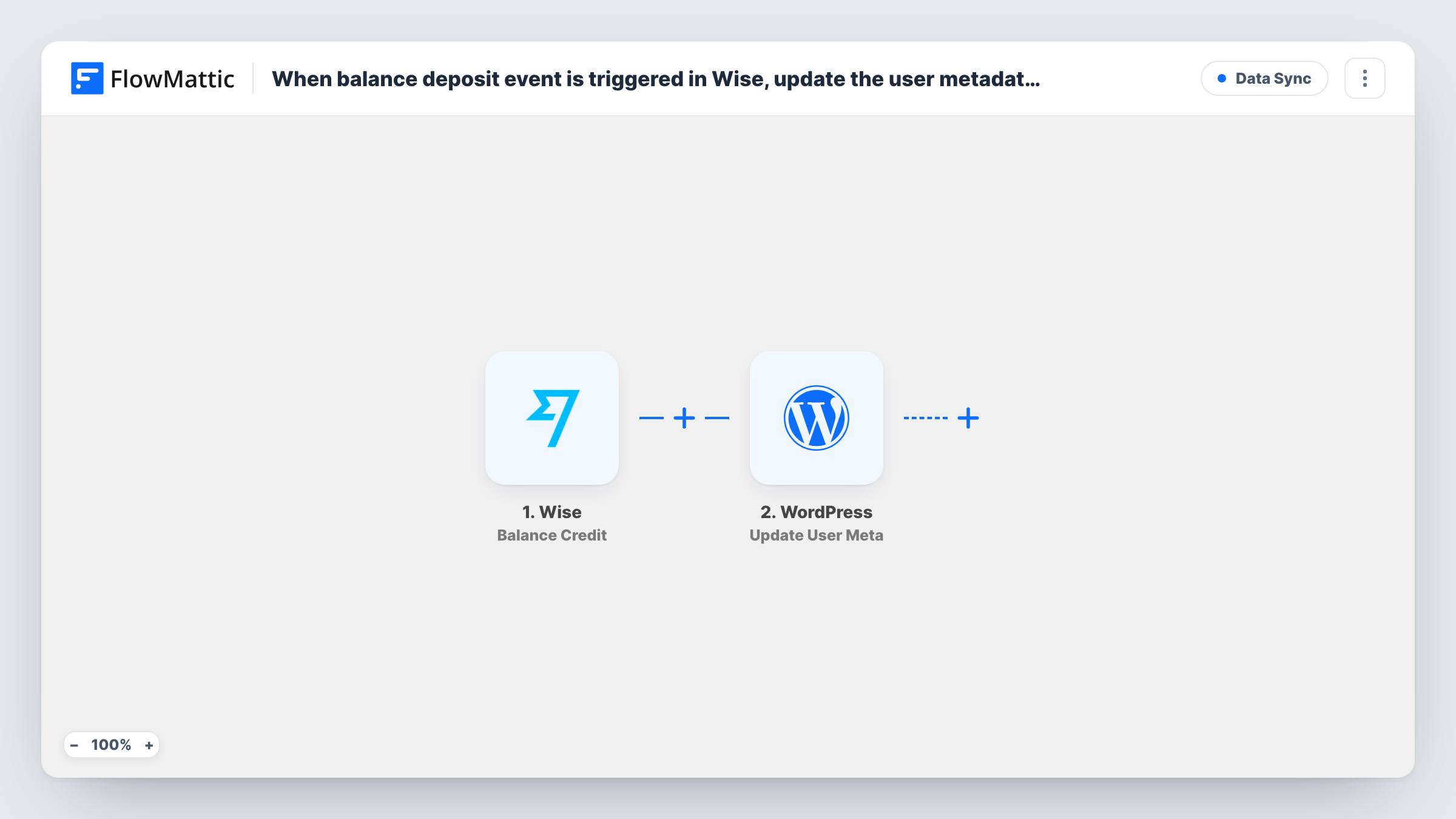
The Wise trigger fires on a balance credit event. The details Wise sends, such as the amount and currency, become data you can map. The second step uses WordPress to update a user's metadata, writing the values you choose into the meta entry you name.
Wise does not know which WordPress user a deposit belongs to. You decide which user the step updates, either a fixed account such as an administrator or a value you can map from the deposit data. Each credit overwrites the same meta entry, so it holds the latest deposit rather than a history. Check a test run to see exactly what Wise sends.
Showing the latest deposit on an admin dashboard
Store the most recent Wise credit amount on your admin user, then display it with a dashboard widget or shortcode that reads that meta value.
Feeding a custom finance page
A small agency's internal WordPress page reads user meta to show the newest incoming payment in Wise, without anyone opening the Wise app.
Flagging that funds have arrived
Set a meta value such as last deposit date on a staff account, so a plugin or report on your site can tell when money last came in.
How this workflow runs
What happens at each step once the workflow is on, and what you need before you import it.
 Wise Balance Credit
Runs when your Wise balance receives a credit. Details of the deposit, such as amount and currency, are passed to the WordPress step for mapping.
- WordPress Update User Meta
Updates metadata for a WordPress user on your site. Choose which user and which meta entry to write, then map values from the Wise deposit into it. Confirm the result with a test run.
What you need
- FlowMatticCore
- Wise AccountAccount
After importing, map your own data. To keep the template universal, not every step is pre-filled. Open each step in the builder and connect your accounts and fields (channels, lists, sheets, recipients) before you switch the workflow on.
Make it yours
Changes worth making after you import it.
- Want a history instead of only the latest deposit? Add a Google Sheets or FlowMattic Tables step after Wise so each credit is also logged as its own row.
- Add a Filter after the trigger that continues only for one currency, if you hold several Wise balances and track just one on your site.
- Use a meta key name that no plugin already uses, so the workflow does not overwrite data another plugin depends on.
Questions about this workflow
Which WordPress user is updated when a Wise deposit arrives?
The one you set in the Update User Meta step. Wise's data does not point to a WordPress user, so most setups use a fixed user, such as the site administrator.
Does every Wise balance credit overwrite the previous value?
Yes, when the step writes to the same meta entry each time. Add a logging step if you need to keep every deposit.
Does this move money or change anything in Wise?
No. The workflow only reads the credit event from Wise and writes to WordPress. Your Wise balance and transfers are not touched.
More Data Sync workflows
Other ready-to-import templates from the same category.





Import this workflow into your WordPress site
Download the JSON, import it from the Workflows screen and connect your accounts. Every run stays on your server, with no per-task fees.
30-day money-back guarantee Unlimited workflows and runs Self-hosted