

Send a Slack alert to the on-call channel for every new Uptime.com alert
Each new alert from Uptime.com is posted to the Slack channel your on-call team watches, so downtime and check failures show up where people are already talking.
 Uptime.com
 Slack
2 steps Setup ~5 min Used on 607 sites Free to import
What this workflow does
Uptime.com watches your sites and services and raises an alert when a check fails. If the people on call live in Slack, an email or app notification can sit unread while a site is down. This workflow posts every new alert into the Slack channel you choose for on-call work.
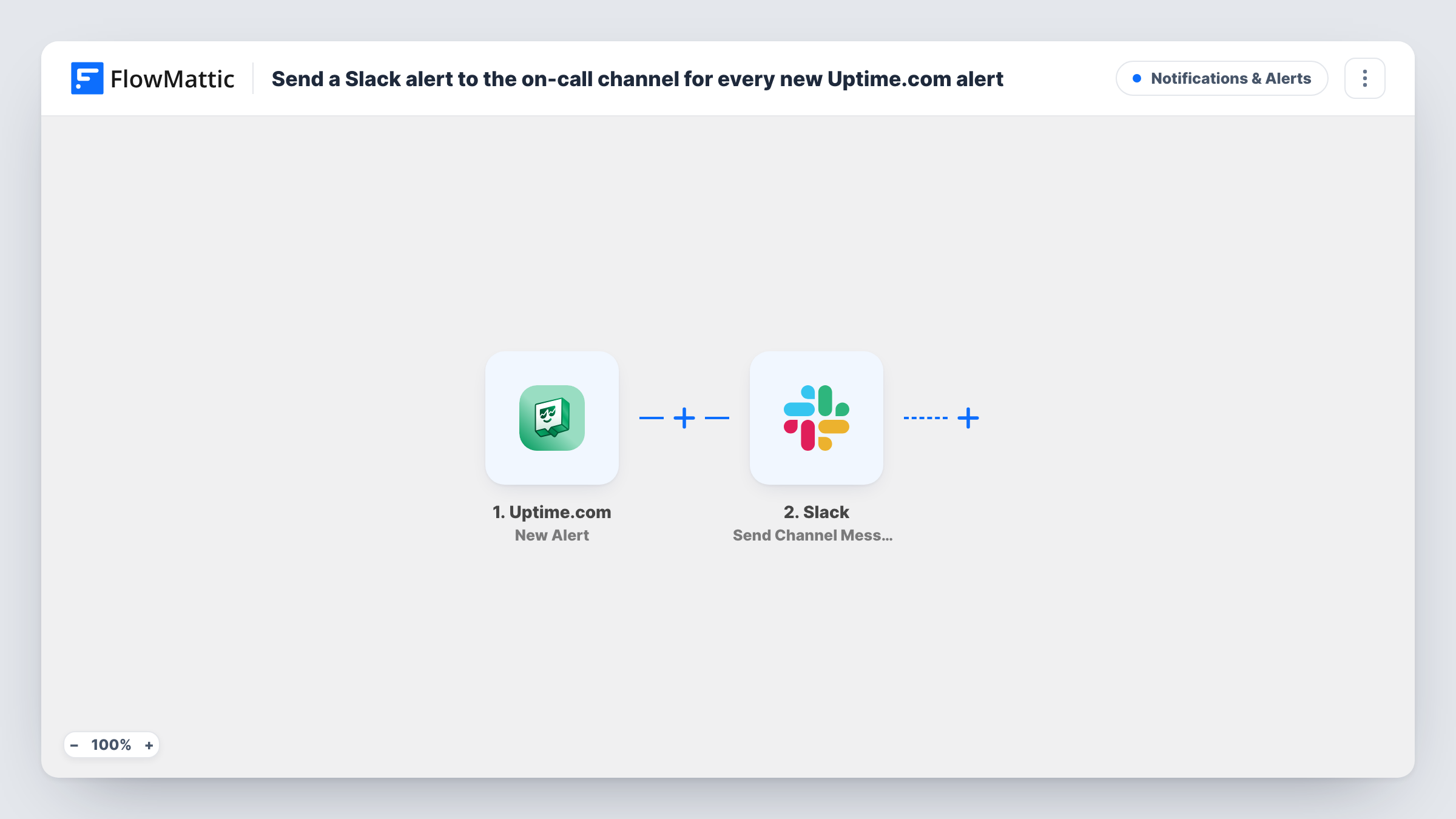
The Uptime.com trigger fires when a new alert is raised. Its details, such as which check failed, become data you can map. The second step uses Slack to post a message to your on-call channel, with text you write and the alert values mapped in.
Every new alert produces a message, with no filtering by check or severity as imported. Uptime.com's own notifications keep working as before, so this adds Slack alongside them rather than replacing them. Task History records each message sent and any error Slack returned.
A shared on-call channel for a small dev team
Whoever is on call that week watches one Slack channel. Each Uptime.com alert lands there, so nobody has to check the Uptime.com dashboard.
Agencies hosting client sites
An agency monitors client websites in Uptime.com and gets a Slack message for each alert, with the check name telling them which client is affected.
Giving support a heads-up
Post alerts to a channel support staff also read, so they know about an outage before customers start writing in.
How this workflow runs
What happens at each step once the workflow is on, and what you need before you import it.
 Uptime.com New Alert
Runs when Uptime.com raises a new alert for one of your checks. Details of the alert are passed to Slack for the message.
- Slack Send Channel Message
Posts the alert to your on-call Slack channel. Connect your workspace, pick the channel, and write the message with the Uptime.com details mapped in, such as the check that failed.
What you need
- FlowMatticCore
- Uptime.com AccountAccount
- Slack AccountAccount
After importing, map your own data. To keep the template universal, not every step is pre-filled. Open each step in the builder and connect your accounts and fields (channels, lists, sheets, recipients) before you switch the workflow on.
Make it yours
Changes worth making after you import it.
- Put the name of the failing check at the start of the message so people can see what is down from the notification alone.
- Add a Filter after the trigger if only some checks should page the on-call channel, for example ones whose name matches your production sites.
- Trigger a test alert in Uptime.com after import, then map the fields FlowMattic captured into the Slack message.
Questions about this workflow
Does every Uptime.com alert go to the Slack channel?
Yes, as imported. Each new alert sends one message. Add a Filter after the trigger to limit it to certain checks.
Will Slack also get a message when the site recovers?
Only if Uptime.com reports the recovery as a new alert. Run a test that goes down and comes back to see which events reach the workflow.
Does this replace Uptime.com's own notifications?
No. The workflow adds a Slack message. Your existing Uptime.com contacts and notification settings are not changed.
More Notifications & Alerts workflows
Other ready-to-import templates from the same category.




Import this workflow into your WordPress site
Download the JSON, import it from the Workflows screen and connect your accounts. Every run stays on your server, with no per-task fees.
30-day money-back guarantee Unlimited workflows and runs Self-hosted