

Notify the team in Discord when a Ziflow stage deadline passes
When a stage deadline passes in Ziflow, this workflow posts a message to a Discord channel so your team sees the missed review deadline and can chase the reviewers.
 Ziflow
 Discord
2 steps Setup ~5 min Used on 870 sites Free to import
What this workflow does
Review deadlines slip quietly. A stage in Ziflow passes its due date, the reviewers haven't finished, and nobody notices until the client asks where the work is. If your team coordinates in Discord, the simplest fix is to have the missed deadline show up there.
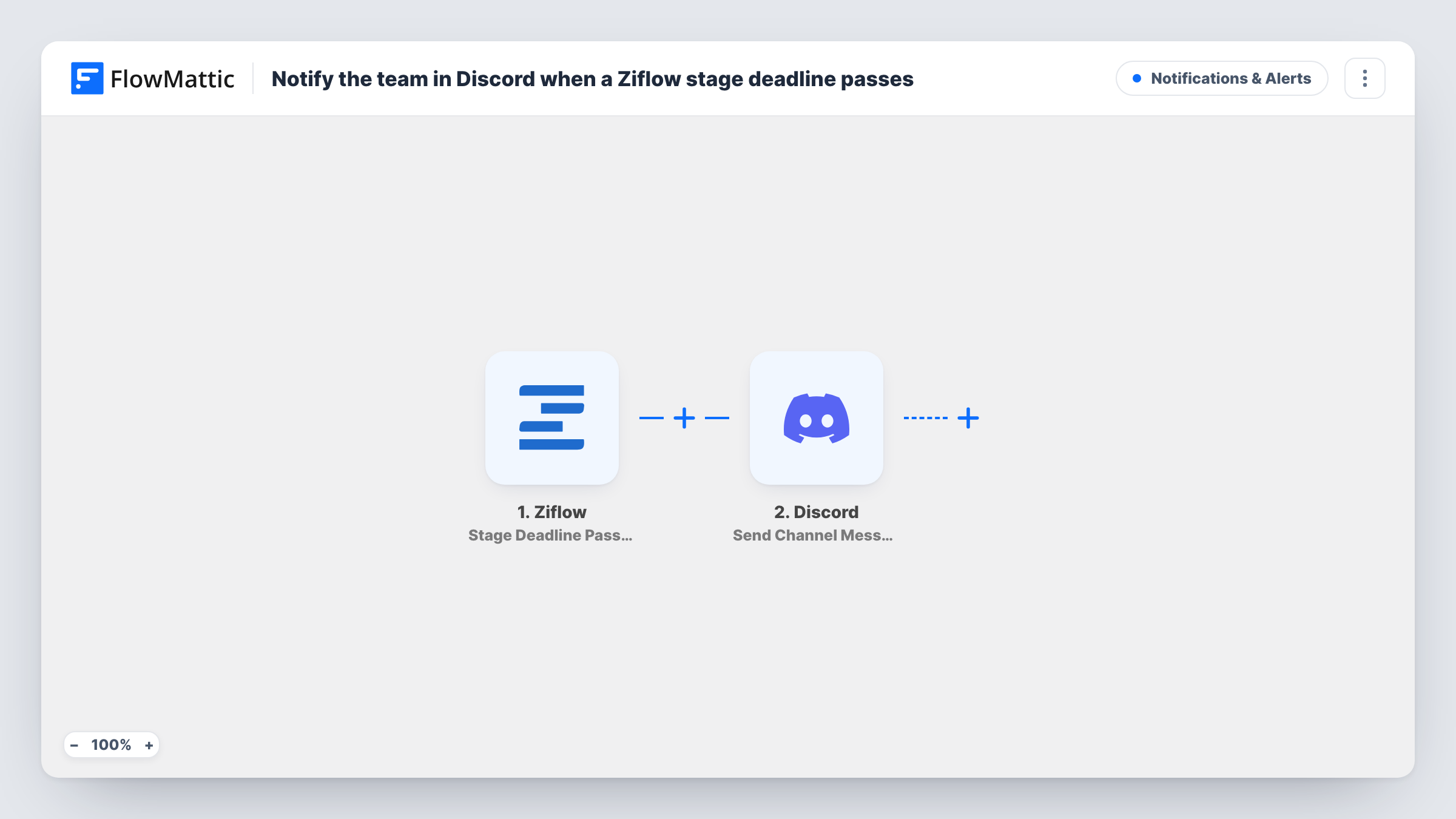
The Ziflow Stage Deadline Passed trigger fires when a stage deadline is passed. FlowMattic sends the data from that event to Discord, where Send Channel Message posts to the channel you choose. You write the message and include whatever stage or proof details Ziflow provides.
Discord gets the alert, and that is all. It doesn't extend the deadline, remind reviewers in Ziflow or change the proof. One Discord message goes out per passed deadline, and Task History keeps a record of each.
Production desk at a design studio
The traffic manager watches a #reviews-overdue Discord channel and follows up with clients whose stage deadline has passed.
Remote marketing team
A team that lives in Discord sees missed review deadlines next to its daily chat, without opening Ziflow.
Freelance network on a shared server
Freelancers working on one Discord server get a channel post when the stage they review runs past its deadline.
How this workflow runs
What happens at each step once the workflow is on, and what you need before you import it.
 Ziflow Stage Deadline Passed
Fires when a stage deadline is passed for a proof in Ziflow. The event's data is passed along for the Discord message.
- Discord Send Channel Message
Sends the overdue notice to a Discord channel of your choice. Connect your Discord server, choose the channel and map Ziflow details into the message text.
What you need
- FlowMatticCore
- Ziflow AccountAccount
- Discord AccountAccount
After importing, map your own data. To keep the template universal, not every step is pre-filled. Open each step in the builder and connect your accounts and fields (channels, lists, sheets, recipients) before you switch the workflow on.
Make it yours
Changes worth making after you import it.
- Give a test stage in Ziflow a deadline a few minutes away, let it pass, then use the returned fields to name the proof and stage in the Discord message.
- To alert one person rather than the channel, switch the step to Discord's Send Direct Message action.
- Also log each missed deadline by adding a Google Sheets Add New Row step after Discord, so you can count overruns later.
Questions about this workflow
When does Ziflow's Stage Deadline Passed trigger fire?
When a stage's deadline passes, per Ziflow's event. Stages that finish before their deadline don't start a run.
Can the Discord post mention the reviewers who are late?
Only with the data the Ziflow event gives you. Run a test to see which reviewer details, if any, come through before you put them in the message.
Does this workflow change anything in Ziflow?
No. It reads the deadline event and posts to Discord. The proof, stage and deadline stay as they are.
More Notifications & Alerts workflows
Other ready-to-import templates from the same category.






Import this workflow into your WordPress site
Download the JSON, import it from the Workflows screen and connect your accounts. Every run stays on your server, with no per-task fees.
30-day money-back guarantee Unlimited workflows and runs Self-hosted