

Send a Slack message when a new Fynzo Survey response arrives
Each time someone submits a response to your Fynzo Survey, this workflow posts a message about it to a Slack channel, so the team reads new answers where it already works.
 Fynzo-Survey
 Slack
2 steps Setup ~5 min Used on 3.2k sites Free to import
What this workflow does
A Fynzo response helps nobody until a person on your team actually sees it. If new responses wait inside Fynzo Survey until a person remembers to log in, a complaint or a hot lead can sit there for days. Posting each one to Slack puts it in front of the team as it arrives.
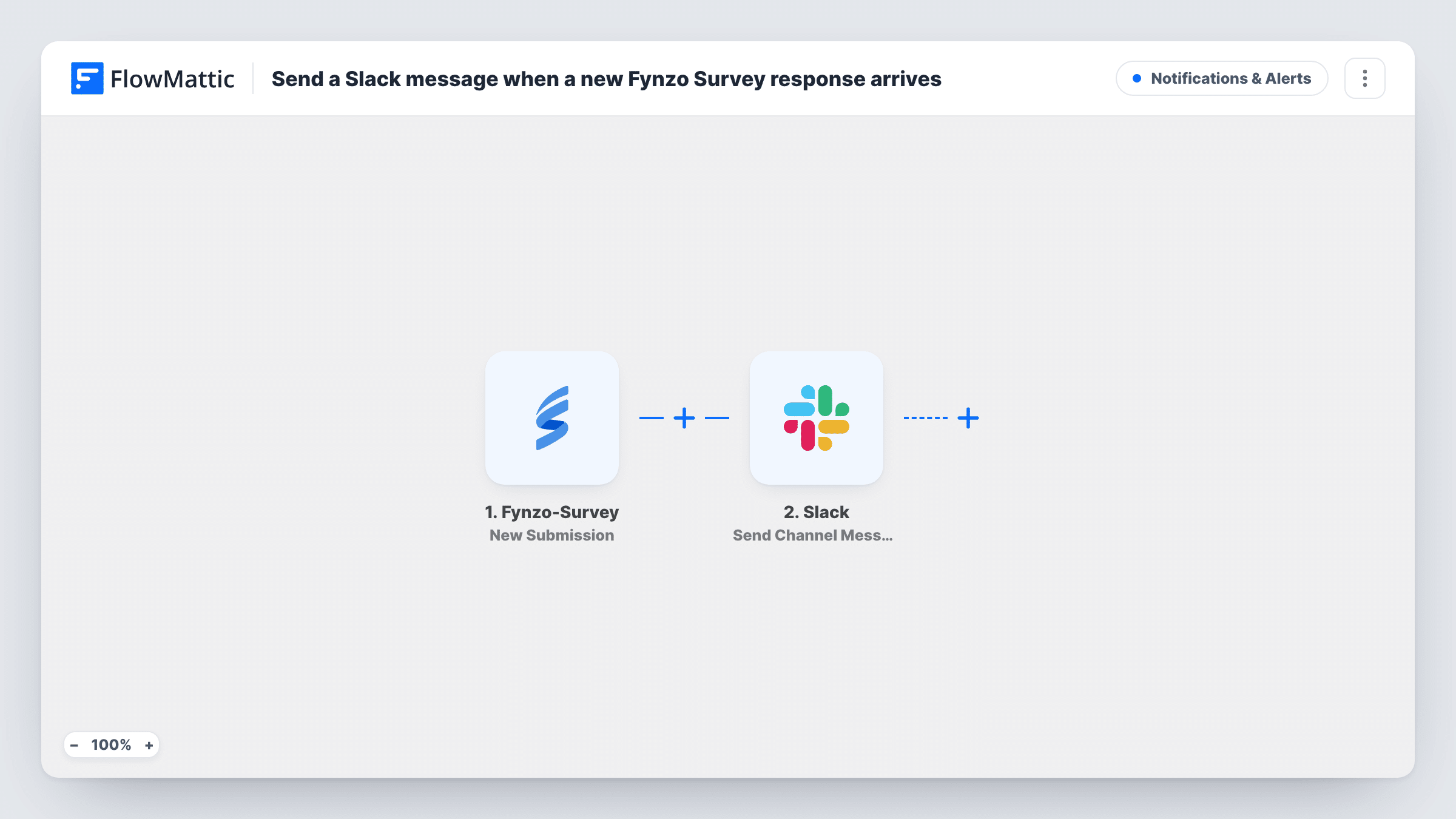
The Fynzo Survey New Submission trigger fires when a new response is submitted. Its answers become data in FlowMattic. The Slack Send Channel Message action then posts to the channel you choose, with a message you write and fill with answers from the response.
Every response produces one message. If your survey gets many answers a day, a Filter on a key question, such as a low rating, keeps the channel to the responses that need attention. Task History holds a record of each response the workflow handled.
Guest feedback for a restaurant
A Fynzo Survey on tables or receipts collects guest ratings, and the manager's Slack channel shows each new response during service.
Event feedback during a conference
Attendees answer a session survey, and organisers watch responses arrive in a Slack channel to adjust the next session.
Customer satisfaction checks after support
A support team links a Fynzo Survey from closing emails and sees each customer's answers in its team channel.
How this workflow runs
What happens at each step once the workflow is on, and what you need before you import it.
 Fynzo-Survey New Submission
Fires when a new response is submitted to your Fynzo Survey. The answers in that response are passed on so you can place them in the Slack message.
- Slack Send Channel Message
Shares the response in the Slack channel you name in this step. Write the text and add answers from the Fynzo response, such as a rating or comment, then connect your Slack workspace on import.
What you need
- FlowMatticCore
- Fynzo Survey AccountAccount
- Slack AccountAccount
After importing, map your own data. To keep the template universal, not every step is pre-filled. Open each step in the builder and connect your accounts and fields (channels, lists, sheets, recipients) before you switch the workflow on.
Make it yours
Changes worth making after you import it.
- Add a Filter after the trigger that continues only when a rating answer is less than 3, if the channel should hear only about unhappy respondents. A blank rating counts as 0 and also passes.
- Submit a test response to your Fynzo Survey after import so FlowMattic captures the answer fields, then build the Slack message from them.
- To alert one person instead of a channel, replace the step with Slack's Send Direct Message action and pick the teammate who handles feedback.
Questions about this workflow
Does each Fynzo Survey response post a separate Slack message?
Yes. The trigger fires once per new response, and each run posts one message. Nothing groups or filters responses unless you add a Filter.
Which Fynzo Survey answers can go into the Slack message?
Any answer the New Submission trigger passes to FlowMattic. Run a test response to see the list and add the ones you want to the message text.
Can the Fynzo alerts go to a private Slack channel?
Send Channel Message isn't the action for that. Slack's Send Private Channel Message action from the same app covers private channels, so swap it in if your feedback channel is private.
Will older Fynzo Survey responses be posted?
No. Only responses submitted after you turn the workflow on reach Slack. Earlier ones stay in Fynzo Survey.
More Notifications & Alerts workflows
Other ready-to-import templates from the same category.




Import this workflow into your WordPress site
Download the JSON, import it from the Workflows screen and connect your accounts. Every run stays on your server, with no per-task fees.
30-day money-back guarantee Unlimited workflows and runs Self-hosted