

Post new Chartink alerts to a Discord trading channel
Every new Chartink alert is posted as a message in the Discord channel you choose, so the traders in your server see each screener signal without watching Chartink themselves.
 Chartink
 Discord
2 steps Setup ~5 min Used on 503 sites Free to import
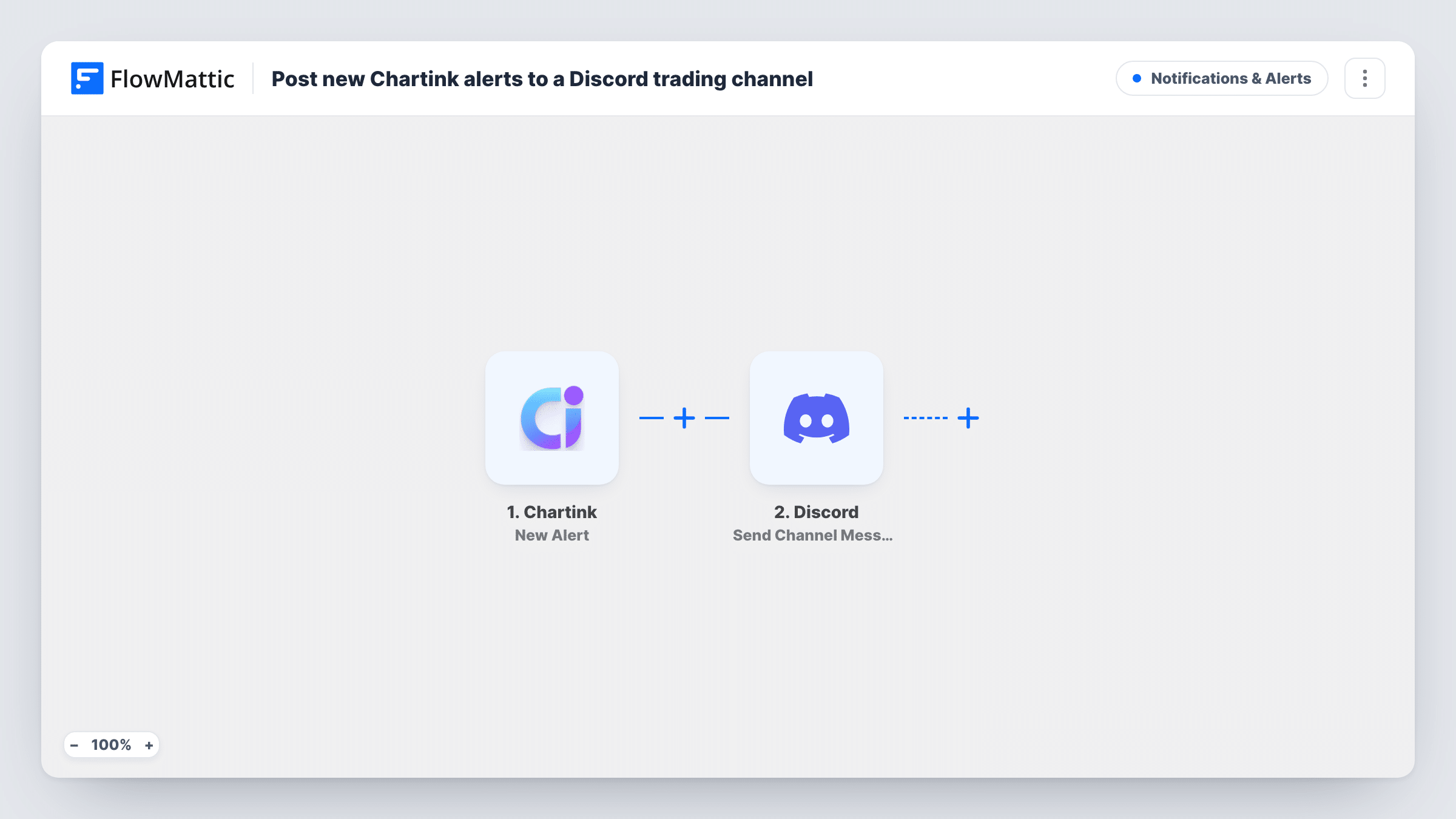
What this workflow does
Stock screener alerts are only useful if someone sees them in time. If your group trades together on Discord, copying each Chartink alert into the server by hand means delays and missed signals. This workflow forwards each alert to a channel for you.
The Chartink trigger fires on each new alert that Chartink sends to FlowMattic. Whatever data Chartink includes with the alert becomes available to map. The Discord step then writes a message to the channel you pick, built from the text and alert fields you place in it.
Nothing sits between the two steps, so each alert that reaches FlowMattic becomes one Discord message. The workflow only passes the alert along. It does not check the signal, place trades or change anything in Chartink. Task History keeps a record of each run, which helps you confirm an alert arrived and see what Discord returned.
Trading community on Discord
You run a Discord server for members who follow your scans. Each Chartink alert lands in a #signals channel, so members see the same stocks you do.
Personal alert feed on your phone
You keep a private Discord server for yourself. Alerts arrive there, and the Discord app on your phone shows them while you are away from the screener.
Separate channels for separate scans
A small team runs an intraday scan and a swing scan in Chartink. Two copies of this workflow, one per scan, keep each strategy's alerts in its own channel.
How this workflow runs
What happens at each step once the workflow is on, and what you need before you import it.
 Chartink New Alert
Fires when Chartink sends a new alert to FlowMattic. Connect Chartink to the trigger on import, then map the alert fields it delivers in the Discord step.
- Discord Send Channel Message
Writes a message in the Discord channel you select. Type the message and map the Chartink alert fields into it, as a test run shows them.
What you need
- FlowMatticCore
- Chartink AccountAccount
- Discord AccountAccount
After importing, map your own data. To keep the template universal, not every step is pre-filled. Open each step in the builder and connect your accounts and fields (channels, lists, sheets, recipients) before you switch the workflow on.
Make it yours
Changes worth making after you import it.
- Run a test alert from Chartink after import so FlowMattic captures the alert fields, then map them into the Discord message before you turn the workflow on.
- Want one channel to carry a single strategy's signals? Add a Filter after the trigger with a condition on an alert field that tells your scans apart, once a test run shows what Chartink sends.
- Add a Google Sheets Add New Row step after Discord to keep a log of every alert with its time, which is easier to review later than scrolling the channel.
Questions about this workflow
Which Chartink alerts reach Discord?
Every alert Chartink sends to the workflow. There is no Filter, so each one becomes a message. Point only the scans you want at the workflow, or add a Filter on an alert field.
Does this workflow place trades from Chartink signals?
No. It only posts the alert to Discord. Any trading decision stays with you and the people in your channel.
Can the Chartink alert go to a Discord user instead of a channel?
Not as imported. Discord's app in FlowMattic also has a Send Direct Message action, which you can use in place of the channel message step.
Will old Chartink alerts be posted when I turn this on?
No. Only alerts that reach FlowMattic after the workflow is active start a run. Earlier alerts are not replayed.
More Notifications & Alerts workflows
Other ready-to-import templates from the same category.



Import this workflow into your WordPress site
Download the JSON, import it from the Workflows screen and connect your accounts. Every run stays on your server, with no per-task fees.
30-day money-back guarantee Unlimited workflows and runs Self-hosted