

Send a Slack welcome message when an employee joins in Hibob
When a new hire’s start date arrives in Hibob, this workflow posts a welcome message to a Slack channel you choose, with the employee’s details mapped in, so the team can say hello on day one.
 Hibob
 Slack
2 steps Setup ~5 min Used on 2.4k sites Free to import
What this workflow does
A warm welcome on someone's first day is easy to forget when HR, IT and the manager are all busy. If your people data lives in Hibob and your team talks in Slack, this workflow takes care of the announcement for you.
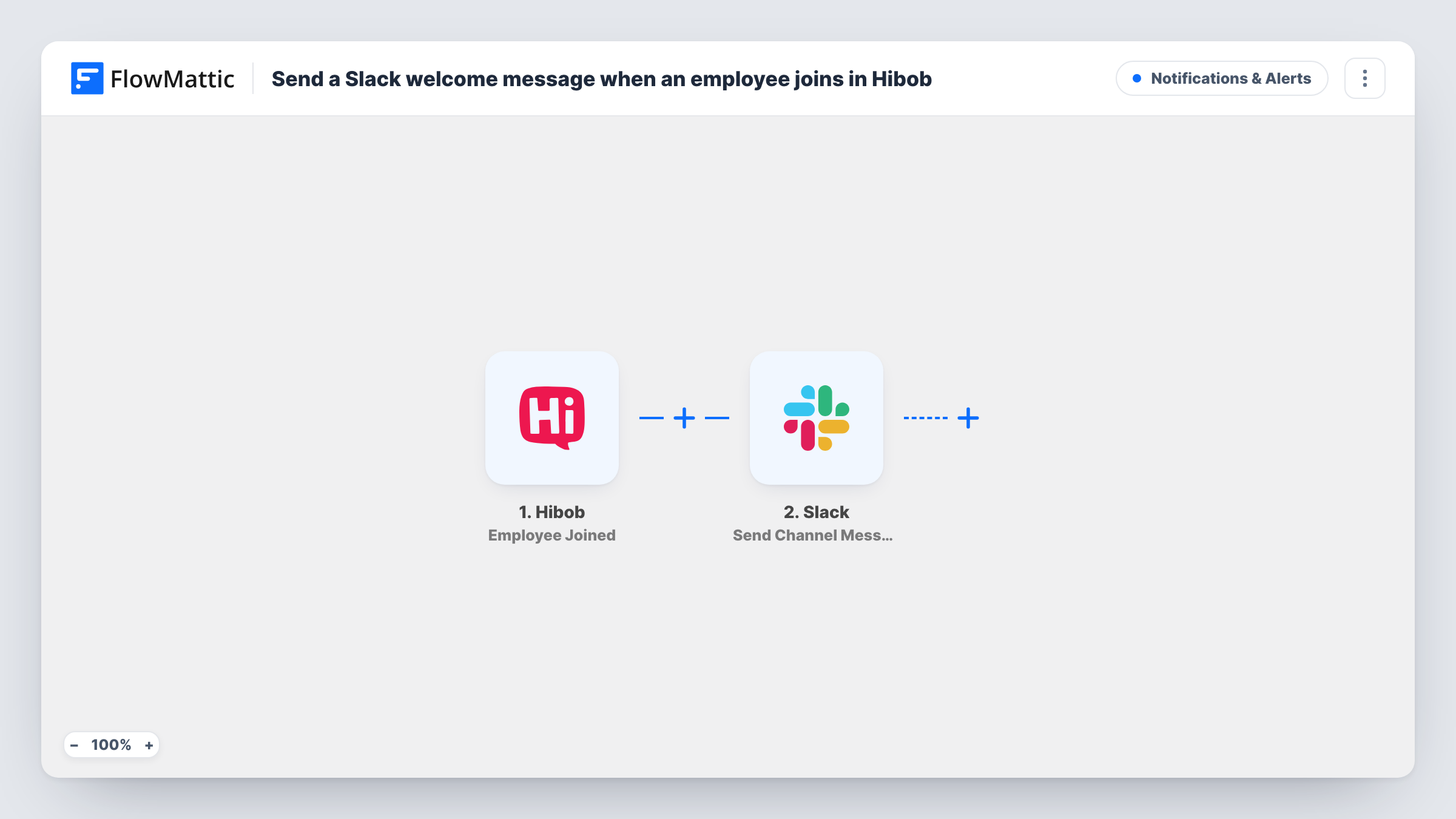
The Hibob trigger, Employee Joined, fires when an employee's start date has occurred. That timing matters: the message goes out when the person actually starts, not when HR first adds them to Hibob. FlowMattic captures the employee data Hibob sends, and the Slack step posts to the channel you pick with Send Channel Message. You write the welcome text and map in details such as the person's name.
Every joiner gets the same message template with their own details filled in. Write it in a way that works for any team, or narrow it with a Filter if only some departments should post here. Task History in FlowMattic shows each post, which helps if a welcome seems to be missing.
Company-wide welcome in a general channel
A growing startup announces every new starter in its main channel on their first morning, so colleagues across teams know a new face to greet.
Hybrid teams who meet new hires on screen
Remote staff rarely see who started this week. A first-day Slack post with name and role tells them who to look out for on the next call.
Agency onboarding channel
An agency posts each joiner to an onboarding channel where IT, the office manager and the buddy pick up their first-day tasks from the thread.
How this workflow runs
What happens at each step once the workflow is on, and what you need before you import it.
 Hibob Employee Joined
Runs when an employee's start date has occurred in Hibob. Whatever employee data Hibob includes can be mapped into the Slack message, and a first run lists those fields in Task History.
- Slack Send Channel Message
Posts your welcome text to the Slack channel you pick. Map the new hire's name and any other Hibob fields into the message, then connect your Slack workspace.
What you need
- FlowMatticCore
- Hibob AccountAccount
- Slack AccountAccount
After importing, map your own data. To keep the template universal, not every step is pre-filled. Open each step in the builder and connect your accounts and fields (channels, lists, sheets, recipients) before you switch the workflow on.
Make it yours
Changes worth making after you import it.
- Add a Filter after the trigger on a department or site field, if your test run shows Hibob sends one, so only joiners from one team post to this channel. Set up a copy of the workflow for each team channel you need.
- To greet the person directly instead, use Slack's Find User by Email with their work email, then Send Direct Message to the user it finds.
- Want an early heads-up for IT? Build a second workflow on Hibob's New Employee Created trigger, which fires when the record is created rather than on the start date.
Questions about this workflow
When does the Hibob welcome post appear in Slack?
When the employee's start date has occurred, per the Employee Joined trigger. Adding someone to Hibob weeks ahead does not post anything until that date.
Can the welcome go to a private Slack channel?
Send Channel Message is the step shipped here. For a private channel, replace it with Slack's Send Private Channel Message action.
Does the Hibob to Slack workflow tag the new hire?
Not as imported. The message uses the details you map from Hibob. To mention the person, find their Slack user by email first and include that user in the text.
What does this need in Hibob?
A Hibob account you can connect to FlowMattic for the Employee Joined trigger, and a Slack workspace where you can post to the chosen channel.
More Notifications & Alerts workflows
Other ready-to-import templates from the same category.





Import this workflow into your WordPress site
Download the JSON, import it from the Workflows screen and connect your accounts. Every run stays on your server, with no per-task fees.
30-day money-back guarantee Unlimited workflows and runs Self-hosted