

Send an email to user when they earns an achievement
When a user on your WordPress site earns a GamiPress achievement, FlowMattic emails them through WordPress mail or your SMTP account, so each milestone comes with a personal message.
 GamiPress
 Email
2 steps Setup ~5 min Used on 1.7k sites Free to import
What this workflow does
GamiPress rewards members with achievements for things they do on your site. An email at that moment tells the person what they earned and what they could aim for next. This workflow sends that email for every achievement a user earns.
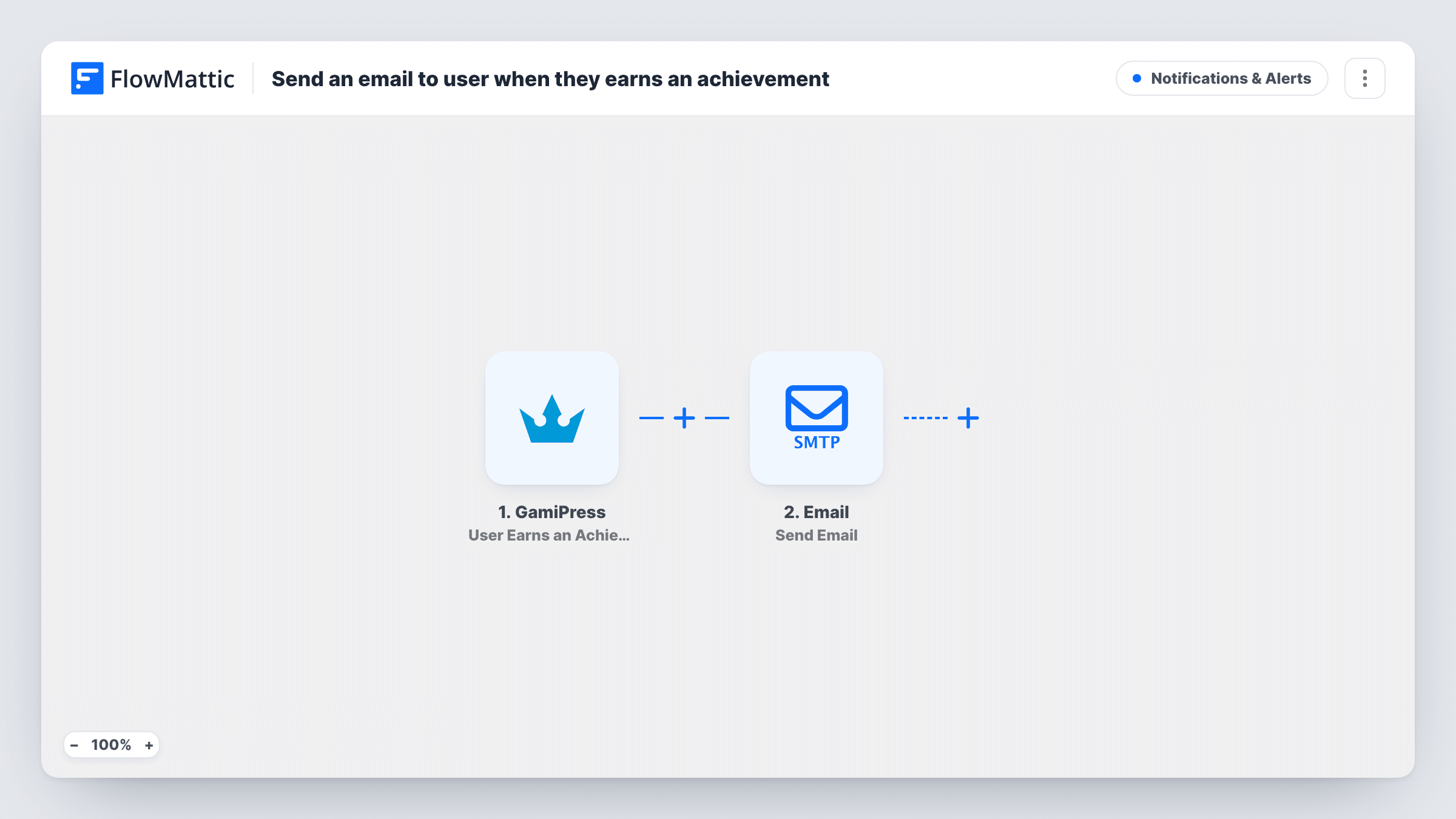
The GamiPress User Earns an Achievement trigger runs inside WordPress whenever a user is awarded one. The user and achievement details are passed to FlowMattic's Email step, which sends through WordPress mail or the SMTP account you set up. You write the subject and body and map the recipient, the user's name and the achievement into them.
Every achievement triggers its own email, including several earned at once. If your site hands out many small achievements, add a Filter so only the ones worth announcing send mail. Earn a test achievement with your own account to see the fields GamiPress passes, and check Task History for the result.
Course milestones on a learning site
A student earns the Module Complete achievement, and the email congratulates them and links to the next module.
Community badges
A forum member earns a badge for their first ten replies, and the email explains what the badge means and how to earn the next one.
Loyalty programme steps
A shop member reaches a new achievement tier, and the email describes the perk that tier brings.
How this workflow runs
What happens at each step once the workflow is on, and what you need before you import it.
 GamiPress User Earns an Achievement
Runs when a user earns a GamiPress achievement on your WordPress site. Details of the user and the achievement are passed on for the email.
 Email Send Email
Sends an email through WordPress mail or your SMTP account. Map the user's email as the recipient, then write a subject and body that mention the achievement.
What you need
- FlowMatticCore
- GamiPress PluginPlugin
After importing, map your own data. To keep the template universal, not every step is pre-filled. Open each step in the builder and connect your accounts and fields (channels, lists, sheets, recipients) before you switch the workflow on.
Make it yours
Changes worth making after you import it.
- Add a Filter after the trigger so only chosen achievements send an email. Earn a test achievement first to see the values you can filter on.
- Use a Router with one route per achievement, each with its own Email step, so every milestone gets its own message. Use exact achievement names so routes can't overlap.
- Set up an SMTP account in the Email step instead of WordPress mail if your host's mail often lands in spam.
- Earn a test achievement with your own user after import so FlowMattic captures the fields before you write the email.
Questions about this workflow
Does every GamiPress achievement send an email?
Yes, as imported. Each time a user earns any achievement, one email goes out. Add a Filter to limit it to the achievements you choose.
Do I need an SMTP service for the GamiPress emails?
No. The Email step can use WordPress mail. You can also enter SMTP details there if you prefer to send through a mail provider.
Can the email name the GamiPress achievement the user earned?
Yes. The trigger passes achievement details, so you can map the achievement into the subject or body. Check a test run for the exact fields.
Does GamiPress still send its own notifications?
Yes. The workflow only listens for the achievement event. It doesn't change GamiPress settings, so any notices you already set up still run.
More Notifications & Alerts workflows
Other ready-to-import templates from the same category.




Import this workflow into your WordPress site
Download the JSON, import it from the Workflows screen and connect your accounts. Every run stays on your server, with no per-task fees.
30-day money-back guarantee Unlimited workflows and runs Self-hosted