

Send a Slack alert when an Oracle Commerce order is cancelled
When an agent cancels an order in Oracle Commerce, this workflow posts a message to the Slack channel you choose, so the people who handle stock, refunds and customer contact hear about it straight away.
 Oracle Commerce
 Slack
2 steps Setup ~5 min Used on 1.4k sites Free to import
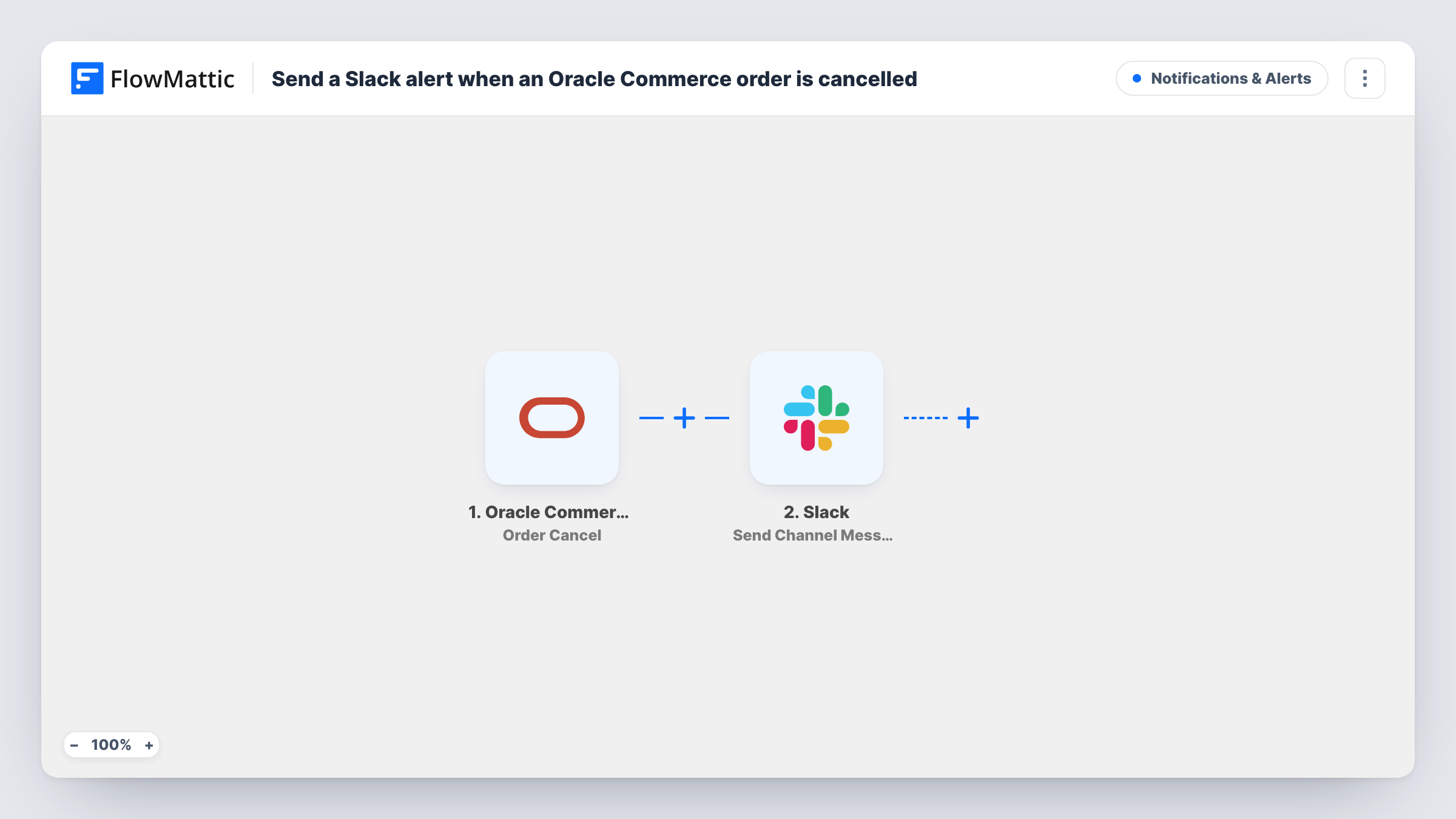
What this workflow does
A cancelled order affects more than one team. Warehouse staff may need to stop a pick, finance may need to check a payment, and someone may want to contact the customer. If the cancellation is only visible inside Oracle Commerce, those people find out late. This workflow sends each one to Slack.
The Oracle Commerce trigger uses the Order Cancel event. That event fires when an agent cancels an order, and the order data from that event becomes available to map. The Slack step then publishes a message in the channel you name, made up of your own text and the order fields you add.
Oracle Commerce has a separate Order Cancel Without Payment Details event, and this template does not listen for it, so cancellations reported through that event do not reach Slack. There is no Filter, so every cancellation the trigger receives posts one message. The workflow only informs your team. It does not refund, restock or email the customer. Each cancellation alert appears as its own run in Task History.
Stopping fulfilment in time
The warehouse channel sees each cancellation as it happens, so staff can pull the items before the parcel is packed and shipped.
Finance checking payments on cancelled orders
Finance follows a Slack channel for cancellations and checks whether each order needs a refund or a payment reversal.
Account managers for B2B buyers
When an agent cancels a business customer's order, the account manager sees the Slack post and can call the buyer to find out why.
How this workflow runs
What happens at each step once the workflow is on, and what you need before you import it.
 Oracle Commerce Order Cancel
Fires when an agent cancels an order in Oracle Commerce. The order details sent with that event become available for mapping into the Slack message.
- Slack Send Channel Message
Sends one Slack message per cancelled order to the channel you pick. Write the text, map Oracle Commerce order fields into it, and connect your Slack workspace on import.
What you need
- FlowMatticCore
- Oracle Commerce AccountAccount
- Slack AccountAccount
After importing, map your own data. To keep the template universal, not every step is pre-filled. Open each step in the builder and connect your accounts and fields (channels, lists, sheets, recipients) before you switch the workflow on.
Make it yours
Changes worth making after you import it.
- Cancel a test order after import so FlowMattic captures the fields Oracle Commerce sends, then map the order ID and anything else your team needs into the message.
- To catch the other kind of cancellation too, import a second copy and switch its trigger to Order Cancel Without Payment Details.
- Add a Filter after the trigger with a condition on an order total field, if only higher-value cancellations need the team's attention. Check the field in a test run first.
Questions about this workflow
Which Oracle Commerce cancellations post to Slack?
Those sent by the Order Cancel event, which fires when an agent cancels an order. Cancellations sent through Order Cancel Without Payment Details need a second workflow with that trigger.
Does the workflow refund or restock the cancelled order?
No. Its one action is the post to your Slack channel. Any refund, restock or customer email still happens in Oracle Commerce or your other systems.
Can the Oracle Commerce alert go to a private Slack channel?
Use Slack's Send Private Channel Message action in place of Send Channel Message. For a message to one person, Slack's Send Direct Message action is the one to pick.
Are cancellations from before import sent to Slack?
No. Only cancellations that happen while the workflow is turned on start a run.
More Notifications & Alerts workflows
Other ready-to-import templates from the same category.





Import this workflow into your WordPress site
Download the JSON, import it from the Workflows screen and connect your accounts. Every run stays on your server, with no per-task fees.
30-day money-back guarantee Unlimited workflows and runs Self-hosted