

Post Checkly monitoring alerts to a Discord channel
When a Checkly check fails, recovers or slows down, this workflow posts the alert to a Discord channel you choose, so your team sees uptime and API problems in the server where they already work.
 Checkly
 Discord
2 steps Setup ~5 min Used on 2.8k sites Free to import
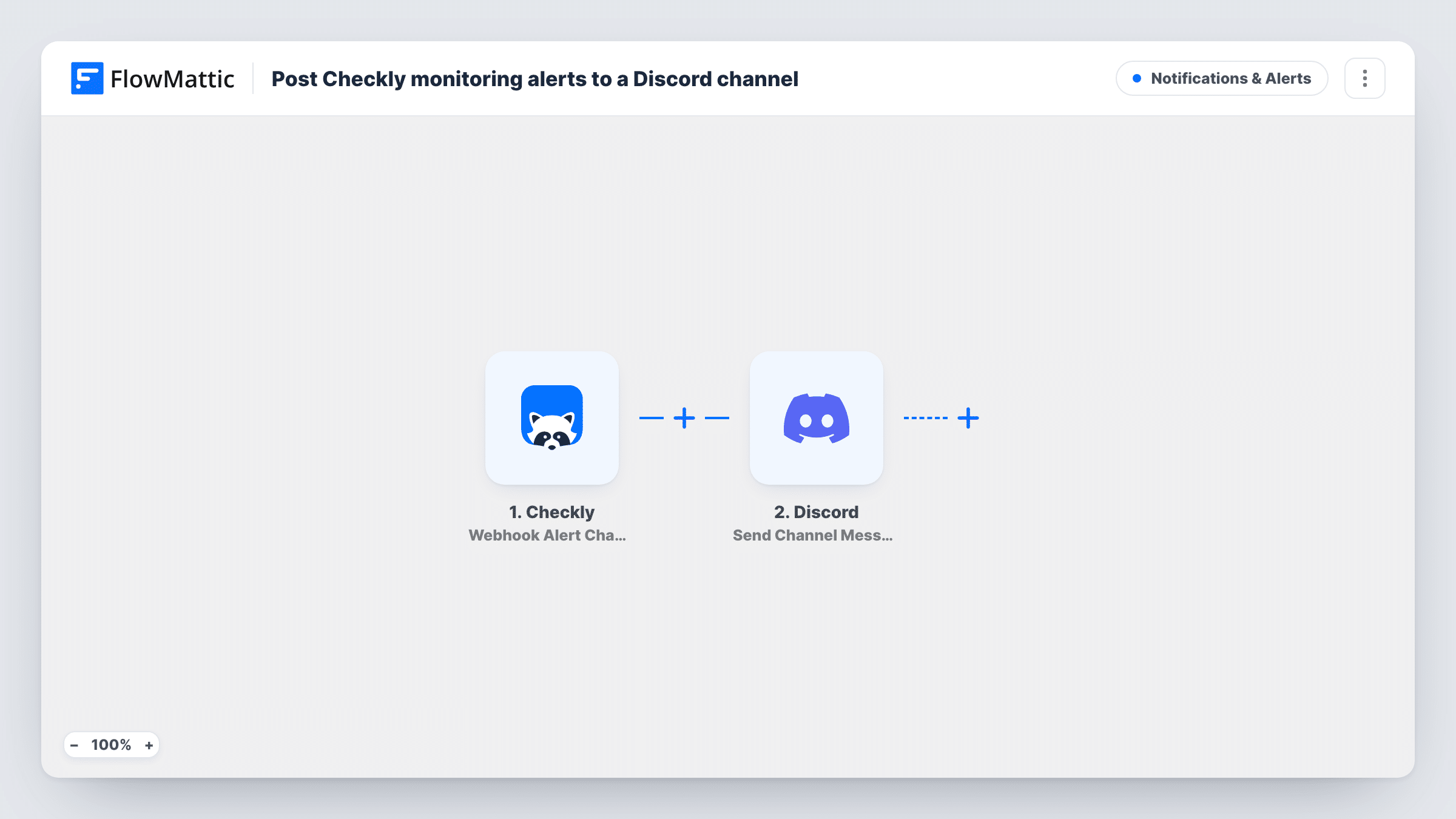
What this workflow does
Checkly runs checks against your site and APIs and raises alerts when something goes wrong. If those alerts go only to an inbox, the people who can fix the problem may not see them in time. Teams that coordinate in Discord can have the alerts posted there instead.
The Checkly trigger is Webhook Alert Channel. As FlowMattic describes it, it fires when a check fails, recovers, or experiences a performance degradation. Checkly sends the alert data to FlowMattic, which hands it to Discord. Send Channel Message posts your text to the channel you pick, with the alert details you map in.
Recoveries post too, which lets the channel see when an incident is over. Nothing is filtered as imported, so failures, recoveries and degradations all produce a message. Task History keeps the data from each alert Checkly sent.
Indie SaaS on a community Discord
A two-person team monitors its API with Checkly. Alerts appear in a private #ops channel on their Discord server, and the recovery message tells them when it is back.
Game server or bot status
A Checkly API check pings a game backend. When it fails, the staff channel on Discord gets the alert before players start asking.
Agency watching client websites
Browser checks for several client sites post to one Discord channel, with a detail that identifies the check mapped into each message so everyone knows which site is affected.
How this workflow runs
What happens at each step once the workflow is on, and what you need before you import it.
 Checkly Webhook Alert Channel
Fires when Checkly sends an alert through a webhook alert channel: a check failing, recovering or degrading. The alert's data becomes available for the Discord message.
- Discord Send Channel Message
Sends the alert as a message to one Discord channel. Connect Discord, pick the channel and build the text from the Checkly alert data, using what a test alert shows.
What you need
- FlowMatticCore
- Checkly AccountAccount
- Discord AccountAccount
After importing, map your own data. To keep the template universal, not every step is pre-filled. Open each step in the builder and connect your accounts and fields (channels, lists, sheets, recipients) before you switch the workflow on.
Make it yours
Changes worth making after you import it.
- Add a Filter after the trigger if the channel should only hear about failures, comparing the alert type value you see in a test run.
- Use a Router with routes for distinct alert types to post failures to an urgent channel and recoveries to a quieter one.
- Let one Checkly check fail on purpose after import, for example against a test URL, so FlowMattic captures a real alert. Then map the values that identify the check and the alert type.
Questions about this workflow
Do Checkly recovery alerts also post to Discord?
Yes. The trigger covers failures, recoveries and performance degradations, so each of those posts a message unless you add a Filter.
How does Checkly reach FlowMattic?
The trigger is a webhook alert channel, so you add the webhook URL that FlowMattic gives you to Checkly as an alert channel and attach it to the checks you want covered.
Can the Checkly alert go to a Discord user instead of a channel?
Not as imported. Discord in FlowMattic also has a Send Direct Message action you can use in place of Send Channel Message.
More Notifications & Alerts workflows
Other ready-to-import templates from the same category.




Import this workflow into your WordPress site
Download the JSON, import it from the Workflows screen and connect your accounts. Every run stays on your server, with no per-task fees.
30-day money-back guarantee Unlimited workflows and runs Self-hosted