

Post a Discord notification whenever Uptime.com detects an outage
When Uptime.com raises a new alert for one of your checks, this workflow posts a message in the Discord channel you choose, so the people in that channel see the problem where they already talk.
 Uptime.com
 Discord
2 steps Setup ~5 min Used on 2.6k sites Free to import
What this workflow does
An outage alert only helps if someone sees it. Email alerts get buried and not everyone on the team watches the Uptime.com dashboard. If your team already works in Discord, putting the alert in a channel there puts it in front of the people who can act on it.
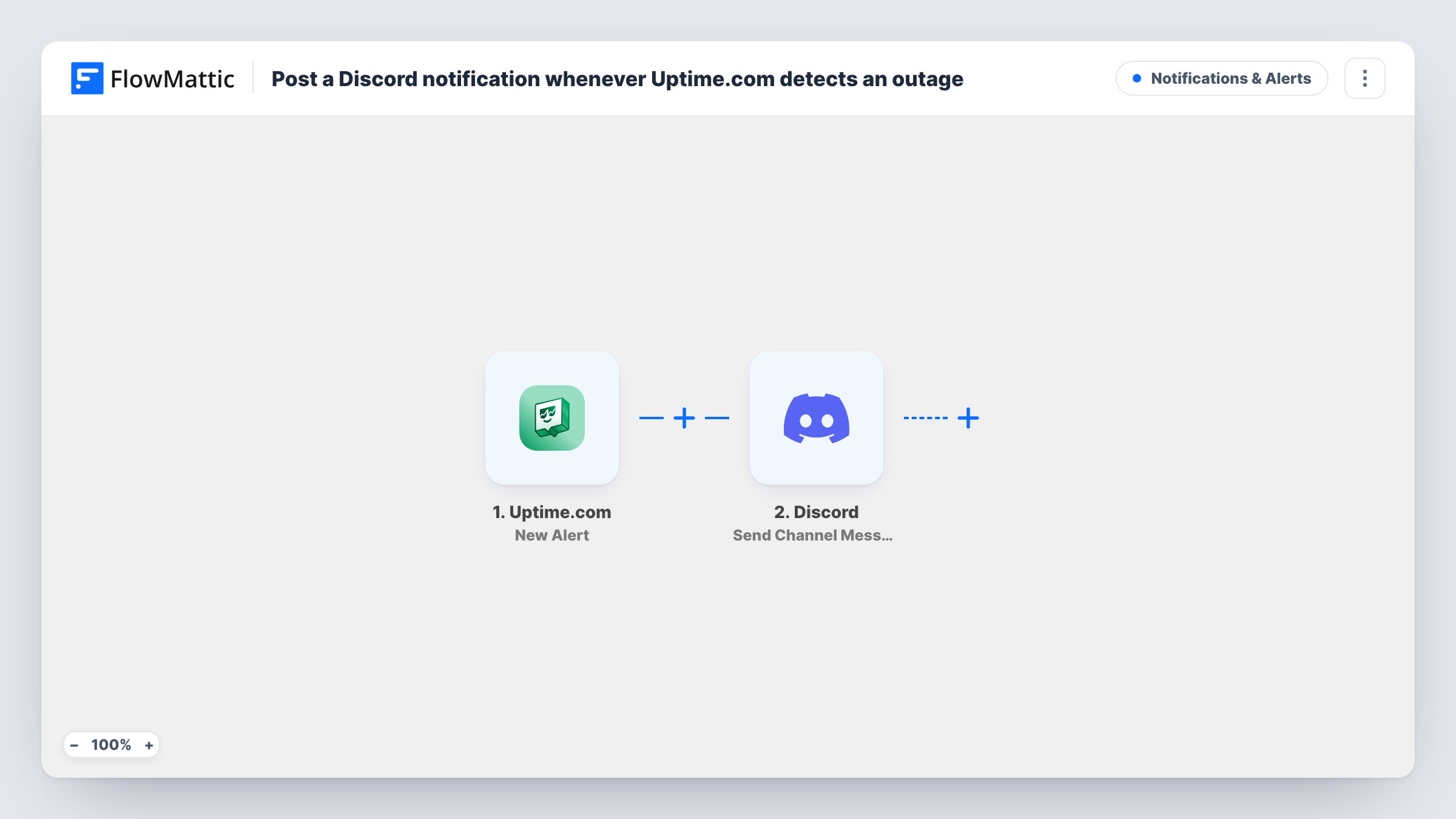
The Uptime.com trigger runs when Uptime.com creates a new alert. FlowMattic receives the alert data and passes it to Discord, where the Send Channel Message action posts to the channel you select. You write the message and drop in the alert values you want people to read.
Every new alert produces one message. The workflow does not filter by check or wait before posting, so what reaches Discord follows the alerts Uptime.com raises. Task History lists each run, which helps when you want to confirm that an alert arrived and what was posted.
Small dev team without an on-call tool
Alerts for your sites and APIs land in a #status channel in Discord, where everyone on the team can see them and reply in a thread.
Agency watching client websites
Each client site has an Uptime.com check, and alerts post to an internal Discord channel so the support team sees every client's alerts in one place.
Game or community server
Uptime.com checks your game server or community site, and an alert message in a staff channel tells moderators something is wrong.
How this workflow runs
What happens at each step once the workflow is on, and what you need before you import it.
 Uptime.com New Alert
Runs when Uptime.com creates a new alert for one of your checks. The alert's data is passed to FlowMattic so you can use it in the Discord message.
- Discord Send Channel Message
Sends the alert as a message to a Discord channel. Connect Discord, pick the channel, and write the message text with the Uptime.com alert values mapped in.
What you need
- FlowMatticCore
- Uptime.com AccountAccount
- Discord AccountAccount
After importing, map your own data. To keep the template universal, not every step is pre-filled. Open each step in the builder and connect your accounts and fields (channels, lists, sheets, recipients) before you switch the workflow on.
Make it yours
Changes worth making after you import it.
- Trigger a test alert in Uptime.com after import so FlowMattic captures real alert data. You can then see which values are available to put in the Discord message.
- Add a Filter after the trigger with a condition on the check name if only some of your Uptime.com checks should post to this channel.
- Use a Router to send alerts for different checks to different Discord channels, giving each route a condition on a check name that no other route uses.
Questions about this workflow
Does Discord also get a message when the site comes back up?
Not unless Uptime.com raises it as a new alert. This workflow posts only for New Alert events. Run a test with a check you can take down to see what Uptime.com sends.
Can the Uptime.com alert mention a Discord role or user?
You write the message text yourself, so you can include a mention in it. Test it in the channel first to confirm Discord turns it into a mention.
Which Discord permissions does posting these Uptime.com alerts need?
You need an account that can connect FlowMattic to the server and post in the channel you pick. Without permission to post there, the step returns an error in Task History.
Will older Uptime.com alerts be posted to Discord?
No. Only alerts created after you turn the workflow on are sent to the channel.
More Notifications & Alerts workflows
Other ready-to-import templates from the same category.






Import this workflow into your WordPress site
Download the JSON, import it from the Workflows screen and connect your accounts. Every run stays on your server, with no per-task fees.
30-day money-back guarantee Unlimited workflows and runs Self-hosted