

When form submission is received in Ninja Forms, send the submission details to Integrately
Send every Ninja Forms submission from your WordPress site to Integrately, so the automations you already run there can pick up the entry and pass it on to the other apps you use.
 Ninja Forms
 Integrately
2 steps Setup ~5 min Used on 456 sites Free to import
What this workflow does
Some teams build most of their automations in Integrately but collect leads and requests with Ninja Forms on WordPress. To bring those entries into Integrately, you need something on the WordPress side to send them. This workflow does that each time the form is submitted.
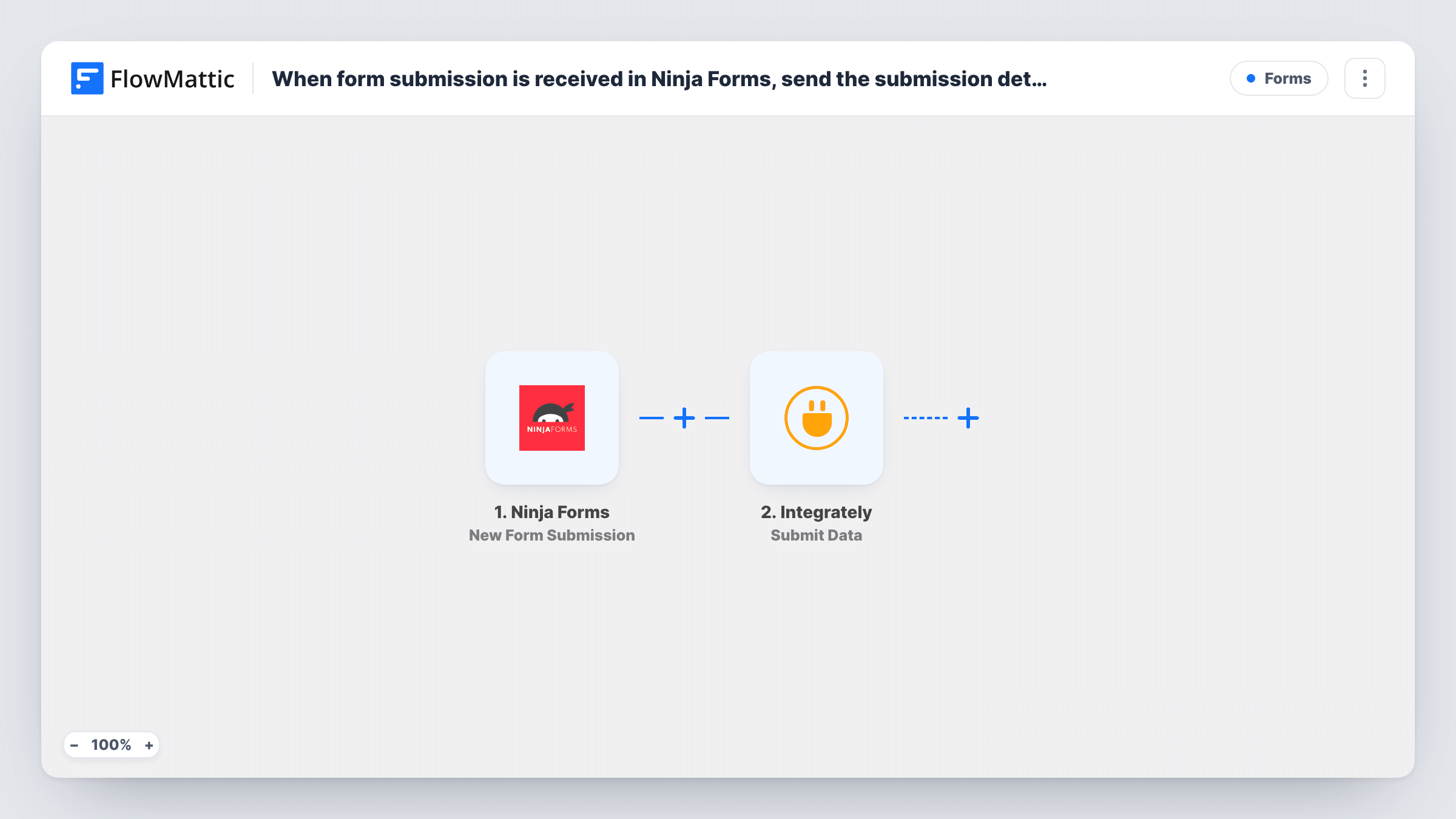
The Ninja Forms trigger fires on New Form Submission and gives FlowMattic every field in the entry. The second step, Integrately Submit Data, sends the fields you map to Integrately, where your automation there receives them and carries on.
The entry stays on your site until the Integrately step, which is the only point where it leaves. Every submission is sent, since there is no Filter. Set up the receiving automation in Integrately first, then send a test entry and check it arrives with the fields you expect.
Leads into a CRM connected in Integrately
A Ninja Forms contact form on your site feeds Integrately, which you already use to add leads to your CRM.
Agency client sites
An agency runs its automations in one Integrately account and uses FlowMattic on each client's WordPress site to send form entries there.
Moving form data to apps FlowMattic doesn't cover
When a tool you rely on is connected in Integrately, this gets your Ninja Forms entries to it.
How this workflow runs
What happens at each step once the workflow is on, and what you need before you import it.
 Ninja Forms New Form Submission
Runs when someone submits your Ninja Forms form. All the submitted fields become available to send on to Integrately.
- Integrately Submit Data
Sends the submission data to Integrately. Map the Ninja Forms fields you want to send, then submit a test entry and confirm Integrately receives it.
What you need
- FlowMatticCore
- Ninja Forms PluginPlugin
- Integrately AccountAccount
After importing, map your own data. To keep the template universal, not every step is pre-filled. Open each step in the builder and connect your accounts and fields (channels, lists, sheets, recipients) before you switch the workflow on.
Make it yours
Changes worth making after you import it.
- Map only the fields your Integrately automation uses, which keeps the data easy to read on the other side.
- Add a Filter after the trigger if only some entries should go to Integrately, for example ones where a consent box is ticked.
- If the app you need is also available in FlowMattic, you can replace the Integrately step with that app's action and skip the hand-off.
Questions about this workflow
Do I need an Integrately account for this Ninja Forms workflow?
Yes. The last step sends data to Integrately, so you need an account there with an automation ready to receive it.
Does Ninja Forms still store the submission?
Yes. The workflow only reacts to the submission. Ninja Forms keeps handling the entry as you have it set up.
Are past Ninja Forms entries sent to Integrately?
No. Only entries submitted after the workflow is turned on are sent.
More Forms workflows
Other ready-to-import templates from the same category.







Import this workflow into your WordPress site
Download the JSON, import it from the Workflows screen and connect your accounts. Every run stays on your server, with no per-task fees.
30-day money-back guarantee Unlimited workflows and runs Self-hosted