

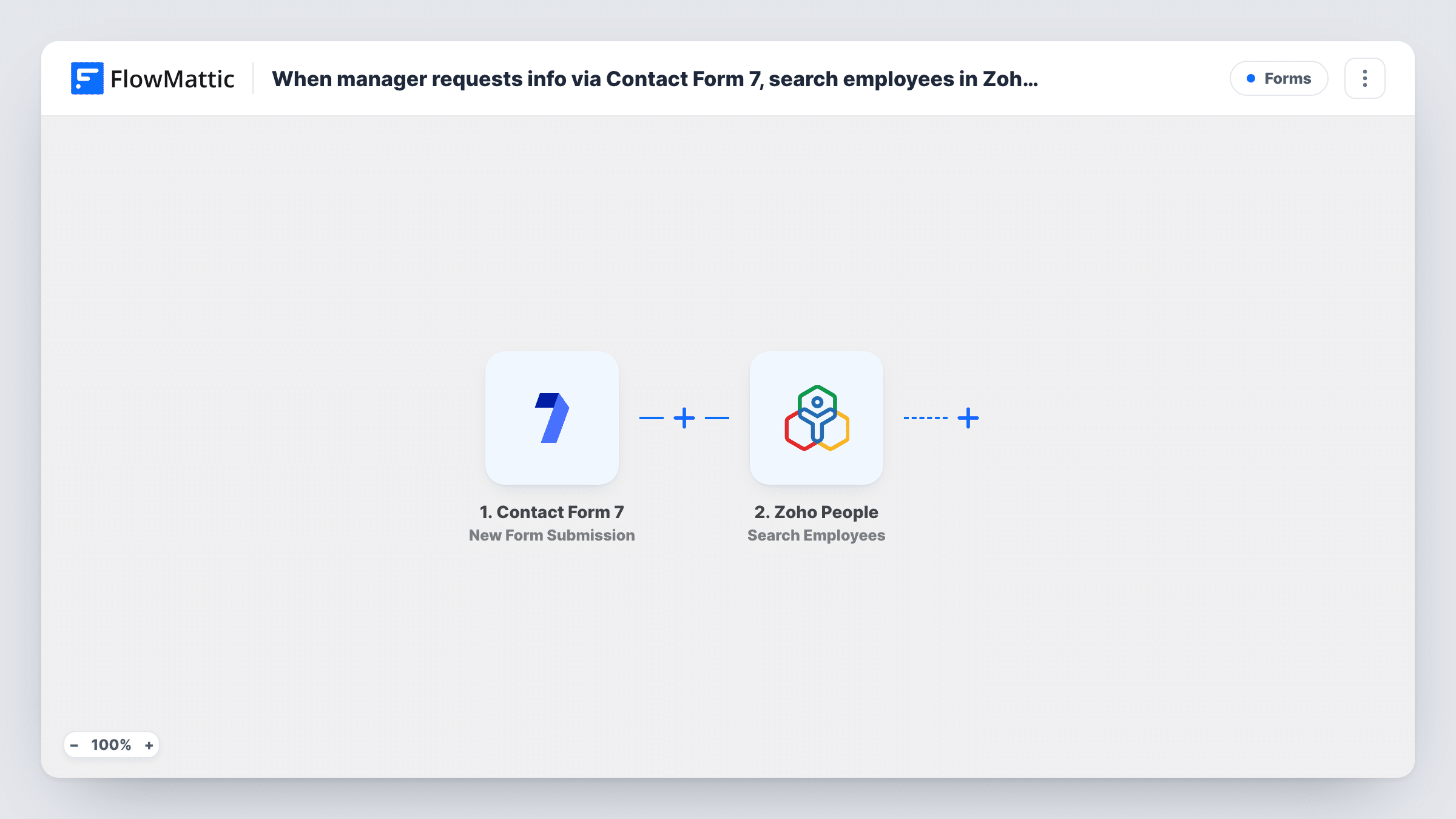
When manager requests info via Contact Form 7, search employees in Zoho People and get employee details, then email response with contact info and department.
A manager asks about an employee through a Contact Form 7 form, FlowMattic searches Zoho People, fetches that employee’s record and emails the manager the contact details and department.
 Contact Form 7
 Zoho People
 Email
Email4 steps Setup ~8 min Used on 489 sites Free to import
What this workflow does
Managers often need a colleague's phone number, email or department and don't have access to the HR system. Instead of asking HR every time, they can fill in a short form on your WordPress intranet and get the answer by email, pulled straight from Zoho People.
The Contact Form 7 trigger fires when the request form is submitted, passing the manager's email and the details of the employee they're asking about. The first Zoho People step, Search Employees, looks through employee records using what the manager entered. Get Employee then fetches one full record, which FlowMattic describes as working by EmployeeID, EmailID or another searchable column, so map the ID from the search result or the email from the form.
Finally, the Email step sends the reply through WordPress mail or your SMTP account. The form, both Zoho People look-ups and the email arrive unmapped: after import you build the form, map its fields into both Zoho People steps, and write the email with the contact fields and department from Get Employee.
Anyone who can submit the form gets an answer by email, so place it on a page only managers can reach. Test with a known employee and use Task History to check what each Zoho People step returned.
Intranet look-up for new managers
A newly promoted team lead uses the intranet form to find the department and work phone of people on a project, without waiting for HR to reply.
Cross-team project staffing
A project manager submits a colleague's email address and gets back their department and contact details, which helps when planning who to involve.
HR desk self-service
An HR team that answers the same contact-detail questions every week points managers to the form, and Zoho People supplies the answer automatically.
How this workflow runs
What happens at each step once the workflow is on, and what you need before you import it.
 Contact Form 7 New Form Submission
Fires when a manager submits the Contact Form 7 request form. Ask for the manager's email and the employee's email or ID, since the Zoho People steps need something to search by.
- Zoho People Search Employees
Searches employee records in Zoho People using what the manager entered. The step ships unmapped: connect Zoho People and map the form field into the search, then check a test run for the results.
- Zoho People Get Employee
Fetches one employee's full record from Zoho People by EmployeeID, EmailID or another searchable column. Map the ID from the search results or the email from the form.
 Email Send Email
Emails the manager the answer. Map their email from the form as the recipient, then write the message with the employee's name, contact details and department from the Get Employee step.
What you need
- FlowMatticCore
- Contact Form 7 PluginPlugin
- Zoho People AccountAccount
After importing, map your own data. To keep the template universal, not every step is pre-filled. Open each step in the builder and connect your accounts and fields (channels, lists, sheets, recipients) before you switch the workflow on.
Make it yours
Changes worth making after you import it.
- Make the employee email field required in Contact Form 7 by using email* in the form tag, so every request has something Zoho People can look up.
- Put a Filter between the Contact Form 7 trigger and the Search Employees step that continues only when the manager's email contains your company domain, so outside addresses get no reply.
- If you always ask for the employee's email, you can try mapping it straight into Get Employee and test whether the Search Employees step is still needed.
Questions about this workflow
Who can see Zoho People data through this Contact Form 7 form?
Anyone who can submit it and gives an email address. Put the form on a page that only logged-in managers can open, and consider a Filter on the manager's email domain between the form trigger and the Zoho People search.
What if Zoho People finds no matching employee?
Get Employee would have nothing to fetch, and Zoho People may return an error or an empty result. Test with a name or email that doesn't exist and look at Task History to see what came back before relying on the reply.
Can the email include more than contact info and department?
Yes. Get Employee returns the employee's record, so any field it holds can go into the email. Keep the reply to what managers need to know.
More Forms workflows
Other ready-to-import templates from the same category.







Import this workflow into your WordPress site
Download the JSON, import it from the Workflows screen and connect your accounts. Every run stays on your server, with no per-task fees.
30-day money-back guarantee Unlimited workflows and runs Self-hosted