

Send new Gravity Forms responses to Notion databases
Each new Gravity Forms submission is added as an item in a Notion database you choose, so form responses sit next to the rest of your team’s notes, tasks and projects in Notion.
 Gravity Forms
 Notion
2 steps Setup ~5 min Used on 501 sites Free to import
What this workflow does
Gravity Forms keeps entries inside WordPress, which works for whoever manages the site. If the rest of your team plans and tracks work in Notion, they have to ask for an export or log in to WordPress to see what came in. This workflow puts each response in a Notion database instead.
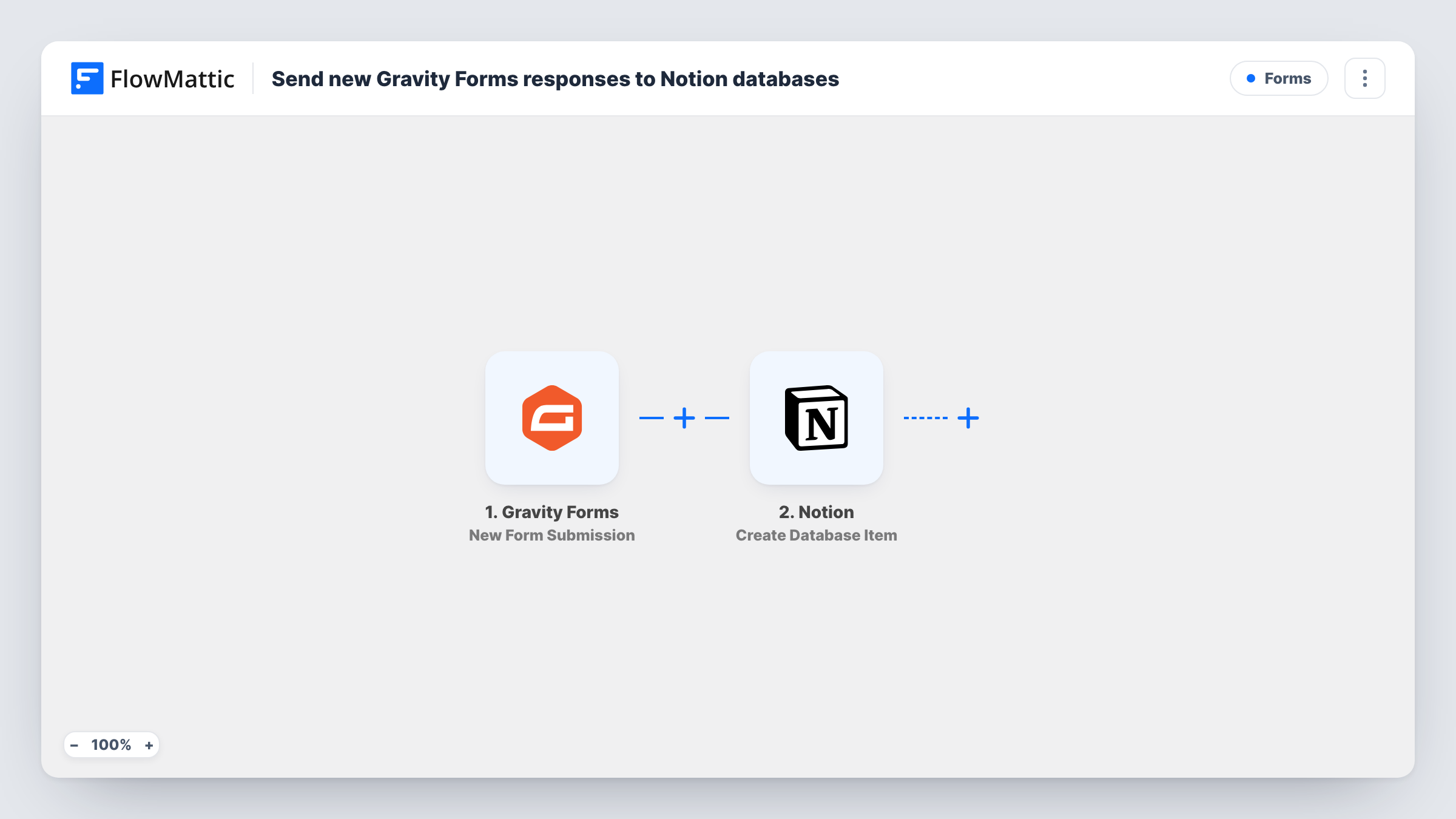
The Gravity Forms trigger fires when a form on your site receives a new submission. FlowMattic passes the submitted fields to the Notion step, which creates an item in the database you pick. You map each form field to a property in that database, so a response becomes a row your team can sort, filter, assign and comment on.
Gravity Forms still saves the entry on your site as usual, and its notification emails are not affected. The workflow adds one Notion item per submission. Task History records each run, so you can check what was sent if an item looks incomplete.
Client intake for an agency
New project briefs from a Gravity Forms intake form become Notion items, where the account lead assigns an owner and links the brief to a project page.
Content ideas from readers
A suggestion form on your blog feeds a Notion editorial database, so writers can pick topics and move them through your planning board.
Job applications for a small team
Applicants who submit a Gravity Forms application appear in a Notion hiring database, where reviewers add ratings and notes on each one.
How this workflow runs
What happens at each step once the workflow is on, and what you need before you import it.
 Gravity Forms New Form Submission
Runs each time a Gravity Forms form on your WordPress site receives a submission. All submitted fields are passed to the Notion step for mapping.
- Notion Create Database Item
Adds one item per Gravity Forms entry to the Notion database you select. Connect Notion, give FlowMattic access to that database, and map the form fields into its properties.
What you need
- FlowMatticCore
- Gravity Forms PluginPlugin
- Notion AccountAccount
After importing, map your own data. To keep the template universal, not every step is pre-filled. Open each step in the builder and connect your accounts and fields (channels, lists, sheets, recipients) before you switch the workflow on.
Make it yours
Changes worth making after you import it.
- Share the target database with FlowMattic when you connect Notion. Notion only lets an integration see pages and databases it has been given access to.
- Submit one test entry after import so FlowMattic captures the form's fields, then map them to your Notion properties before you turn the workflow on.
- Add a Filter after the trigger that stops entries whose email contains your own domain, so test submissions you make while editing the form stay out of Notion.
Questions about this workflow
Does Gravity Forms still store the entry on my site?
Yes. The workflow reads each submission after Gravity Forms has handled it. Entries and notification emails work the same as before.
Which Notion properties can I fill from a Gravity Forms response?
The properties of the database you pick in the Notion step. Map each form field to the matching property, and check a test run to confirm the values land where you expect.
Are past Gravity Forms entries copied to Notion?
No. Only submissions made while the workflow is active are sent, so older entries stay in Gravity Forms unless you add them to Notion yourself.
What if the Notion step can't find my database?
Usually the database hasn't been shared with the FlowMattic connection. Share it in Notion, reconnect, and pick it again in the step.
More Forms workflows
Other ready-to-import templates from the same category.






Import this workflow into your WordPress site
Download the JSON, import it from the Workflows screen and connect your accounts. Every run stays on your server, with no per-task fees.
30-day money-back guarantee Unlimited workflows and runs Self-hosted