

When a new form entry is received, add a lead to Google Sheets
Each Piotnet Forms entry on your WordPress site becomes a new lead row in Google Sheets, with the form answers mapped to the columns you choose, so your lead list builds itself.
 Piotnet Forms
 Google Sheets
2 steps Setup ~5 min Used on 3.5k sites Free to import
What this workflow does
Piotnet Forms collects leads inside your Elementor pages, but a lead list is more useful where your team can sort it, comment on it and share it. Copying entries across by hand gets skipped on busy days. This workflow writes each entry to a spreadsheet as it arrives.
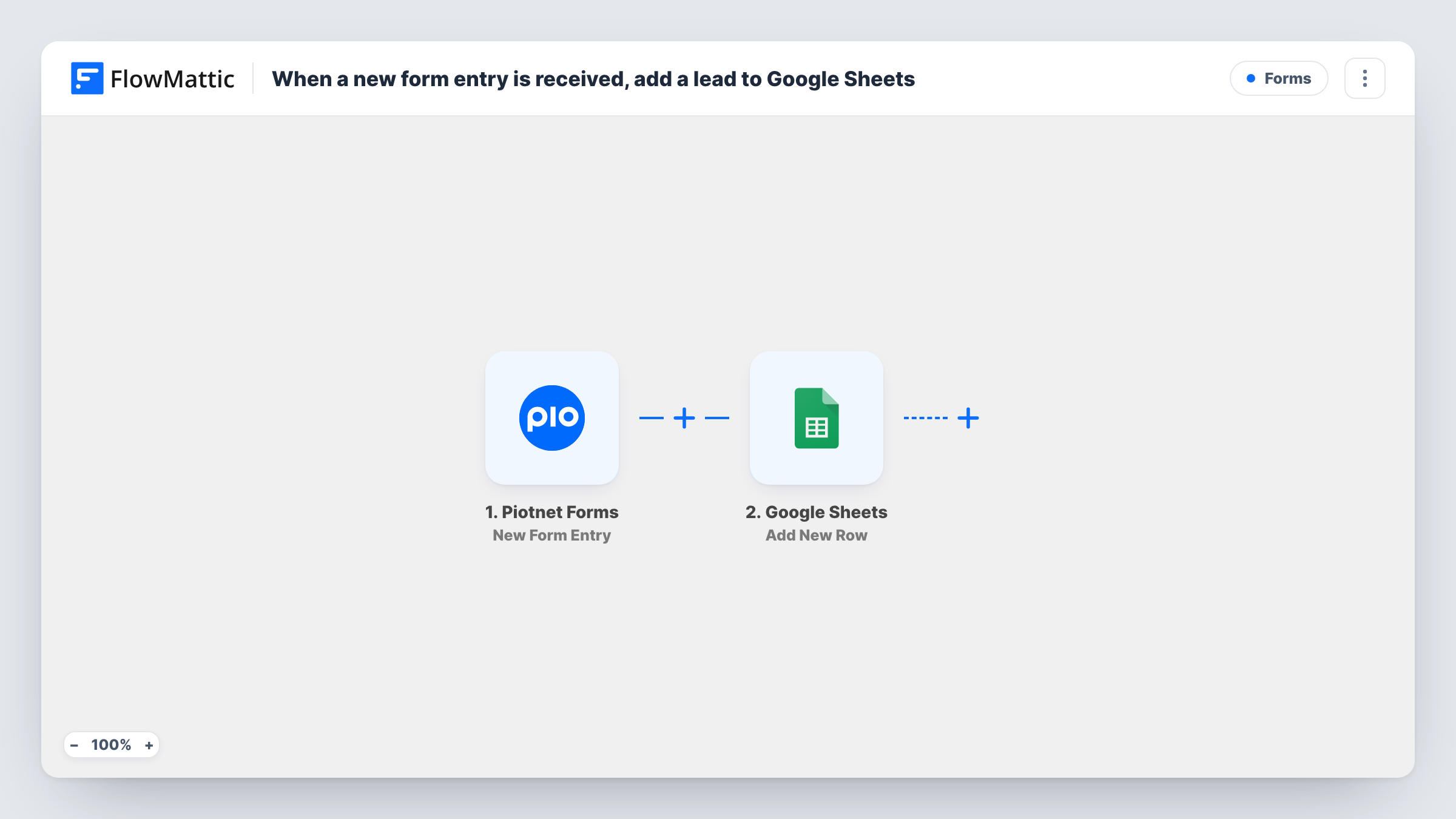
The Piotnet Forms trigger fires when a new form entry is received. Every answer in the entry is passed to FlowMattic. The Google Sheets step then adds a row to the spreadsheet you pick, with each column mapped to a form field, such as name, email or the service the lead asked about.
Each entry adds a row, including repeat entries from the same person, since the workflow does not check for duplicates. Submit a test entry after import so the form fields appear for mapping. Task History records each run if you need to trace an entry.
Home services quote form
A plumber or electrician collects job requests through a Piotnet form, and the office works through the sheet to call each lead back.
Landing page for a paid campaign
Leads from a campaign page land in a sheet you can share with the person running the ads, without giving them WordPress access.
Freelancer enquiry log
A freelancer keeps every project enquiry in one spreadsheet and adds columns for follow-up date and outcome.
How this workflow runs
What happens at each step once the workflow is on, and what you need before you import it.
 Piotnet Forms New Form Entry
Runs when a visitor submits a Piotnet Forms form on your site. All submitted fields are available to map in the Google Sheets step.
- Google Sheets Add New Row
Writes the entry as a new row in your chosen spreadsheet and sheet. Map each column to a Piotnet form field, and connect your Google account when you import.
What you need
- FlowMatticCore
- Piotnet Forms PluginPlugin
- Google Sheets AccountAccount
After importing, map your own data. To keep the template universal, not every step is pre-filled. Open each step in the builder and connect your accounts and fields (channels, lists, sheets, recipients) before you switch the workflow on.
Make it yours
Changes worth making after you import it.
- If you run several Piotnet forms, add a Filter after the trigger that checks a field only your lead form has, so other forms do not add rows to the lead sheet.
- Map the submission date into its own column, if the entry carries one, so you can sort leads by when they came in.
- Add a FluentCRM or other CRM step after the sheet if you also want each lead as a contact you can email.
Questions about this workflow
Do I need Elementor to use Piotnet Forms with this workflow?
Piotnet Forms is built for Elementor, so follow its own requirements. The workflow itself only needs Piotnet Forms on the same WordPress site as FlowMattic and a Google account.
What happens if the same lead submits the Piotnet form twice?
You get two rows. The workflow adds a row for every entry and does not look for an existing one in the sheet.
Can I send Piotnet entries to a sheet my team already uses?
Yes. Pick that spreadsheet and sheet in the Google Sheets step and map the form fields to its existing columns.
Are past Piotnet Forms entries added to Google Sheets?
No. Only entries received after you turn the workflow on are written to the sheet.
More Forms workflows
Other ready-to-import templates from the same category.






Import this workflow into your WordPress site
Download the JSON, import it from the Workflows screen and connect your accounts. Every run stays on your server, with no per-task fees.
30-day money-back guarantee Unlimited workflows and runs Self-hosted