

When new form submission is received in Divi Form, reset user's progress for a course in MasterStudy LMS
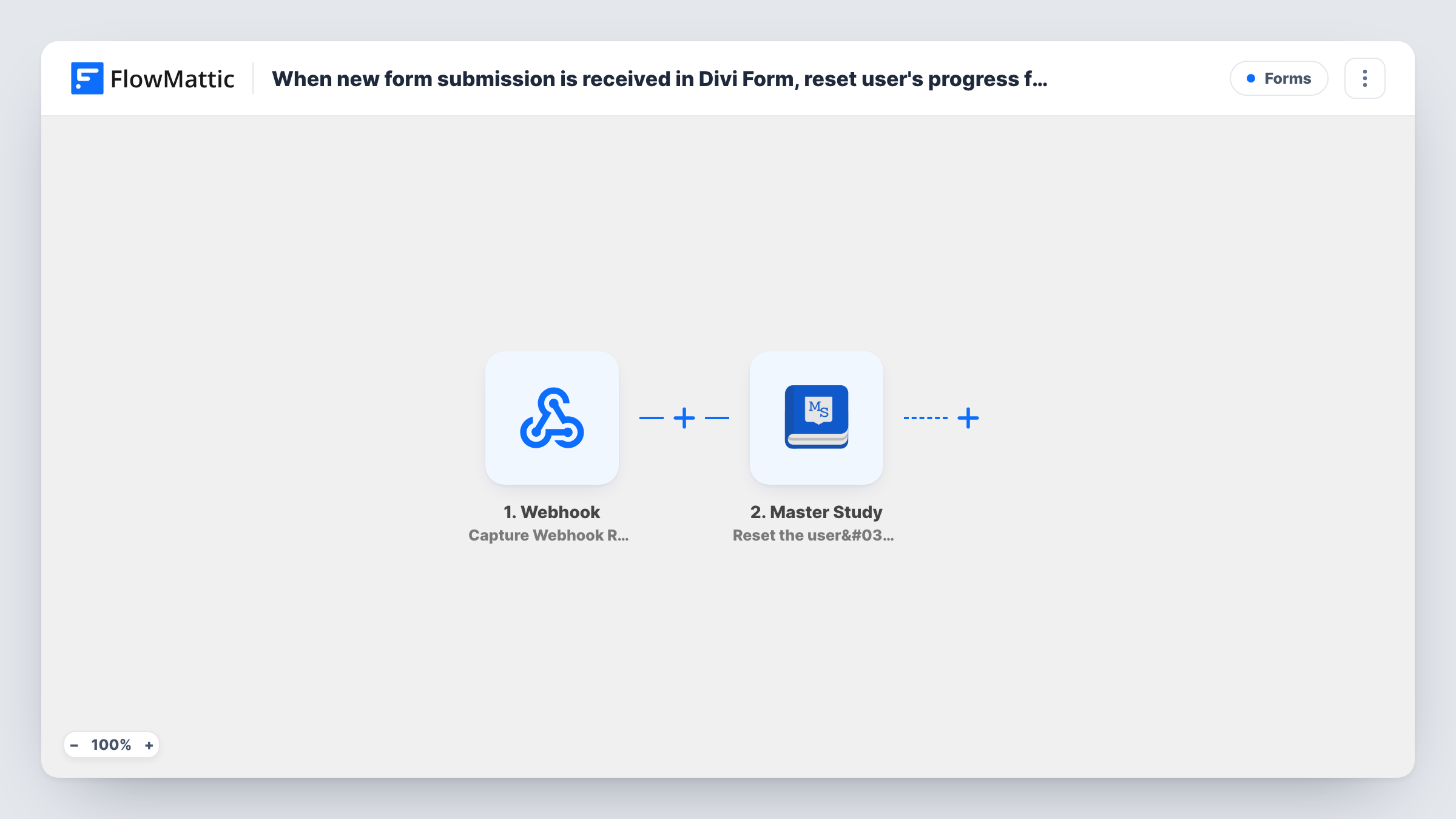
When a Divi form is submitted, FlowMattic finds the WordPress user with the email entered and, if there is one, resets their progress in the MasterStudy LMS course you choose.
 Divi Forms
 WordPress
 Filter
 Master Study
4 steps Setup ~8 min Used on 2.5k sites Free to import
What this workflow does
Students sometimes want to retake a course from the start: to refresh their knowledge, to prepare for a new exam, or because they rushed it the first time. Resetting progress by hand for each request takes admin time. This workflow lets a Divi form on your site handle the request.
The Divi Forms trigger starts when the form is submitted. Next, the WordPress Get User by Email step looks for the account with the email from the form. A Filter then continues only when that lookup returned a user ID, so an email with no account on your site stops there.
The last step uses MasterStudy LMS to reset the user's progress in a course. The user ID from the lookup is already mapped. After import, map the form's email field into Get User by Email and choose the course to reset, or map it from a form field if students pick the course.
Anyone who knows a student's email could submit the form for them, so think about who can see it. Putting the form on a page that only logged-in students can open limits who can send a request.
Retake requests for a certification course
A training provider adds a "Start this course again" form to its student area. Learners who want to retake the exam prep course reset their own progress.
Fresh start after a course update
An instructor rewrites several lessons and invites students to start over. Each one submits the Divi form, and their MasterStudy progress resets.
Support desk without admin logins
A school's support staff submit the form with a student's email when asked, without needing access to the MasterStudy settings.
How this workflow runs
What happens at each step once the workflow is on, and what you need before you import it.
 Divi Forms New Form Submission
Starts when your Divi form is submitted. The form's fields, including the email the person entered, are passed on to the user lookup.
- WordPress Get User by Email
Finds the WordPress account whose email matches the one you map from the Divi form. The template leaves the email unmapped, so pick the form's email field after import.
- Filter Continue If Condition Meet
Lets the run continue only when the lookup returned a user ID. Submissions whose email has no WordPress account stop here, and nobody's progress changes.
- Master Study Reset the user's progress in a course
Resets the found user's progress in a MasterStudy LMS course. The user ID from step 2 is already mapped; choose the course, or map it from a form field if students choose it.
What you need
- FlowMatticCore
- Divi Forms PluginPlugin
- MasterStudy LMS PluginPlugin
After importing, map your own data. To keep the template universal, not every step is pre-filled. Open each step in the builder and connect your accounts and fields (channels, lists, sheets, recipients) before you switch the workflow on.
Make it yours
Changes worth making after you import it.
- Place the Divi form on a members-only page, so only your logged-in students can send a reset request.
- Add a confirmation checkbox to the Divi form and check it in the Filter between Get User by Email and the MasterStudy step, so accidental submissions don't wipe progress.
- If you offer several courses, add a course choice to the form and map it into the reset step instead of a fixed course.
- Add an email step after the MasterStudy step to tell the student their progress was reset and they can start again.
Questions about this workflow
What happens if the email isn't registered on my WordPress site?
Get User by Email finds no account, so no user ID comes back. The Filter checks for that ID and stops the run, so no MasterStudy progress is touched.
Which MasterStudy LMS course is reset?
The one you set in the reset step after import. The template maps only the user ID, so choose a course there or map a course field from the Divi form.
Can someone reset another student's MasterStudy progress with this form?
Yes, if they know that student's email and can reach the form. Keep the form on a page behind a login, and review Task History for requests that look wrong.
Does resetting progress unenroll the student?
FlowMattic describes this step only as resetting progress in a course. To remove access too, add the MasterStudy integration's separate unenroll action after it.
More Forms workflows
Other ready-to-import templates from the same category.







Import this workflow into your WordPress site
Download the JSON, import it from the Workflows screen and connect your accounts. Every run stays on your server, with no per-task fees.
30-day money-back guarantee Unlimited workflows and runs Self-hosted