

When a new comment is added, notify the team in Discord
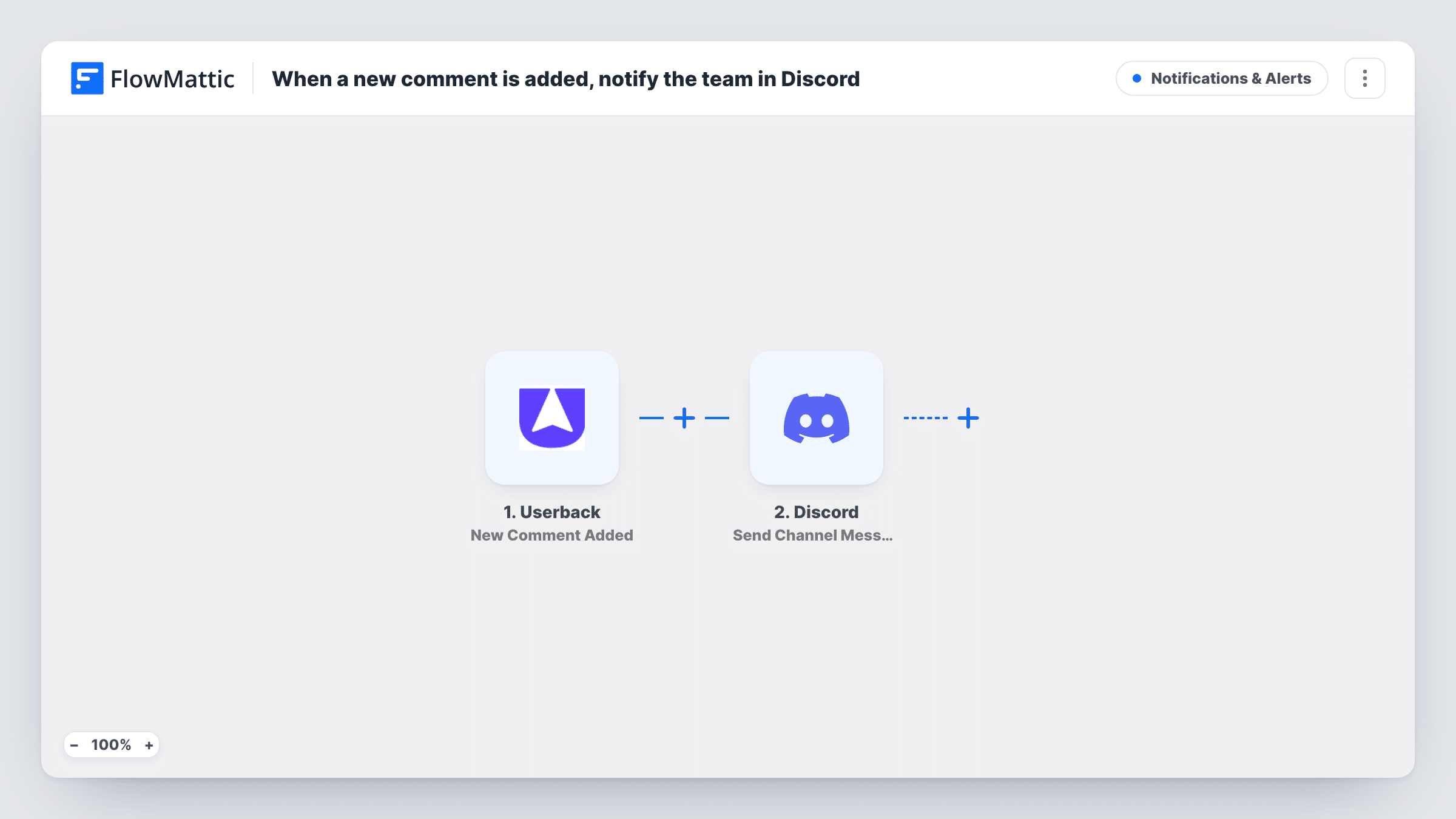
When someone adds a comment in Userback, this workflow posts a message to a Discord channel, so your team sees new replies on feedback without watching the Userback dashboard.
 Userback
 Discord
2 steps Setup ~5 min Used on 2.6k sites Free to import
What this workflow does
Feedback threads in Userback move when someone replies, whether that's a customer adding detail or a teammate asking a question. If those replies sit unseen, the conversation stalls. This workflow brings each new comment into the Discord channel where your team already talks.
The Userback trigger fires when a new comment is added in your Userback account. The comment data it receives is passed on. The Discord step then posts a message to the channel you choose, with the comment text and other details you map into it.
Every new comment posts a message, including ones your own team writes. Add a Filter if that is too much. Task History records each run, so you can see what Userback sent for a comment.
Product team triaging bug reports
When a reporter adds steps to reproduce in a Userback comment, the developers' Discord channel shows it straight away.
Agency client feedback rounds
During a website review, client comments in Userback appear in the project's Discord channel for the designers.
Community-run open source project
Maintainers who coordinate in Discord see new Userback comments there instead of checking another tool.
How this workflow runs
What happens at each step once the workflow is on, and what you need before you import it.
 Userback New Comment Added
Runs when a new comment is added in Userback. The comment data is passed to the Discord step for mapping. Connect your Userback account on import.
- Discord Send Channel Message
Sends a message into whichever Discord channel you select. Map the Userback comment text and other details into it, then connect your Discord account and send a test comment.
What you need
- FlowMatticCore
- Userback AccountAccount
- Discord AccountAccount
After importing, map your own data. To keep the template universal, not every step is pre-filled. Open each step in the builder and connect your accounts and fields (channels, lists, sheets, recipients) before you switch the workflow on.
Make it yours
Changes worth making after you import it.
- Add a Filter after the trigger to skip comments written by your own team, if the Userback data includes the author.
- Add a test comment in Userback after import, so FlowMattic captures the fields you can put in the Discord message.
- Use a Router with conditions that can't overlap, such as distinct project names, to send comments from each Userback project to its own Discord channel.
Questions about this workflow
Does every Userback comment post to Discord?
Yes, as imported, including comments from your own team. A Filter placed right after the Userback trigger can limit which comments post.
Which Userback comment details can go in the Discord message?
Any field the Userback trigger sends. Add a test comment and look at the captured data to choose.
Are comments made before the workflow is on posted?
No. Only comments added after you turn it on start a run.
Can I reply to the Userback comment from Discord?
No. The workflow only posts to Discord. Replies are still made in Userback.
More Notifications & Alerts workflows
Other ready-to-import templates from the same category.




Import this workflow into your WordPress site
Download the JSON, import it from the Workflows screen and connect your accounts. Every run stays on your server, with no per-task fees.
30-day money-back guarantee Unlimited workflows and runs Self-hosted