

Send a Slack alert for every new Edens invoice
Whenever an invoice is issued in Edens, this workflow posts a message to a Slack channel you pick, so your team sees new invoices in the place they already talk about work.
 Edens
 Slack
2 steps Setup ~5 min Used on 1.9k sites Free to import
What this workflow does
Issuing an invoice is a moment more than one person cares about: finance wants to track it, and the account owner may want to tell the client it is on the way. Waiting for someone to mention it means delays. Here, every new invoice gets its own Slack post.
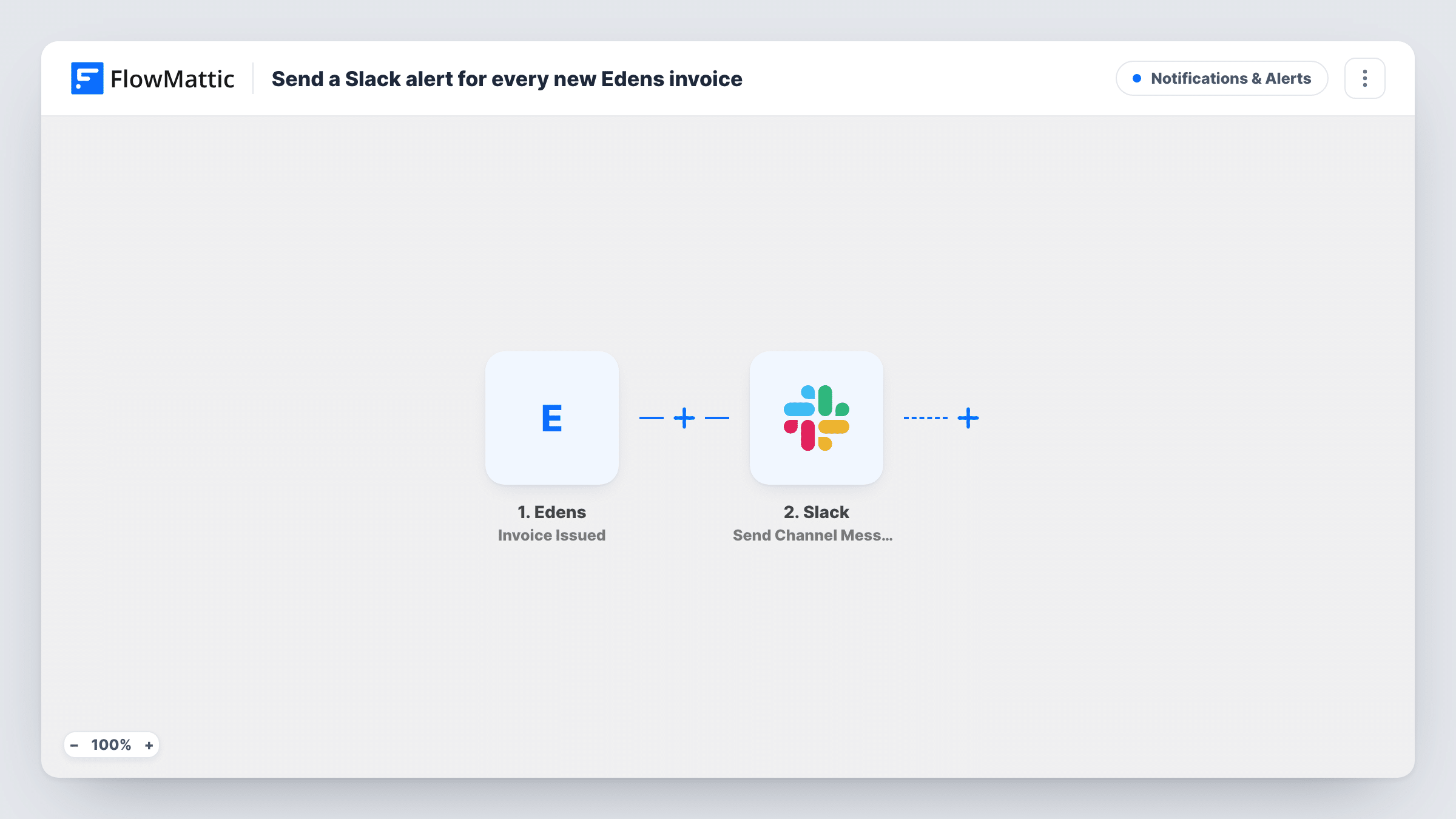
The Edens Invoice Issued trigger fires when an invoice is issued and passes the invoice data along. FlowMattic then posts to the Slack channel you choose. You write the message and drop in the invoice details Edens sent, such as the client and amount when they are present.
Each issued invoice sends one message. Processing and payment are separate Edens triggers in FlowMattic, so they do not post here unless you build workflows for them. Task History keeps a record of what was posted for each invoice.
Finance channel feed
Your #finance channel gets a short line for each Edens invoice issued, so the team can follow billing during the day.
Account managers stay informed
An account manager sees the invoice for their client in Slack and can send a heads-up before it reaches the client's inbox.
Founder overview in a small company
A founder who doesn't open Edens daily follows a dedicated channel to see what has been invoiced.
How this workflow runs
What happens at each step once the workflow is on, and what you need before you import it.
 Edens Invoice Issued
Starts a run for each invoice Edens issues. The invoice data sent with the event is passed on for use in the Slack message.
- Slack Send Channel Message
Posts the new-invoice alert in the Slack channel you configure. Connect your workspace, pick the channel and write the text with the Edens invoice fields you captured in a test.
What you need
- FlowMatticCore
- Edens AccountAccount
- Slack AccountAccount
After importing, map your own data. To keep the template universal, not every step is pre-filled. Open each step in the builder and connect your accounts and fields (channels, lists, sheets, recipients) before you switch the workflow on.
Make it yours
Changes worth making after you import it.
- Issue one test invoice in Edens after import so FlowMattic captures its fields before you write the Slack message.
- Add a Filter after the trigger to post only invoices above an amount you set, keeping the channel focused on larger bills.
- Build a matching workflow on the Edens Invoice Paid trigger that posts to the same channel, so the team sees both the invoice and the payment.
Questions about this workflow
Does Slack also get a message when the Edens invoice is paid?
Not from this workflow. It listens only for issued invoices. Use the Invoice Paid trigger in a second workflow for payment alerts.
What invoice details can appear in the Slack alert?
The fields Edens sends when the invoice is issued. Run a test and look at the captured data before writing the message.
Can different Edens clients alert different Slack channels?
Yes, with a change. Replace the single Slack step with a Router whose routes match distinct client values, each with its own Slack step.
More Notifications & Alerts workflows
Other ready-to-import templates from the same category.




Import this workflow into your WordPress site
Download the JSON, import it from the Workflows screen and connect your accounts. Every run stays on your server, with no per-task fees.
30-day money-back guarantee Unlimited workflows and runs Self-hosted