

When new form submission is received in Contact Form 7, submit the form submission to Pabbly Connect
When someone submits a Contact Form 7 form on your WordPress site, this workflow sends the submission to Pabbly Connect, where your Pabbly workflows can pass it on to other apps.
 Contact Form 7
 Pabbly Connect
2 steps Setup ~5 min Used on 2.1k sites Free to import
What this workflow does
If your automations already live in Pabbly Connect, you still need a way to get Contact Form 7 submissions out of WordPress and into Pabbly. FlowMattic closes that gap. FlowMattic catches each submission on your site and forwards the fields to Pabbly Connect.
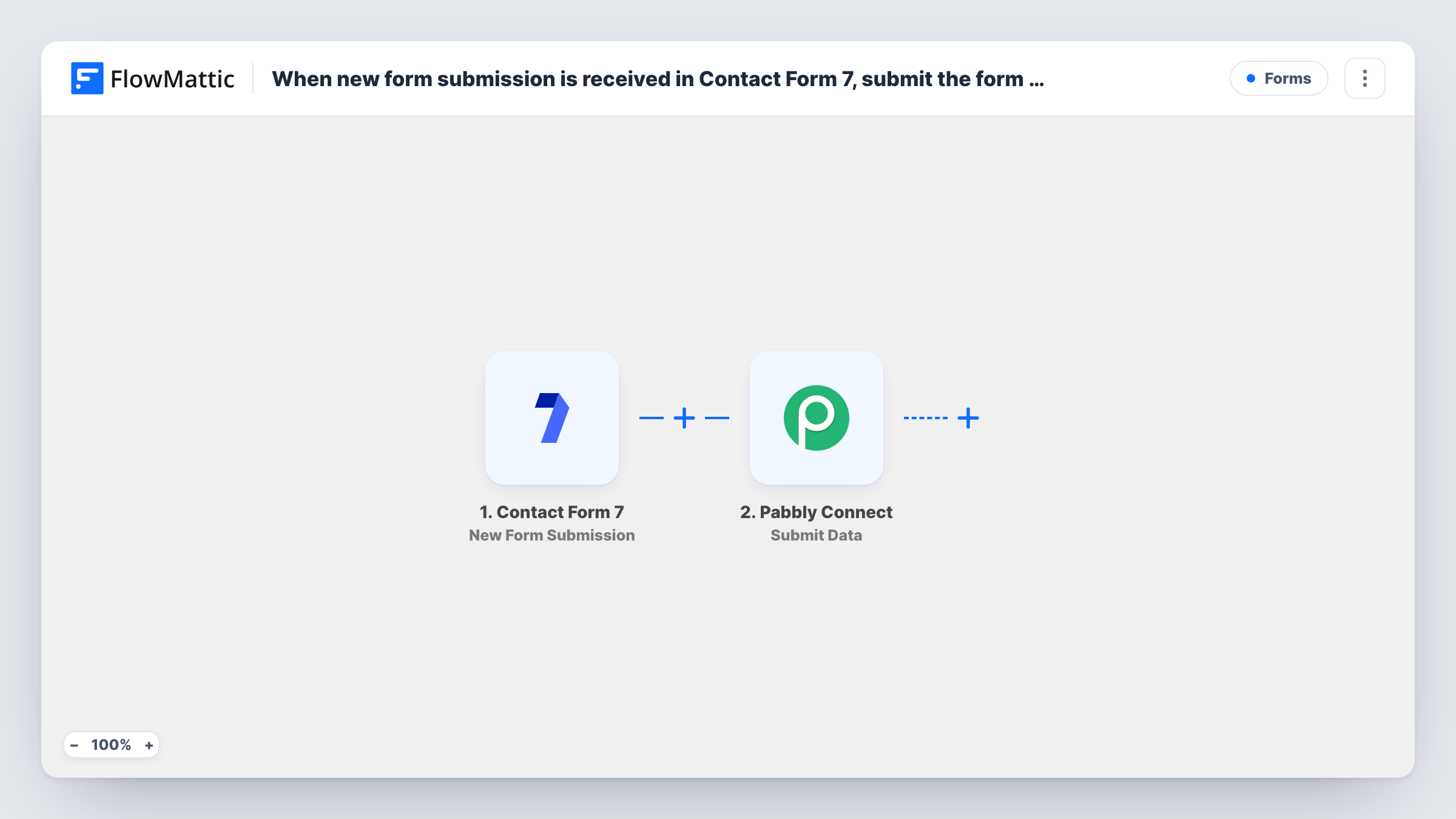
The Contact Form 7 trigger fires when a visitor submits a form. FlowMattic receives every field from that form and makes them available for mapping. The second step uses the Submit Data action of Pabbly Connect, which sends the values you map to a Pabbly Connect webhook as a POST request in JSON format.
From there, the workflow you build in Pabbly Connect decides what happens. Set up a Pabbly workflow with a webhook trigger first, so you have a URL to send to. Every submission runs once, and Task History in FlowMattic shows what was sent, which helps when you compare it with what Pabbly received.
Keeping existing Pabbly workflows
Your lead routing already runs in Pabbly Connect. Contact Form 7 enquiries now feed it without rebuilding those steps in another tool.
One Pabbly workflow for several sites
Each of your WordPress sites sends its Contact Form 7 entries to the same Pabbly webhook, so one Pabbly workflow handles them all.
Agency handing data to a client's Pabbly account
You build the site, and the client's team manages their own Pabbly Connect workflows. This template hands every form entry to them.
How this workflow runs
What happens at each step once the workflow is on, and what you need before you import it.
 Contact Form 7 New Form Submission
Runs when a visitor submits a Contact Form 7 form on your WordPress site. All the form fields are passed on so you can map them into the Pabbly request.
- Pabbly Connect Submit Data
Sends the mapped form values to a Pabbly Connect webhook as a JSON POST request. Use the webhook from your Pabbly workflow and choose which form fields to include.
What you need
- FlowMatticCore
- Contact Form 7 PluginPlugin
- Pabbly Connect AccountAccount
After importing, map your own data. To keep the template universal, not every step is pre-filled. Open each step in the builder and connect your accounts and fields (channels, lists, sheets, recipients) before you switch the workflow on.
Make it yours
Changes worth making after you import it.
- Make the email field required in the form with email* in its tag, so Pabbly Connect always receives an address with the submission.
- Submit the form once after import, then check both Task History in FlowMattic and the webhook trigger in Pabbly Connect to confirm the data arrived.
- Add a Filter after the trigger if only some submissions should go to Pabbly, for example ones where a chosen dropdown field equals a set value.
Questions about this workflow
Do I need a Pabbly Connect workflow ready before I import this?
Yes. The Submit Data step sends to a Pabbly Connect webhook URL, which you get by creating a Pabbly workflow with a webhook trigger.
Does Contact Form 7 still send its usual email?
Yes. FlowMattic only listens for the submission. Your Contact Form 7 mail settings work as before.
Which Contact Form 7 forms trigger the workflow?
Check the trigger step after import. If it applies to every form on your site and you only want one, add a Filter on a value that identifies that form.
Can I send Contact Form 7 data to Pabbly and another app at once?
Yes. Add more action steps after the Pabbly Connect step and map the same form fields into them.
More Forms workflows
Other ready-to-import templates from the same category.






Import this workflow into your WordPress site
Download the JSON, import it from the Workflows screen and connect your accounts. Every run stays on your server, with no per-task fees.
30-day money-back guarantee Unlimited workflows and runs Self-hosted