

Send a Slack alert to the sales team for every new Tilda Publishing lead
Each new lead from your Tilda Publishing site posts a message in the Slack channel your sales team uses, with the lead’s details, so nobody has to check Tilda for new form entries.
 Tilda Publishing
 Slack
2 steps Setup ~5 min Used on 2.0k sites Free to import
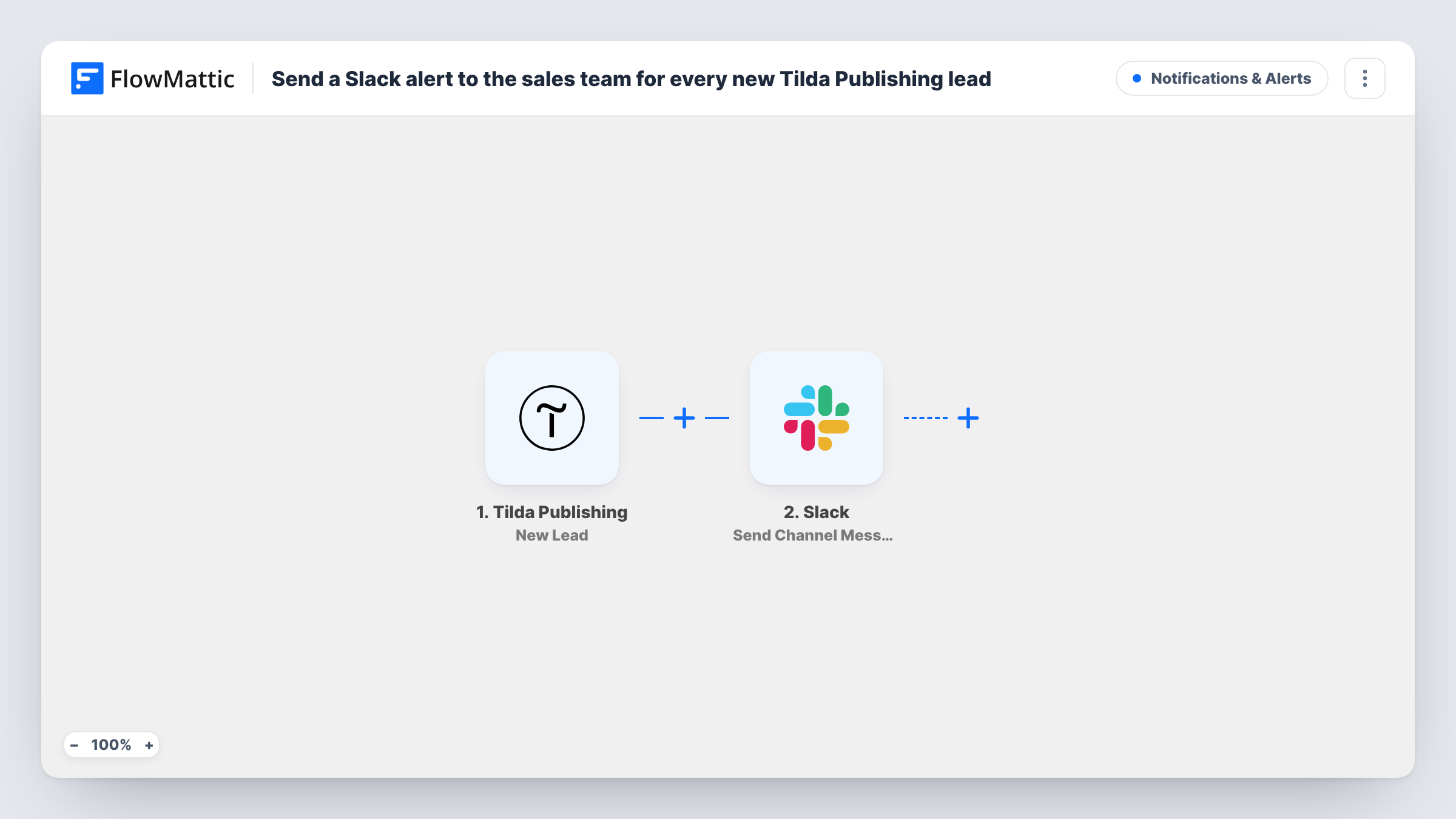
What this workflow does
Leads from a Tilda site usually arrive by email or sit in the Tilda dashboard. Sales people who live in Slack see them late or not at all. This workflow puts every new Tilda lead into a Slack channel where the team already talks.
The Tilda Publishing trigger runs on New Lead and passes the lead's form answers to FlowMattic. The second step is Send Channel Message in Slack. You pick the channel and write the message, mapping in answers such as the name, email, phone or the request the visitor typed.
The message is a notification only. The lead stays in Tilda, and nothing is created in a CRM. If you want a record as well, add a step after Slack that saves the lead where your team keeps them.
Landing page for a paid campaign
A Tilda landing page collects leads from an ad campaign. Each one appears in the #sales channel with the visitor's name and contact details.
Studio or agency enquiries
A design studio's Tilda site takes project briefs. The brief text is posted in Slack, so the team can discuss who takes it in the thread.
Event sign-up desk
Organisers watch one Slack channel during registration. Every new Tilda form entry shows up there for the person handling replies.
How this workflow runs
What happens at each step once the workflow is on, and what you need before you import it.
 Tilda Publishing New Lead
Runs whenever a visitor submits a form on your Tilda Publishing site and a new lead is recorded. The lead's answers are passed on for the Slack message.
- Slack Send Channel Message
Drops the lead into a Slack channel of your choice as a message. Write the text and map in the lead's answers, such as name, email and message, so the team can act from Slack.
What you need
- FlowMatticCore
- Tilda Publishing AccountAccount
- Slack AccountAccount
After importing, map your own data. To keep the template universal, not every step is pre-filled. Open each step in the builder and connect your accounts and fields (channels, lists, sheets, recipients) before you switch the workflow on.
Make it yours
Changes worth making after you import it.
- If separate teams handle different Tilda pages and the lead data names the form or page, add a Router with one route per form, each posting to its own Slack channel.
- Add a Google Sheets or CRM step after Slack, so every lead is also stored somewhere your team can sort and search.
- Put the lead's email and phone near the top of the Slack message, so a sales rep sees how to reach the person without scrolling.
Questions about this workflow
Does every Tilda Publishing lead go to Slack?
Yes, as imported. There is no Filter, so each New Lead event posts a message. Add a Filter after the trigger to limit it to certain forms or answers.
Can the Tilda lead alert go to a private Slack channel?
The step posts to the channel you choose when you connect Slack. For a private channel, make sure the connected Slack account can post there.
Will Tilda still email me each new lead?
Yes. The workflow does not change your Tilda form settings, so any email notifications you set up there continue.
More Notifications & Alerts workflows
Other ready-to-import templates from the same category.




Import this workflow into your WordPress site
Download the JSON, import it from the Workflows screen and connect your accounts. Every run stays on your server, with no per-task fees.
30-day money-back guarantee Unlimited workflows and runs Self-hosted