

When a specific cell is updated in FlowMattic Tables, send an alert via Slack
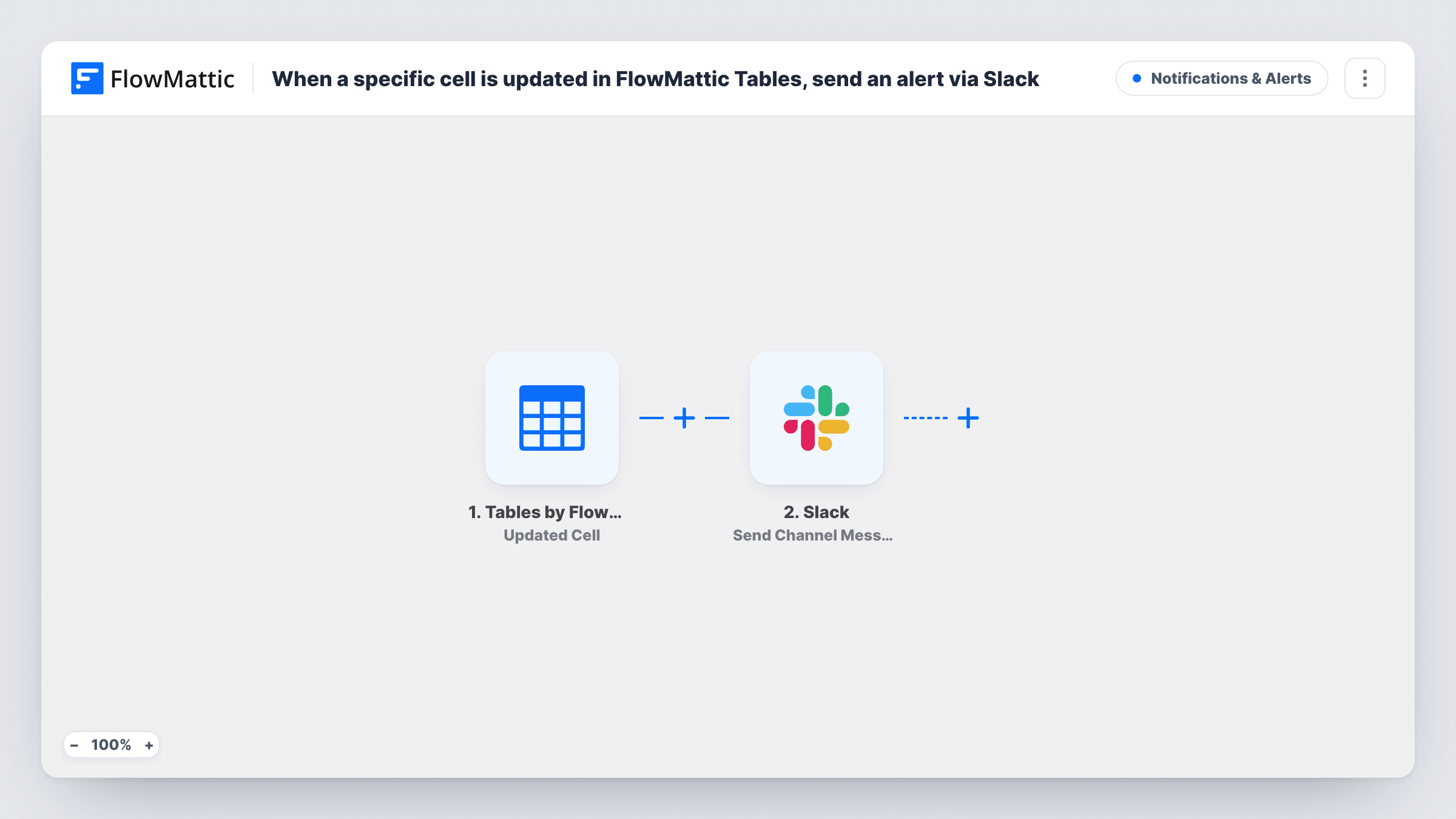
When a watched cell in a FlowMattic Tables table changes, this workflow posts a message to a Slack channel, so your team hears about the change without checking the table.
 Tables by FlowMattic
 Slack
Slack2 steps Setup ~5 min Used on 2.2k sites Free to import
What this workflow does
Some values in a table matter more than the rest: an order's status, a stock count, the owner of a lead. When one of them changes, someone usually needs to act, and nobody watches a table all day. This workflow sends a Slack message each time that cell is updated.
The Tables by FlowMattic trigger uses the Updated Cell event, which fires when a specific cell is updated on a table. Set up which table and cell it watches when you configure the trigger, then do a test edit to see the data it passes on. The Slack step posts a message to the channel you choose, built from that data, for example the row's name and the new value.
Every update to the watched cell sends a message, including small corrections. If only certain new values should reach Slack, add a Filter between the two steps.
Order status changes in a fulfilment table
When the status cell on an order row changes, the warehouse channel in Slack gets a message naming the order and its new status.
Approval column on a request tracker
A manager changes a request's approval cell. Slack tells the team channel straight away, so whoever handles approved requests can start.
Low stock values in an inventory table
Add a Filter for values under your reorder level, and the purchasing channel hears about it as soon as a stock cell drops that low.
How this workflow runs
What happens at each step once the workflow is on, and what you need before you import it.
 Tables by FlowMattic Updated Cell
Fires when the watched cell in your FlowMattic Tables table is updated. Open the trigger after import to see how it identifies the cell, then make a test edit so FlowMattic captures the values to map.
- Slack Send Channel Message
Sends the table alert to a Slack channel of your choice. Write the text with values from the updated row, such as an ID, the column name and the new value.
What you need
- FlowMatticCore
- Slack AccountAccount
After importing, map your own data. To keep the template universal, not every step is pre-filled. Open each step in the builder and connect your accounts and fields (channels, lists, sheets, recipients) before you switch the workflow on.
Make it yours
Changes worth making after you import it.
- Add a Filter after the trigger if only some values matter, for example continue only when the new status equals Shipped or Needs review.
- Alerts meant for a private Slack channel need the Send Private Channel Message action in place of this one, and a single teammate is reached with Send Direct Message.
- Put the row's ID or a name column in the message so people can find the right row in the table without searching.
Questions about this workflow
Which FlowMattic Tables cell does this watch?
The Updated Cell trigger watches a specific cell, and the template doesn't pick it for you. Open the trigger after import, point it at your table, and confirm with a test edit before you turn the workflow on.
Will editing other cells in the row send a Slack message?
Updated Cell is meant for one specific cell. If any change anywhere in a row should send an alert, use the Tables Updated Record trigger instead, which fires when a row is updated.
Does the Slack step post to private channels?
This step uses Send Channel Message. For private channels, FlowMattic's Slack app has a separate Send Private Channel Message action.
Do I need a Slack app or bot to receive these table alerts?
You connect your Slack workspace to FlowMattic when you set up the step. Follow the connection prompts, then pick the channel the alerts should go to.
More Notifications & Alerts workflows
Other ready-to-import templates from the same category.



Import this workflow into your WordPress site
Download the JSON, import it from the Workflows screen and connect your accounts. Every run stays on your server, with no per-task fees.
30-day money-back guarantee Unlimited workflows and runs Self-hosted