

Send a Slack alert to finance when a CCAvenue order is flagged with a risk status
Each time CCAvenue updates the risk flag on a transaction, FlowMattic posts the details to your finance team’s Slack channel, so someone can look at the order before it is fulfilled.
 CCAvenue
 Slack
2 steps Setup ~5 min Used on 2.6k sites Free to import
What this workflow does
When CCAvenue's risk checks flag a payment, the finance team needs to see it while there is still time to hold the order or contact the customer. Checking the CCAvenue dashboard for flags means someone has to remember to look. This workflow brings each flag to a Slack channel instead.
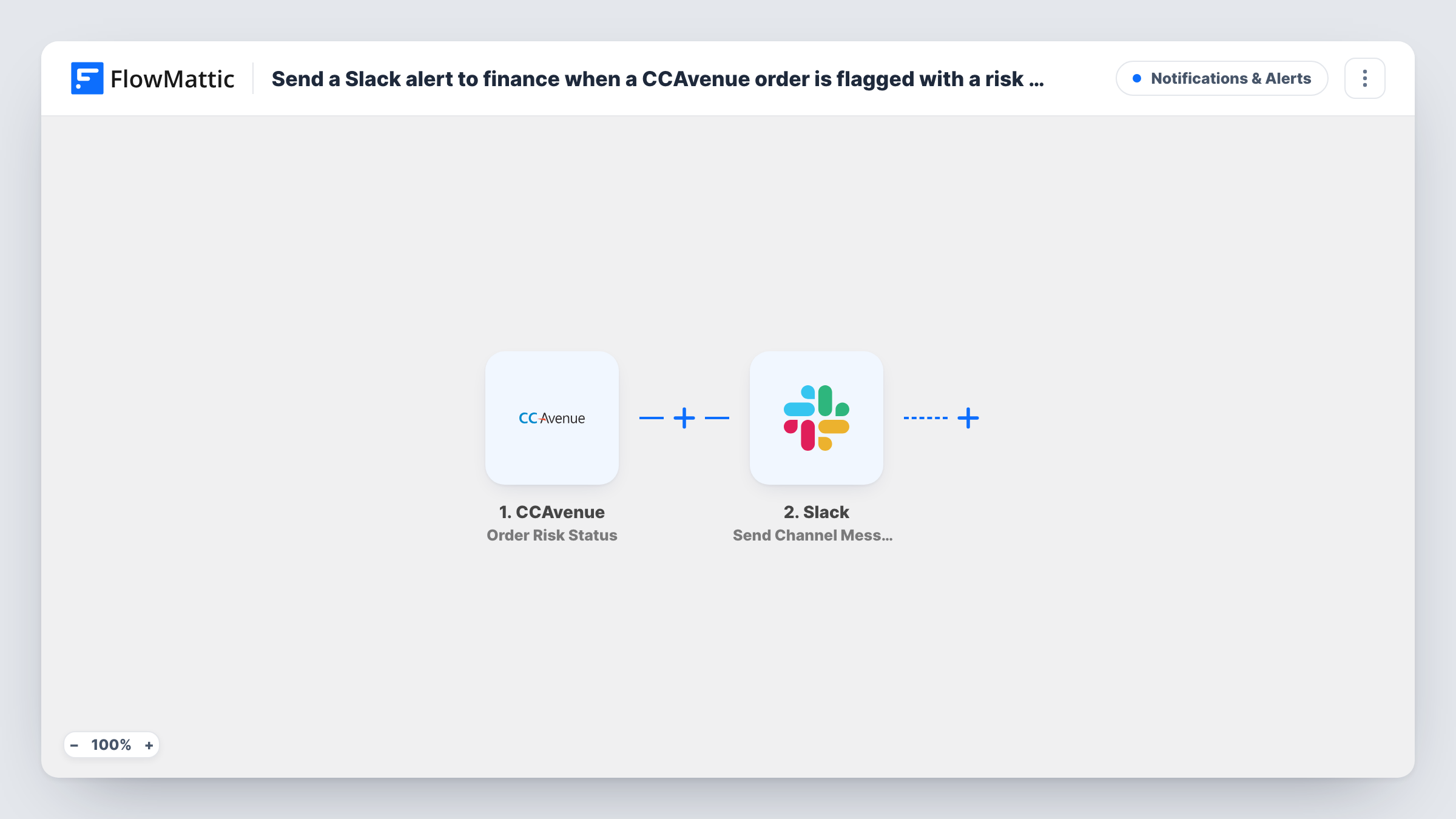
The CCAvenue trigger, Order Risk Status, fires every time a risk flag is updated for a transaction. FlowMattic passes that update to Slack, where Send Channel Message posts your text to the channel you choose. Insert the order details from the event into the message so the team knows which payment to check; a test run shows what CCAvenue sends.
Because the trigger fires on every risk flag update, one order can produce more than one message if its flag changes again. As imported, every update is posted, whatever the new value. A Filter on the status value narrows it down; see the tips. The action posts to regular channels, so use Slack's Send Private Channel Message for a private finance channel.
Holding risky orders before dispatch
An online store shipping physical goods sees the flag in #finance and pauses fulfilment until someone has reviewed the payment.
Chargeback prevention for a service business
A team selling high-value bookings gets the risk update in Slack and calls the customer to confirm the purchase before the service date.
Audit trail for the finance team
Every risk flag update appears in one channel with the order details you chose, which gives the accounts team a searchable record of flagged transactions.
How this workflow runs
What happens at each step once the workflow is on, and what you need before you import it.
 CCAvenue Order Risk Status
Fires each time CCAvenue updates the risk flag for a transaction. The order and risk data from the update are passed on for the Slack message.
- Slack Send Channel Message
Posts your text to the Slack channel named in the step. Insert the CCAvenue order and risk details the event provides, then connect your Slack workspace on import.
What you need
- FlowMatticCore
- CCAvenue AccountAccount
- Slack AccountAccount
After importing, map your own data. To keep the template universal, not every step is pre-filled. Open each step in the builder and connect your accounts and fields (channels, lists, sheets, recipients) before you switch the workflow on.
Make it yours
Changes worth making after you import it.
- Add a Filter after the trigger that continues only when the risk status matches the values your team treats as risky. Run a test first to see which values CCAvenue sends.
- For a private finance channel, replace the step with Slack's Send Private Channel Message action.
- Include the transaction amount in the message, if the event provides it, so the team can decide which flags to look at first.
Questions about this workflow
Does every CCAvenue order post to Slack?
No. The Order Risk Status trigger fires when a risk flag is updated for a transaction, so only orders whose risk flag changes produce a message.
Can one CCAvenue order send several Slack alerts?
Yes. The trigger fires every time the flag is updated, so a second change to the same order posts again. A Filter on the status value limits which updates reach Slack.
Does the workflow cancel or hold the CCAvenue order?
No. The workflow's only action is a Slack post about the flag. Your team decides what to do with the order in CCAvenue or your store.
More Notifications & Alerts workflows
Other ready-to-import templates from the same category.



Import this workflow into your WordPress site
Download the JSON, import it from the Workflows screen and connect your accounts. Every run stays on your server, with no per-task fees.
30-day money-back guarantee Unlimited workflows and runs Self-hosted