

Send a Slack notification when a new Uscreen member subscribes
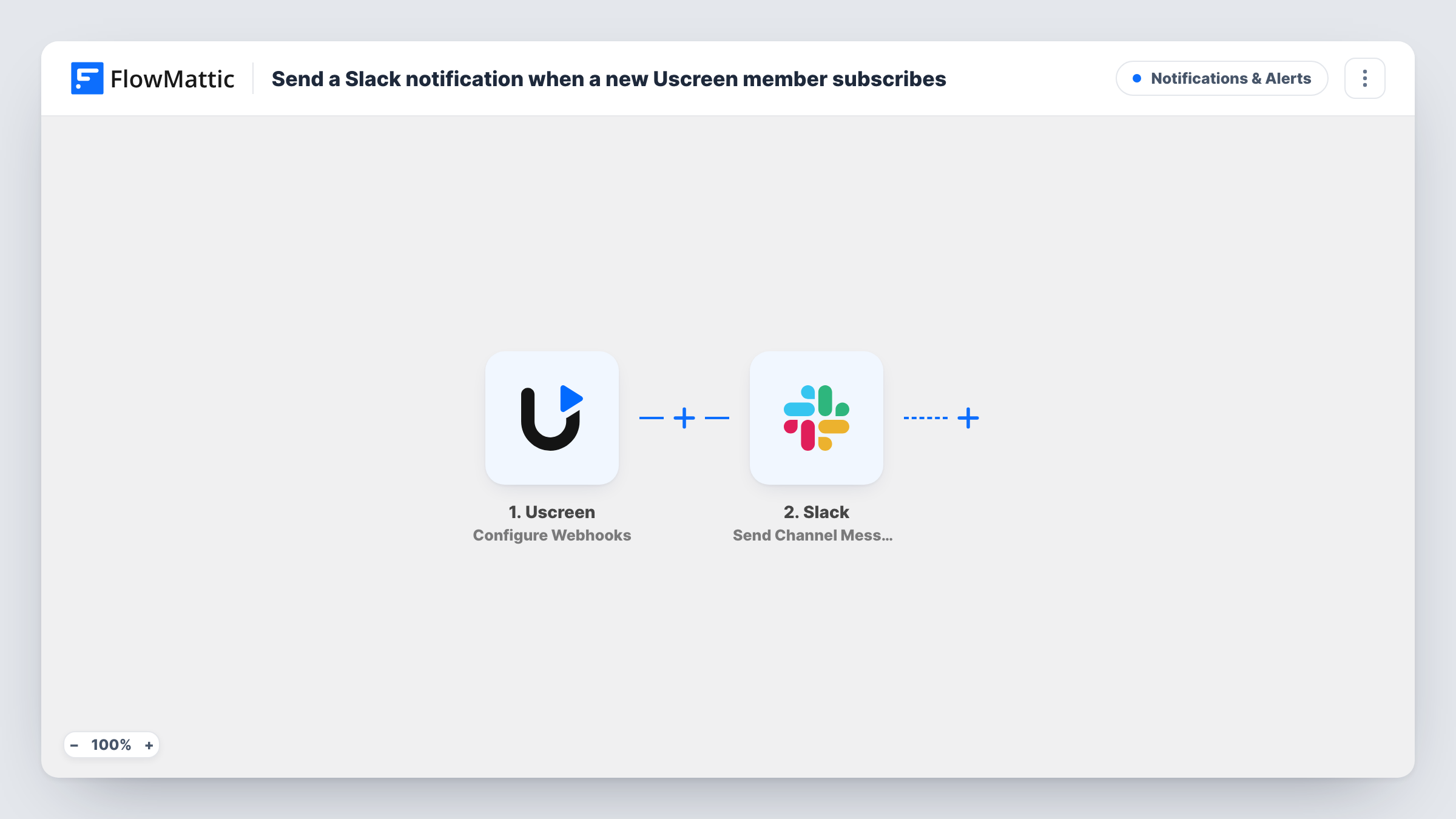
When Uscreen sends FlowMattic the webhook event you choose for new subscriptions, this workflow posts a message in a Slack channel, so your team sees each new member of your video platform.
 Uscreen
 Slack
2 steps Setup ~5 min Used on 1.6k sites Free to import
What this workflow does
If you run a video membership on Uscreen, each new subscriber is worth knowing about: the community manager may want to say hello, and the founder may simply want to watch growth. This workflow brings those sign-ups into Slack.
The Uscreen trigger is a webhook receiver. FlowMattic describes it as letting you select the event type, and the template ships without one chosen. Before you turn the workflow on, pick the event that means a new subscription and have Uscreen send only that event to this workflow, so other activity doesn't post to Slack.
Each event that arrives passes its data to Slack, where Send Channel Message posts to the channel you set. You write the message and map in member details from the Uscreen data, such as a name or plan, where the event includes them. Task History records each run and the data Uscreen sent.
Fitness studio streaming classes
An online yoga studio sells memberships on Uscreen. Instructors see each new subscriber in a #new-members channel and greet them in the next live class.
Course creator tracking launches
During a launch week, a creator watches Slack fill with new subscriptions instead of refreshing the Uscreen dashboard.
Community onboarding
A member success lead sees each new subscriber in Slack and sends a personal invite to the members' forum the same day.
How this workflow runs
What happens at each step once the workflow is on, and what you need before you import it.
 Uscreen Configure Webhooks
Receives webhook events from Uscreen. Choose the event type for new subscriptions after import, and send only that event from Uscreen, then run a test to see the member fields.
- Slack Send Channel Message
Posts your new-member message to the public Slack channel you set. Map Uscreen member details into the text and connect your Slack workspace.
What you need
- FlowMatticCore
- Uscreen AccountAccount
- Slack AccountAccount
After importing, map your own data. To keep the template universal, not every step is pre-filled. Open each step in the builder and connect your accounts and fields (channels, lists, sheets, recipients) before you switch the workflow on.
Make it yours
Changes worth making after you import it.
- Send a test event from Uscreen after you set the event type, so FlowMattic captures the member fields you can map into Slack.
- Swap the Slack step for Send Private Channel Message if the alert belongs in a private channel, or Send Direct Message to tell one person.
- Add a Filter after the trigger on the plan field, if Uscreen sends one, so only sign-ups to a particular plan reach Slack.
Questions about this workflow
Which Uscreen event should this Slack workflow use?
The one that marks a new subscription in your Uscreen account. The template doesn't choose it for you, so set it in the trigger and in Uscreen's webhook settings, and send only that event.
What if Uscreen sends other events to the same webhook?
Every event that reaches the workflow posts to Slack. Keep the Uscreen webhook limited to the new-subscription event, or add a Filter on the event type.
Will members who joined before setup be posted to Slack?
No. Only events Uscreen sends after the webhook is set up and the workflow is on start a run.
Can the Uscreen alert mention the member's plan?
Yes, if Uscreen includes the plan in the event. Run a test and map the field into the Slack text.
More Notifications & Alerts workflows
Other ready-to-import templates from the same category.





Import this workflow into your WordPress site
Download the JSON, import it from the Workflows screen and connect your accounts. Every run stays on your server, with no per-task fees.
30-day money-back guarantee Unlimited workflows and runs Self-hosted