

When a Malcolm! workflow is completed, send an SMS notification via Twilio
Each time a workflow is completed in Malcolm!, Twilio sends a text message to the number you choose, so a manager or team member knows the process is done without logging in to check.
 Malcolm!
 Twilio
2 steps Setup ~5 min Used on 960 sites Free to import
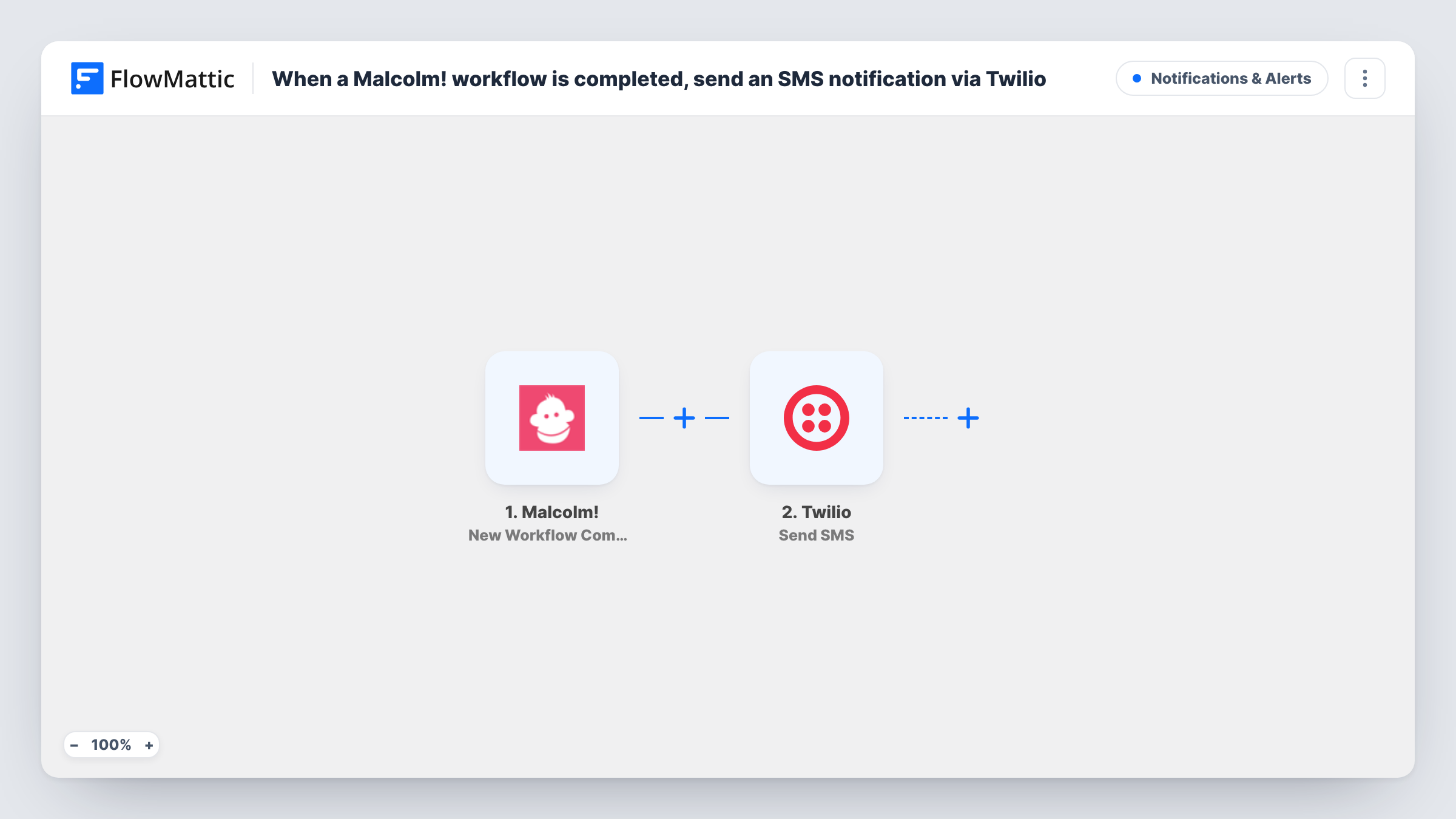
What this workflow does
Malcolm! guides people through step-by-step processes such as onboarding, checklists and procedures. Someone usually needs to know when one is finished, and they may not be at a desk. This workflow sends a text the moment Malcolm! reports a completion.
The Malcolm! trigger is New Workflow Completion, which fires when a workflow is completed. FlowMattic receives the completion data and hands it to Twilio, whose Send SMS action texts a number from your Twilio account. You set who gets the message and write the text, adding details from the completion such as the workflow name or the person who finished it, where Malcolm! sends them.
Every completion sends one SMS, since the template has no Filter. If the recipient is a fixed manager's phone, each completed workflow reaches that same number. Task History lists each run with the reply from Twilio, which helps if a text doesn't arrive.
Onboarding finished by a new hire
When a new employee completes the onboarding workflow in Malcolm!, their manager gets a text and can plan the next step.
Safety procedure sign-off
A site lead receives an SMS each time a worker completes a Malcolm! safety procedure, without opening the app on site.
Client process completed
A client who works through a Malcolm! setup guide triggers a text to your account manager, who can then call to follow up.
How this workflow runs
What happens at each step once the workflow is on, and what you need before you import it.
 Malcolm! New Workflow Completion
Fires each time a Malcolm! workflow is marked complete. The completion data that Malcolm! sends becomes available to map into the text message.
- Twilio Send SMS
Texts the alert from your Twilio account. Enter who should get it and write the message, mapping in details from the Malcolm! completion. A test run confirms the text arrives.
What you need
- FlowMatticCore
- Malcolm! AccountAccount
- Twilio AccountAccount
After importing, map your own data. To keep the template universal, not every step is pre-filled. Open each step in the builder and connect your accounts and fields (channels, lists, sheets, recipients) before you switch the workflow on.
Make it yours
Changes worth making after you import it.
- Run a test completion and check whether the Malcolm! data includes a phone number. If it doesn't, send the SMS to a fixed number, such as the manager's, instead of mapping one.
- To text only for one process, add a Filter after the trigger on the workflow name from the Malcolm! data, so other completions don't send an SMS.
- Keep the text short and put the workflow name first, so the recipient knows which process finished from the preview alone.
Questions about this workflow
Who receives the Twilio SMS?
The template leaves the recipient blank, so you decide it when you configure Send SMS. Use a fixed number, or map one from the Malcolm! data if a test run shows that it includes a phone number.
Which number does the Malcolm! completion text come from?
From your own Twilio account, which you connect after import. Send a test completion to see the number the text arrives from.
Will every completed Malcolm! workflow send a text?
As imported, yes. Each completion runs the workflow once. Add a Filter after the trigger if you want texts only for certain workflows or people.
Can the SMS go to more than one person?
The simplest way is a second Twilio Send SMS step with the other person's number, so each recipient gets their own text and Task History shows each send.
More Notifications & Alerts workflows
Other ready-to-import templates from the same category.






Import this workflow into your WordPress site
Download the JSON, import it from the Workflows screen and connect your accounts. Every run stays on your server, with no per-task fees.
30-day money-back guarantee Unlimited workflows and runs Self-hosted