

Send a Slack alert when an Appcues NPS feedback comment is submitted
When a user submits an NPS feedback comment in Appcues, this workflow posts it to a Slack channel, so your product and customer success teams read what users wrote without opening Appcues.
 Appcues
 Slack
Slack2 steps Setup ~5 min Used on 1.1k sites Free to import
What this workflow does
The written comment on an NPS survey often says more than the number. In Appcues, those comments wait in a report that few people open. This workflow brings each one into Slack, where your team already reads and discusses customer issues.
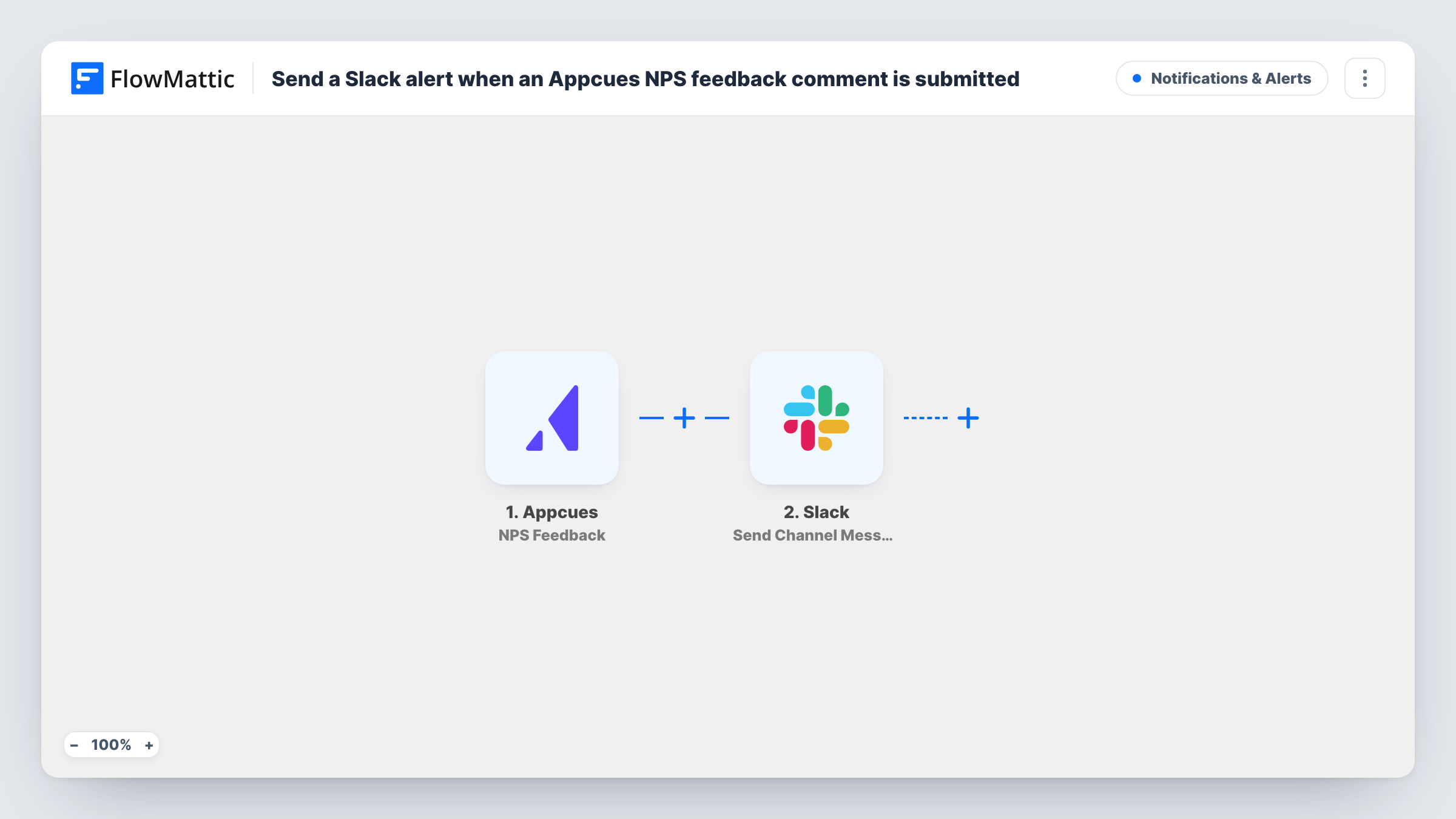
The Appcues trigger fires on the NPS Feedback event, when a user submits a comment, and passes the response data to FlowMattic. The Send Channel Message step in Slack then posts to the channel you set, with the comment and any other values you place in the message.
Each comment becomes its own post, so your team can reply in a thread to agree who follows up. The workflow does not reply to the user or change anything in Appcues. Task History keeps every run with the data Appcues sent.
Product team feedback channel
A #user-feedback channel gets every NPS comment. Product managers tag comments that point to a bug or a feature request.
Customer success follow-up
A CSM sees a comment from one of their accounts in Slack and reaches out the same day.
Weekly review of what users said
The team scrolls back through the week's posts in the channel during a Friday meeting, instead of exporting a report.
How this workflow runs
What happens at each step once the workflow is on, and what you need before you import it.
 Appcues NPS Feedback
Starts when a user submits an NPS feedback comment in Appcues. The comment and the other response data are passed on for the Slack message.
- Slack Send Channel Message
Posts the Appcues feedback to the Slack channel you pick. Connect your Slack workspace and write the message with the comment and user details where you want them.
What you need
- FlowMatticCore
- Appcues AccountAccount
- Slack AccountAccount
After importing, map your own data. To keep the template universal, not every step is pre-filled. Open each step in the builder and connect your accounts and fields (channels, lists, sheets, recipients) before you switch the workflow on.
Make it yours
Changes worth making after you import it.
- Include the user's ID or email from Appcues in the message, so whoever reads it in Slack knows who to follow up with.
- Add a Filter that continues only when the comment is not empty, if your test data shows blank comments reaching the trigger.
- Add a Google Sheets step after Slack to keep a searchable log of every comment alongside the Slack post.
Questions about this workflow
Does the Slack message include the Appcues NPS score?
Only if the NPS Feedback event carries it. Run a test and look at the trigger data. Appcues also has a separate NPS Score event you can use in another workflow.
Can my team reply to the user from Slack?
No. The post is one way. Reach the user through your usual channel, such as email or in-app messaging.
Are older Appcues NPS comments posted when I import it?
No. Only comments submitted after you switch the workflow on are sent to Slack.
More Notifications & Alerts workflows
Other ready-to-import templates from the same category.



Import this workflow into your WordPress site
Download the JSON, import it from the Workflows screen and connect your accounts. Every run stays on your server, with no per-task fees.
30-day money-back guarantee Unlimited workflows and runs Self-hosted