

Send a Slack alert when a new CalendarFix booking is confirmed
When CalendarFix confirms a new booking, this workflow posts the details to a Slack channel, so the people who handle appointments see each confirmed one without opening CalendarFix.
 CalendarFix
 Slack
2 steps Setup ~5 min Used on 1.3k sites Free to import
What this workflow does
A confirmed booking usually means someone has to get ready: a consultant blocks time, a front desk expects a visitor, a manager plans the day. If that team lives in Slack, a message there is the quickest heads-up. This workflow sends it for every confirmation.
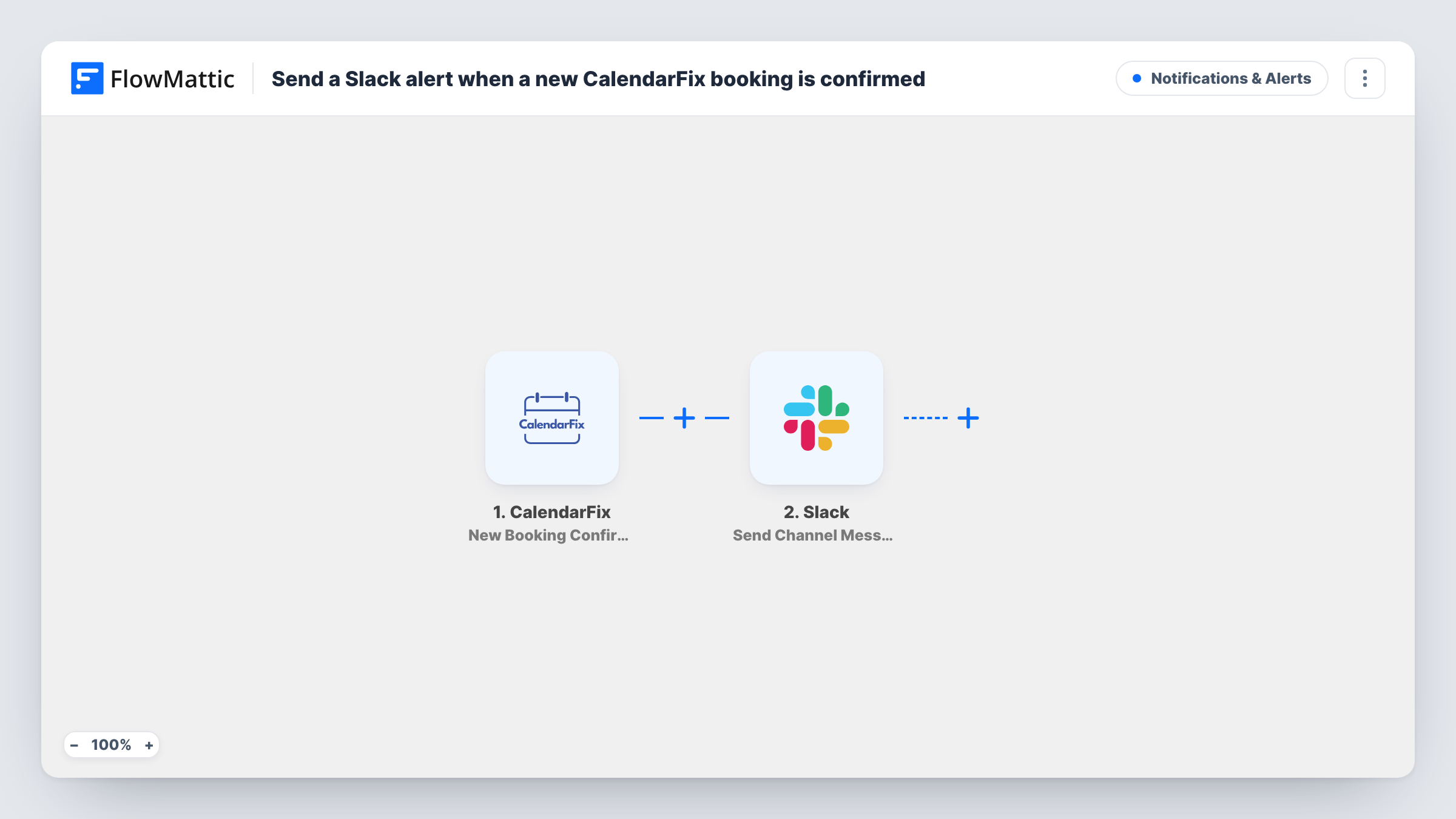
The CalendarFix trigger starts a run each time CalendarFix confirms a new booking. FlowMattic forwards the booking data to Slack, where Send Channel Message posts in the channel you choose. The message text is yours, with booking values such as the customer and time dropped in where you want them.
Only confirmed bookings start a run, since that is the single event CalendarFix offers in FlowMattic. Each confirmation sends one post. If a message doesn't appear, Task History shows what happened on the Slack step.
Front desk at a clinic
Reception follows a #bookings channel and knows who is coming in as soon as each CalendarFix appointment is confirmed.
Sales demos
When a prospect's demo is confirmed, the sales channel sees it, and whoever is free can claim the call.
Freelancer with a virtual assistant
Your assistant watches the Slack channel and prepares notes for each confirmed client call.
How this workflow runs
What happens at each step once the workflow is on, and what you need before you import it.
 CalendarFix New Booking Confirmation
Starts the workflow each time CalendarFix confirms a new booking. The confirmed booking's details are available for the Slack message.
- Slack Send Channel Message
Drops a message about the booking into the public Slack channel set on this step. Compose the text with CalendarFix values. Private channels require Slack's Send Private Channel Message.
What you need
- FlowMatticCore
- CalendarFix AccountAccount
- Slack AccountAccount
After importing, map your own data. To keep the template universal, not every step is pre-filled. Open each step in the builder and connect your accounts and fields (channels, lists, sheets, recipients) before you switch the workflow on.
Make it yours
Changes worth making after you import it.
- Confirm a test booking in CalendarFix after import so you can see which booking values arrive and pick the ones that belong in the Slack message.
- Swap the action for Slack's Send Direct Message if one person, rather than a channel, should hear about each booking.
- Add a Filter after the trigger if only certain booking types should be announced, using a field the booking data carries.
Questions about this workflow
Do unconfirmed CalendarFix bookings post to Slack?
No. The trigger is New Booking Confirmation, so a run starts only once a booking is confirmed.
Will a cancelled CalendarFix booking send a message?
No. FlowMattic's CalendarFix integration offers only the confirmation trigger, so cancellations don't start this workflow.
Which Slack channel does the CalendarFix alert use?
Whichever channel is picked inside the Send Channel Message step. Change it any time in the step settings.
More Notifications & Alerts workflows
Other ready-to-import templates from the same category.




Import this workflow into your WordPress site
Download the JSON, import it from the Workflows screen and connect your accounts. Every run stays on your server, with no per-task fees.
30-day money-back guarantee Unlimited workflows and runs Self-hosted